Custom Brand
Custom brandStandard Edition+Introduction
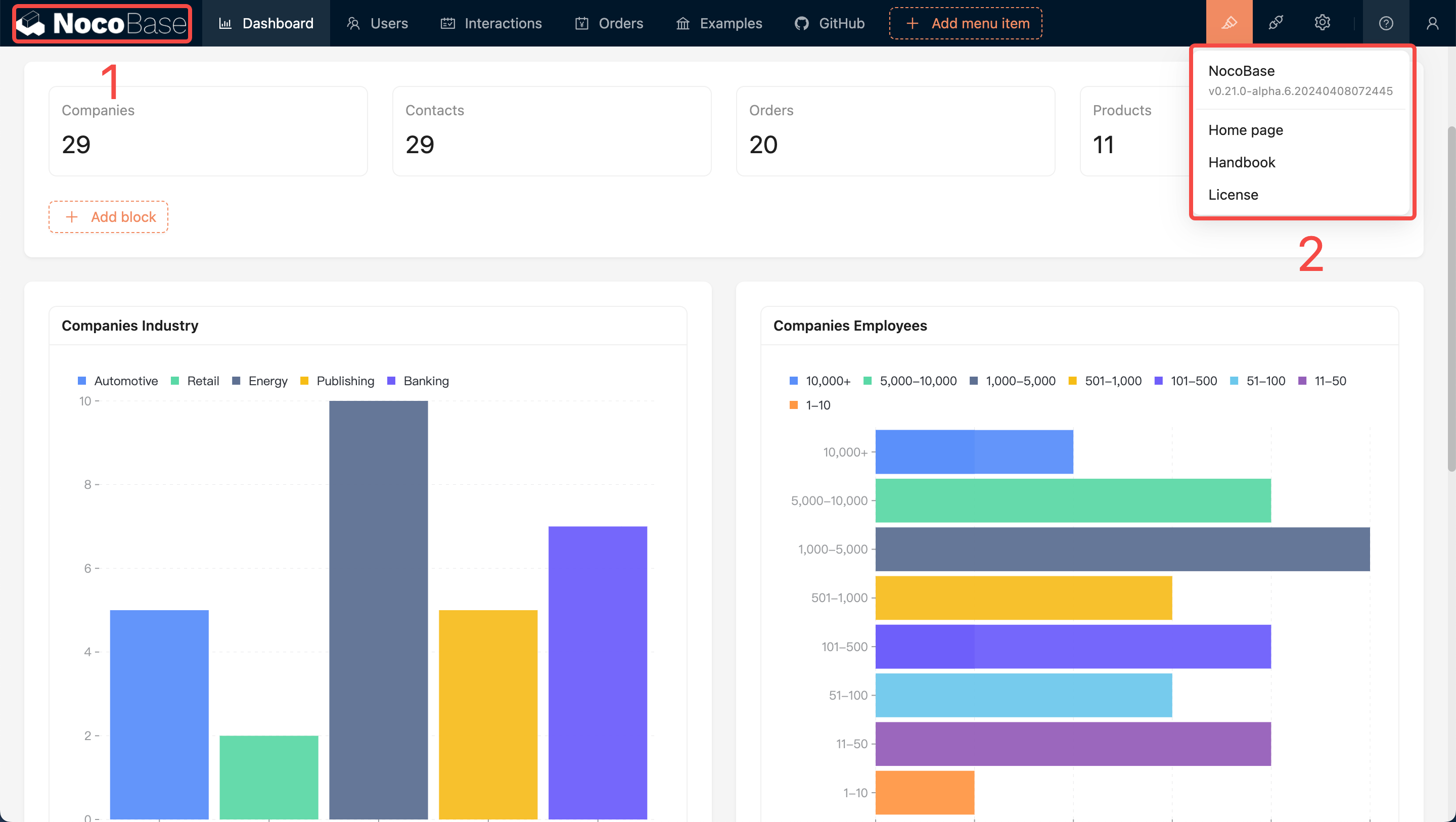
The default brand name is "NocoBase", which is primarily displayed in the following three places as shown in the images:
On the bottom of the login page:
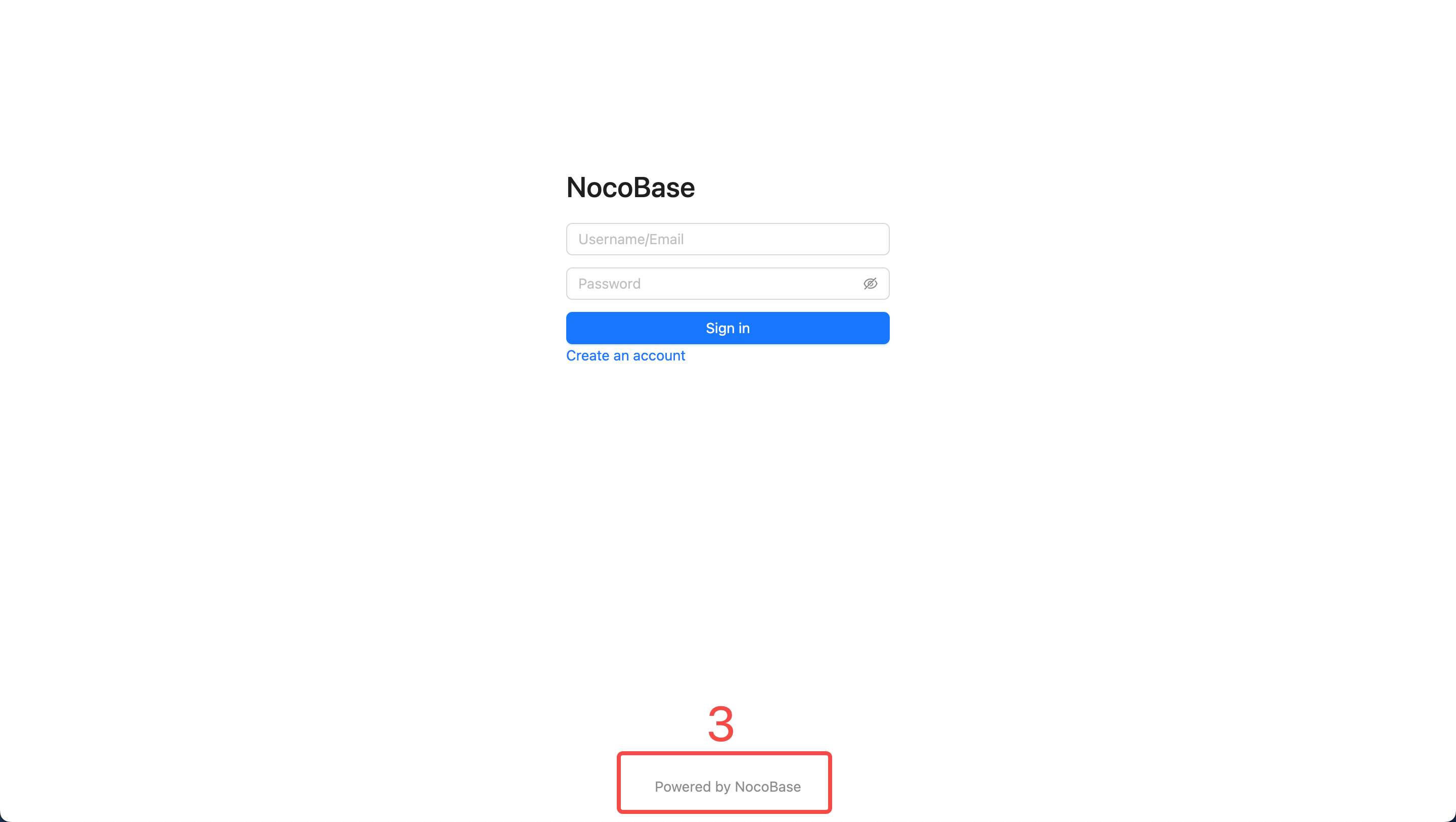
The logo at position number 1 can be configured via the System Settings under the Logo option. Positions number 2 and 3 can be customized using this plugin.
User Guide
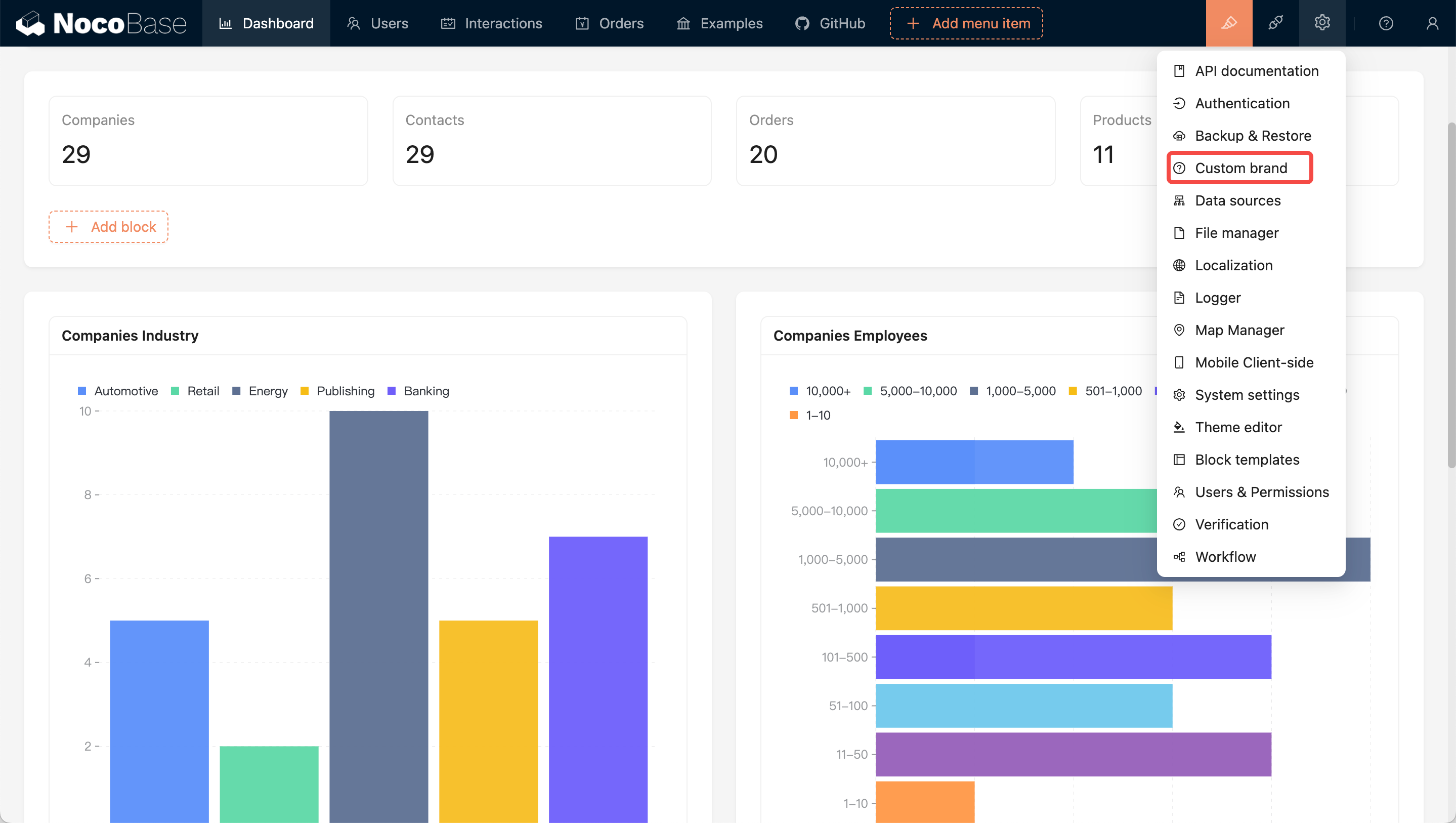
After activating the plugin, you can access the configuration page by clicking on the 'Custom Brand' menu in the upper right corner of the page.
The Brand option is used to set the text at the bottom of the login page (position number 3), while the About option is used to configure the content of the menu in the upper right corner (as shown in the image below).
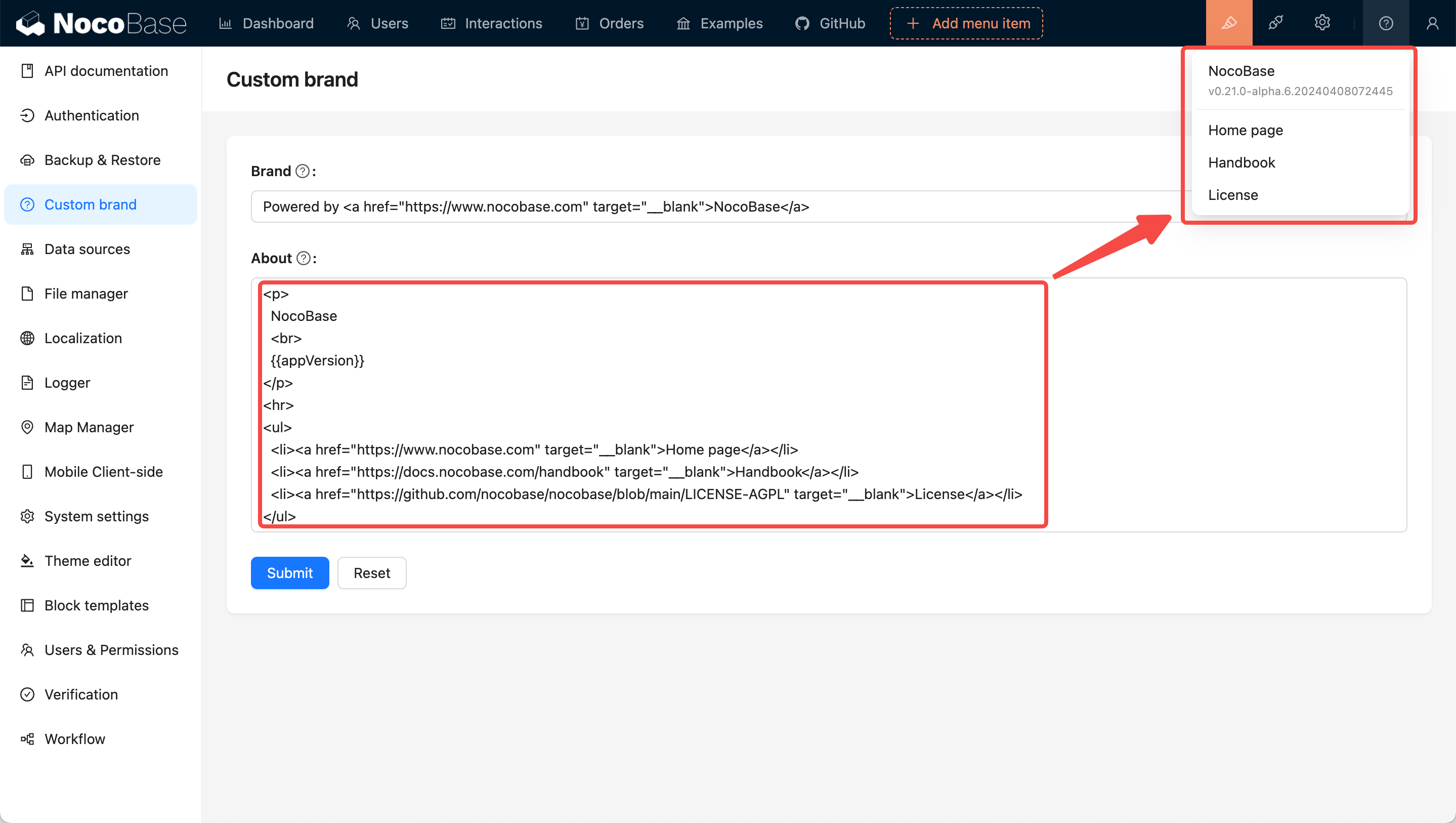
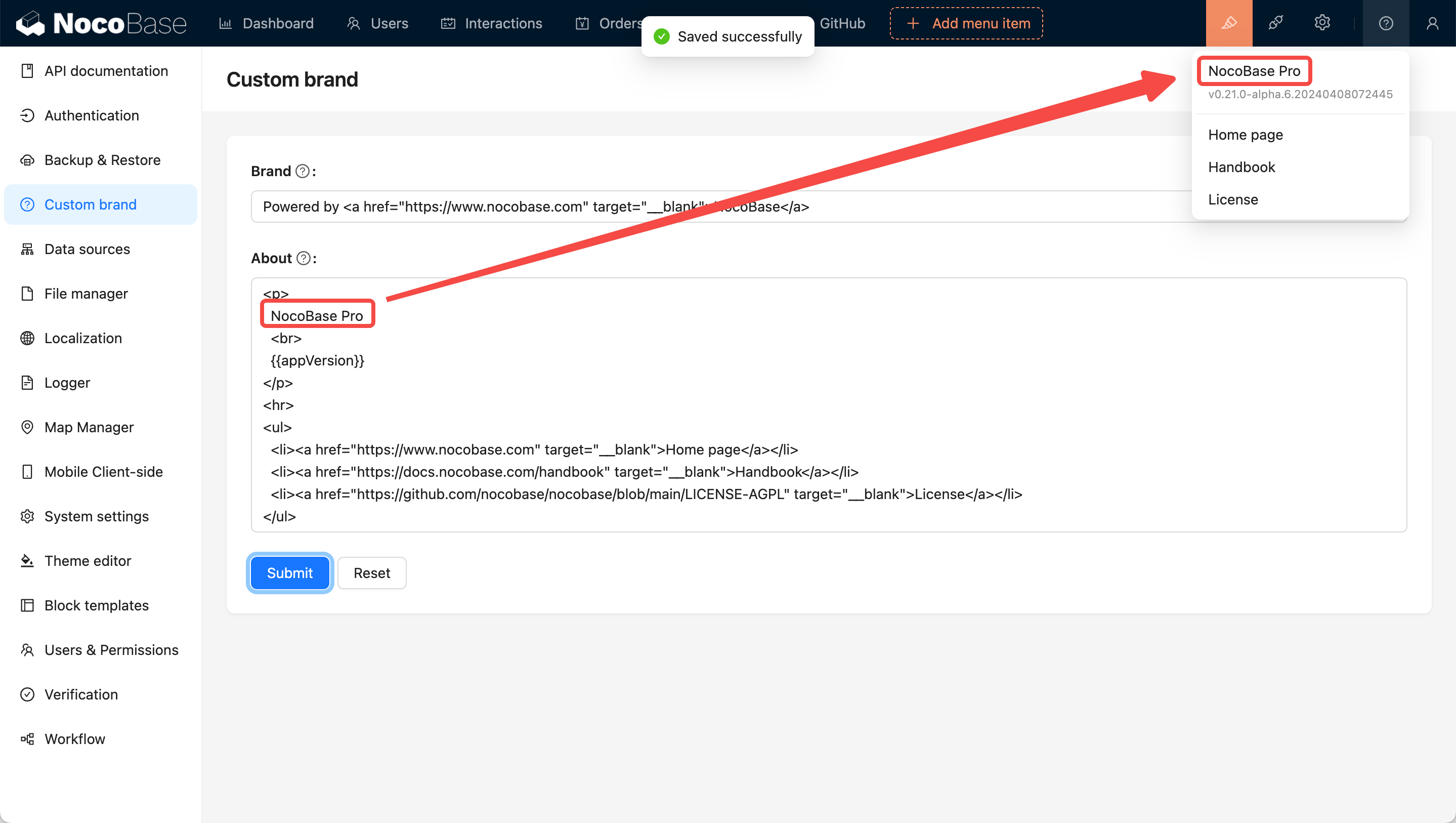
HTML is used for the configuration to allow users more flexibility in customizing their content. If you only need to make simple text changes, you can directly modify the existing content, as shown in the image below:
Set Faviconv1.2.23-alpha+
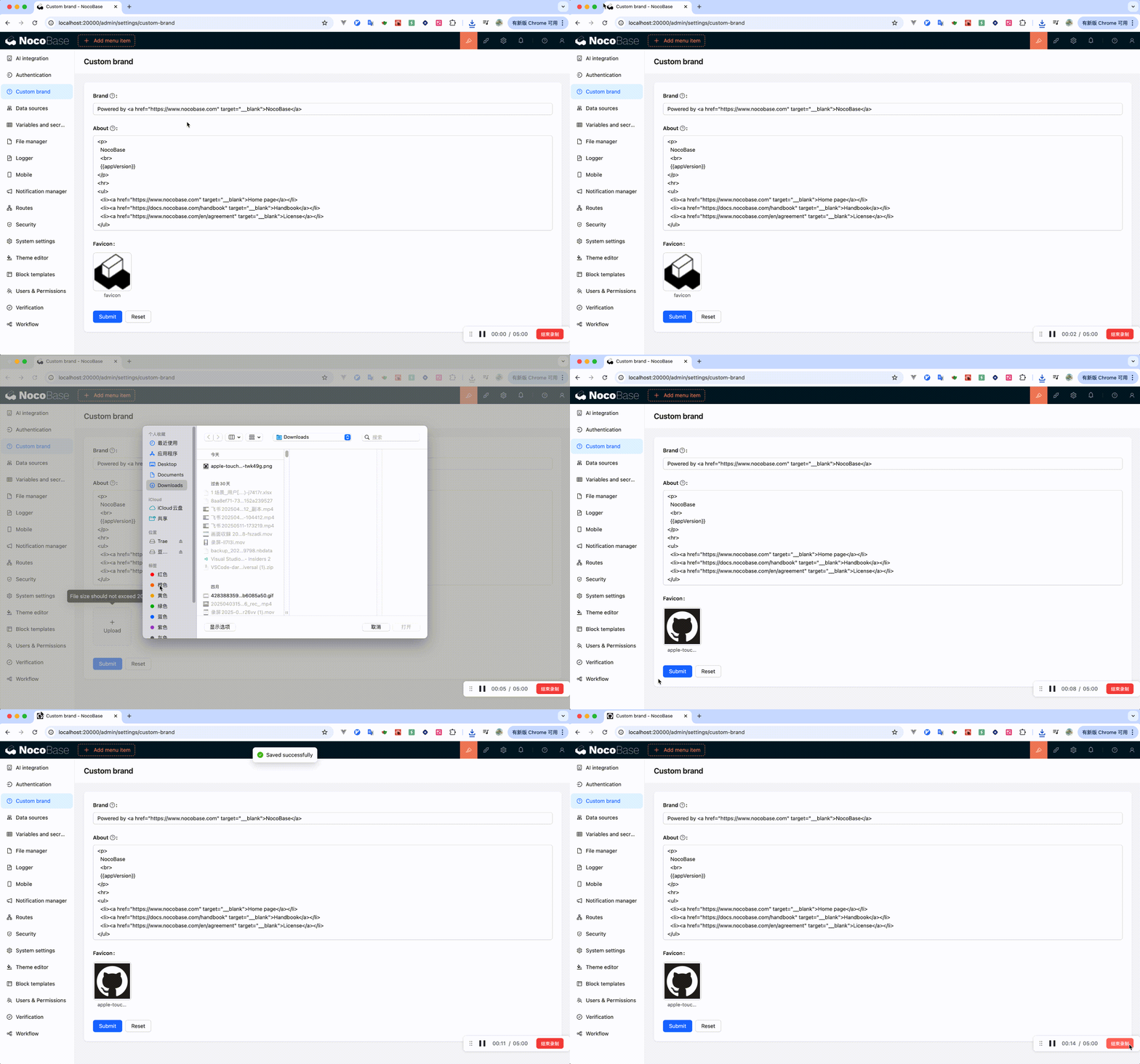
In v1.2.23-alpha, we added the ability to set a favicon as shown below: