

Localization Management
Introduction
The Localization Management plugin is designed to assist in managing and implementing the localization process for NocoBase. It translates NocoBase's menus, collections, fields, and all plugins to adapt to the language and culture of a specific region.
Installation
This is a built-in plugin, so no additional installation is required.
User Manual
Activating the Plugin
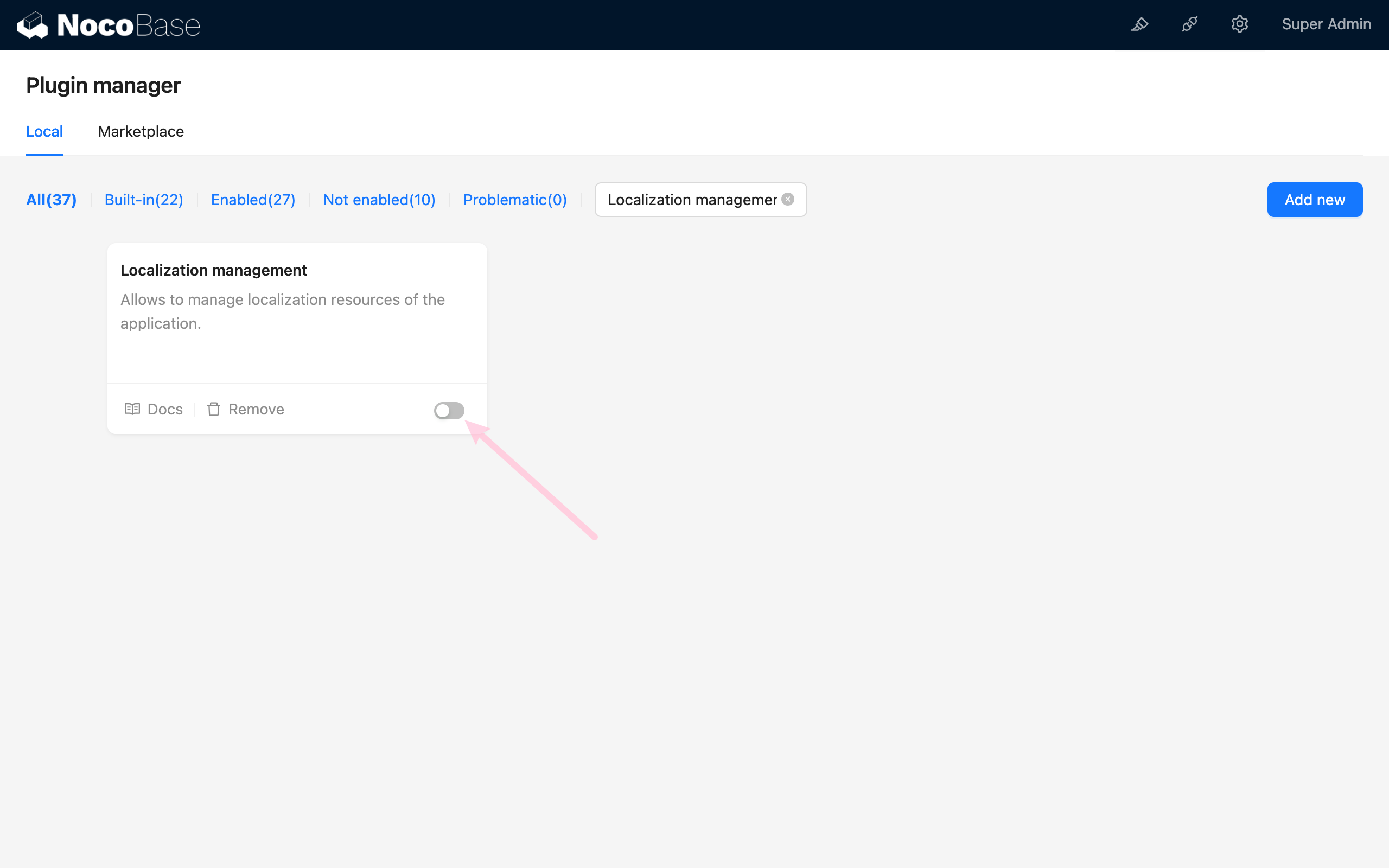
Localization Management
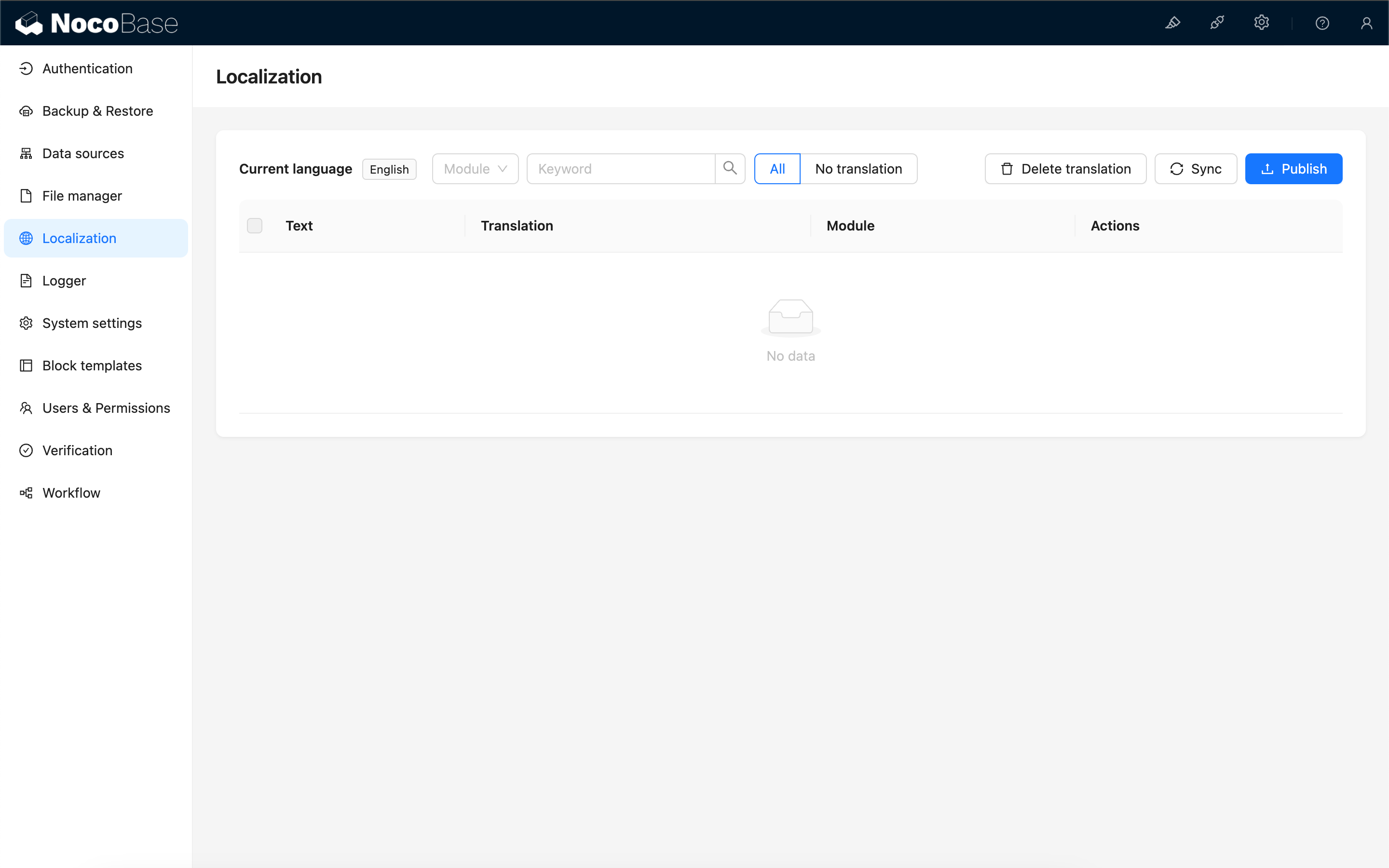
Entries in UISchema
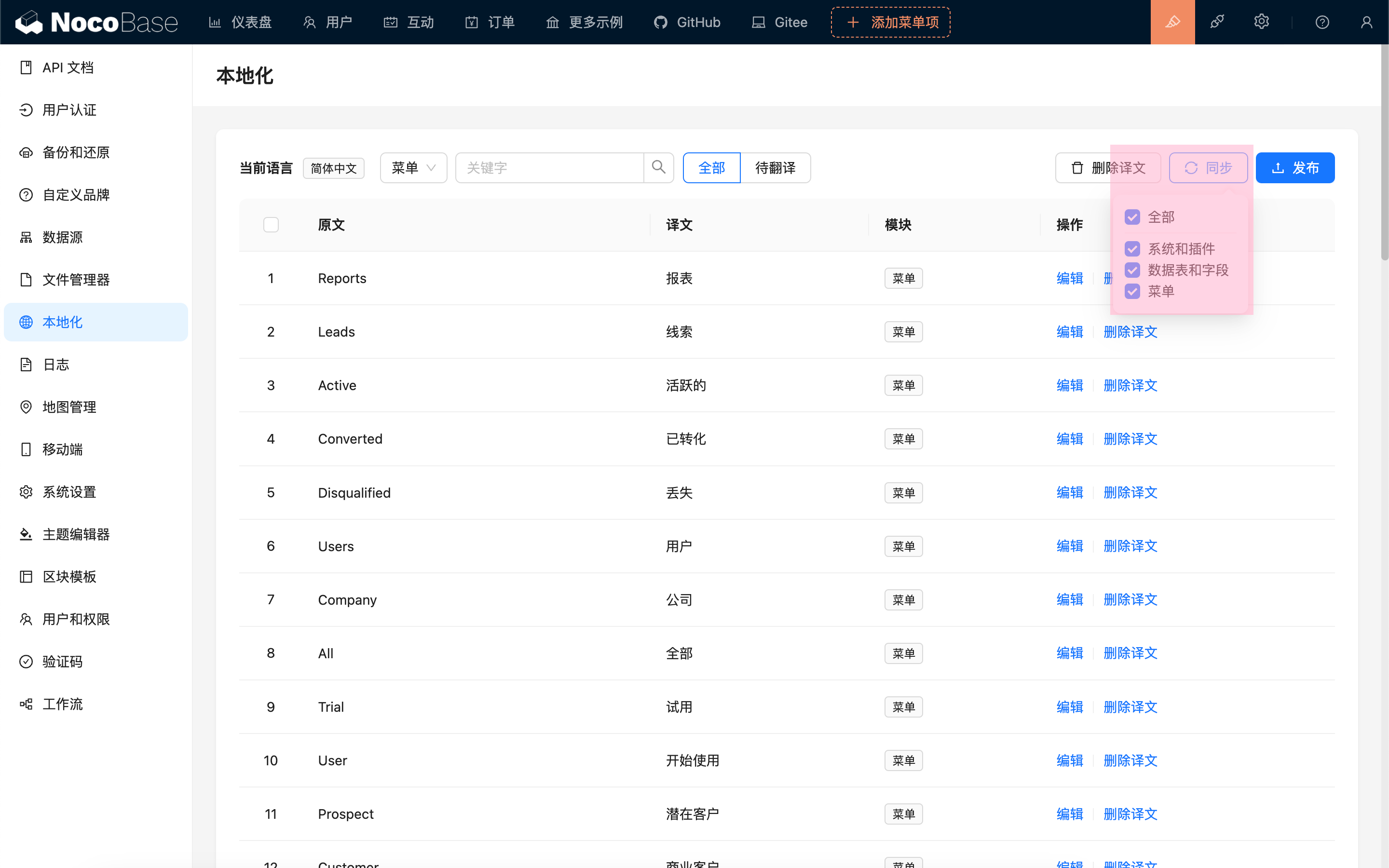
Synchronizing Translation Entries
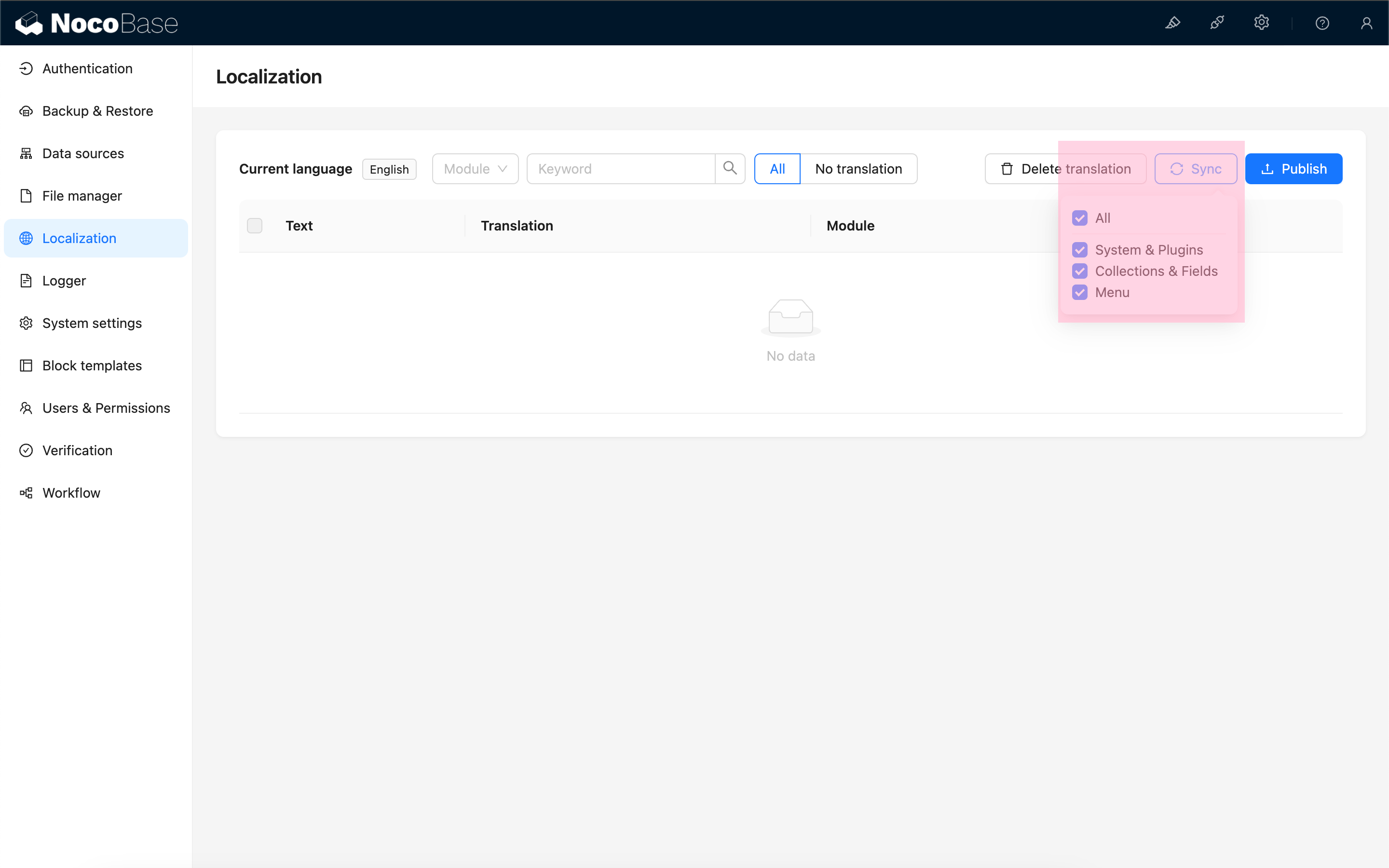
The parts that can be synchronized currently include:
- Local language packs for the system and plugins
- Collection titles, field titles, and field option labels
- Menu titles
After synchronization, it will list all the translatable entries for the current language.
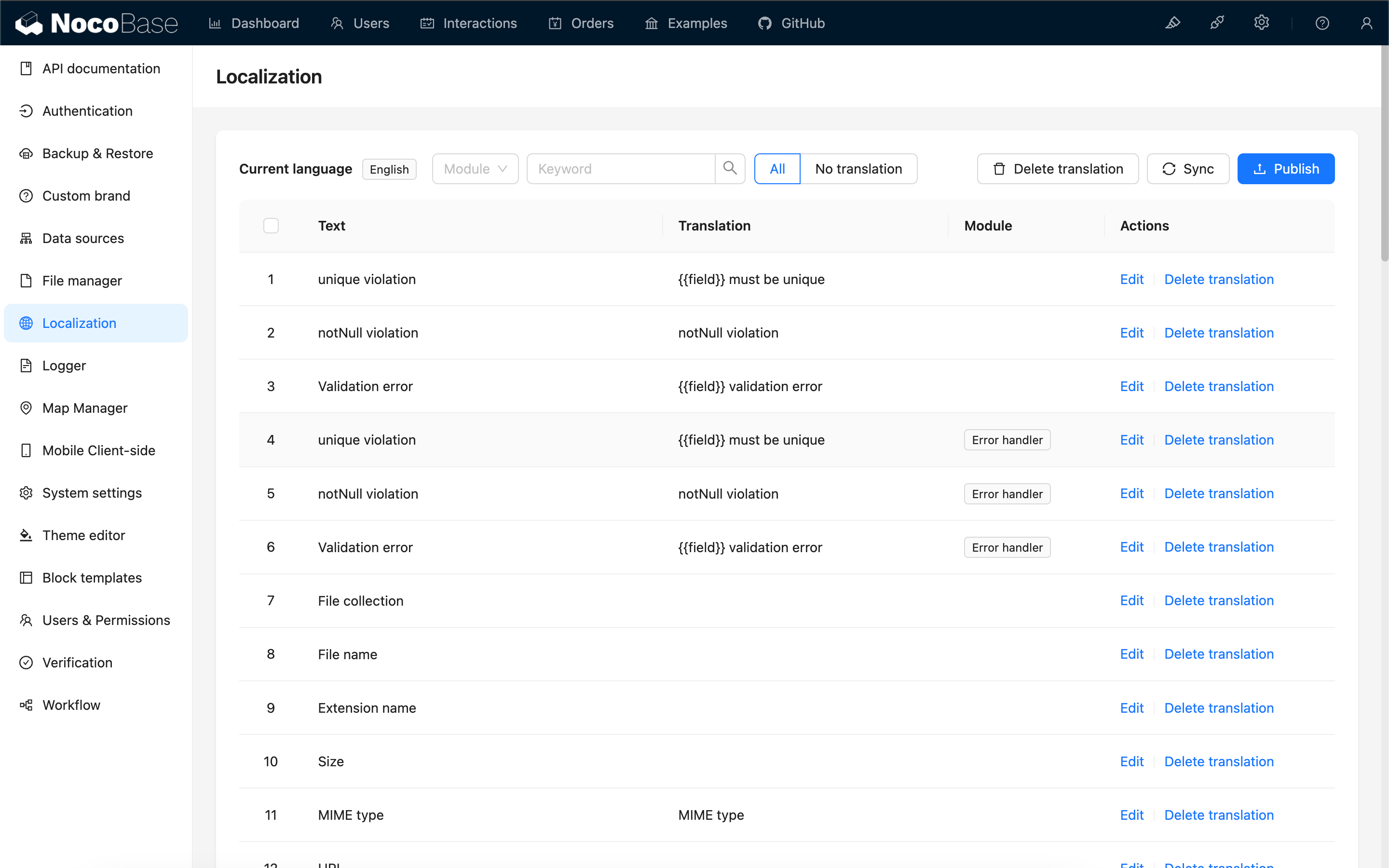
Different modules may have the same original text entries, which need to be translated separately.
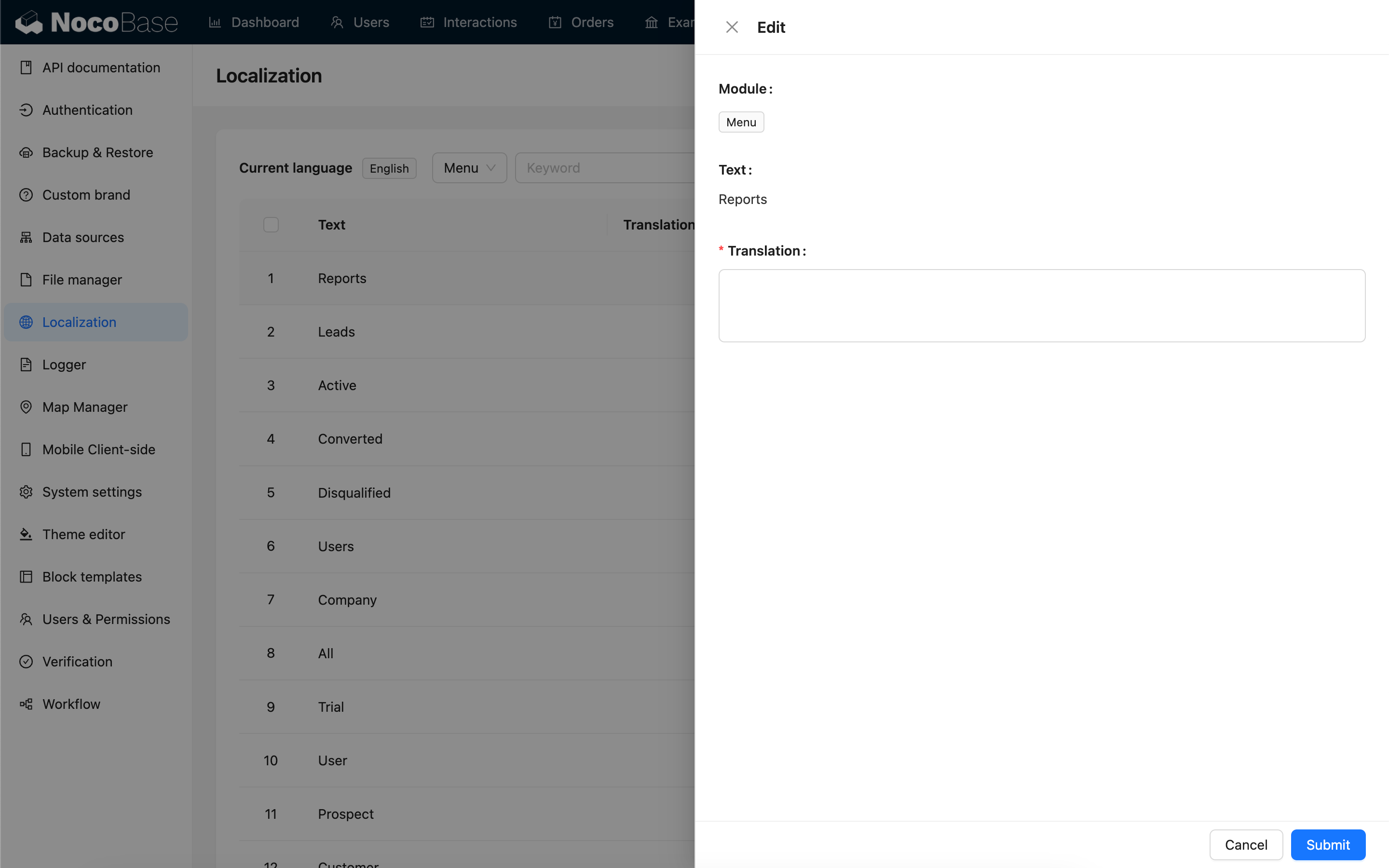
Editing Translation Content
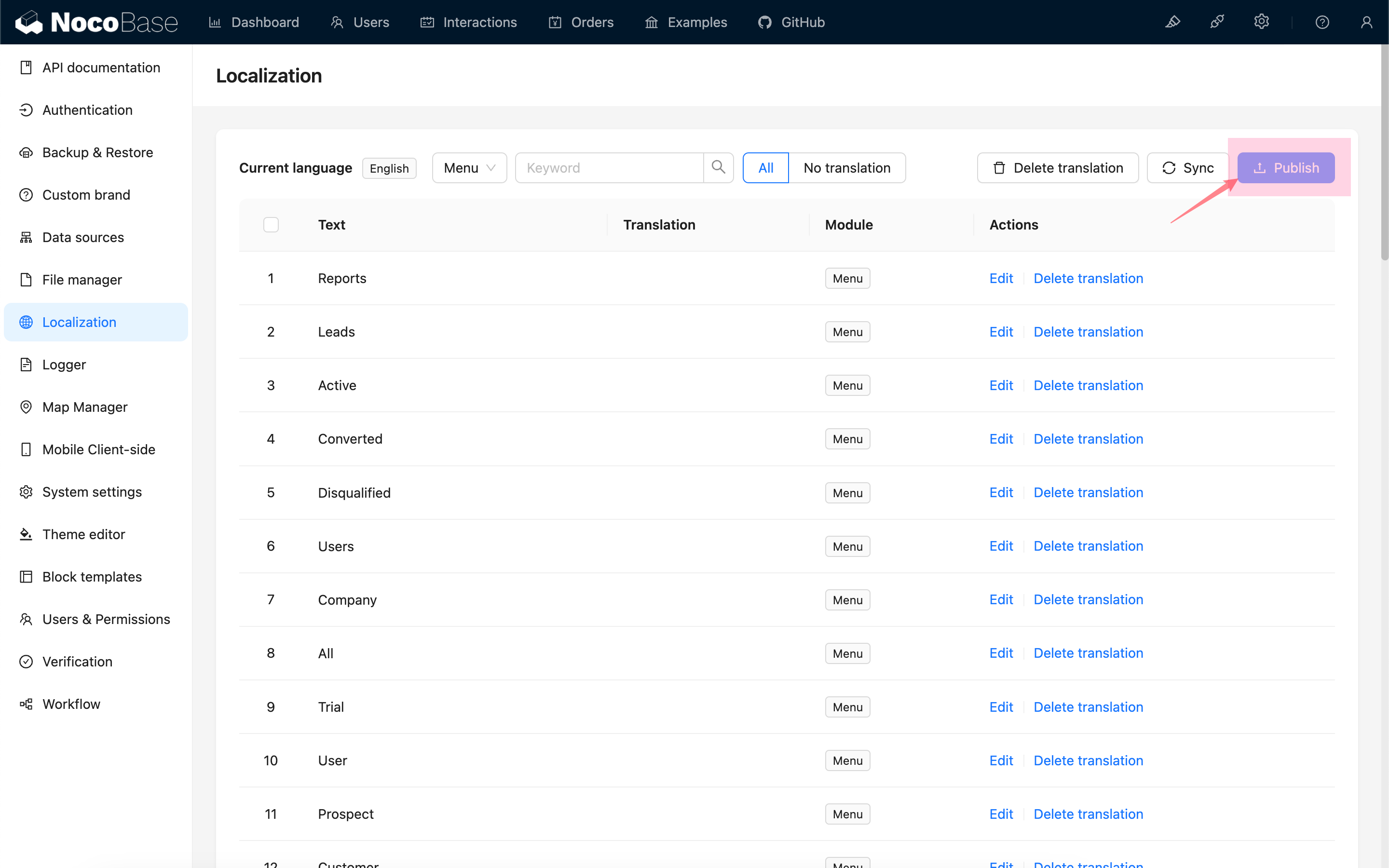
Publishing
After completing the translation, you need to click the "Publish" button to make the changes take effect.
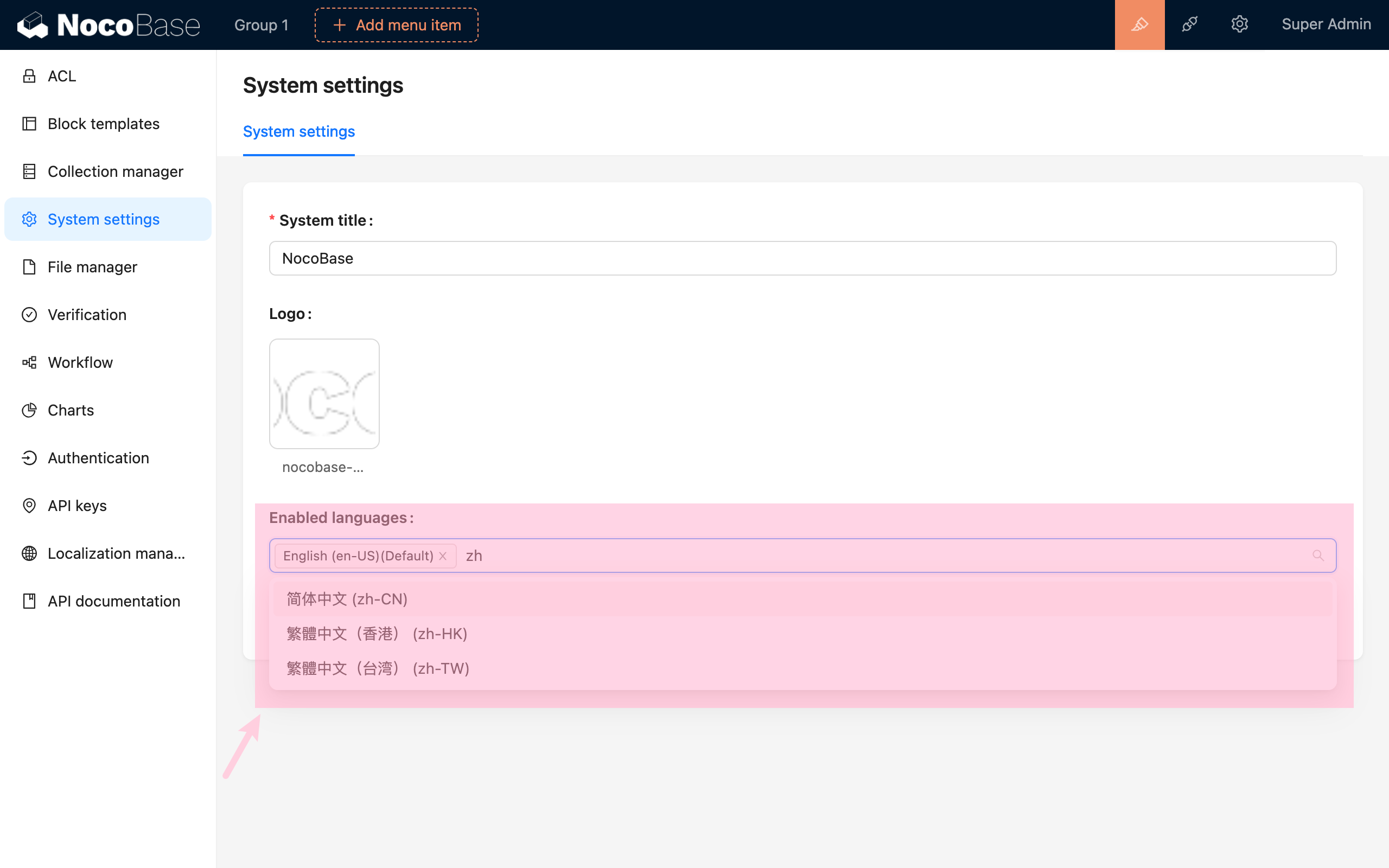
Translating Other Languages
Enable other languages in "System Settings".
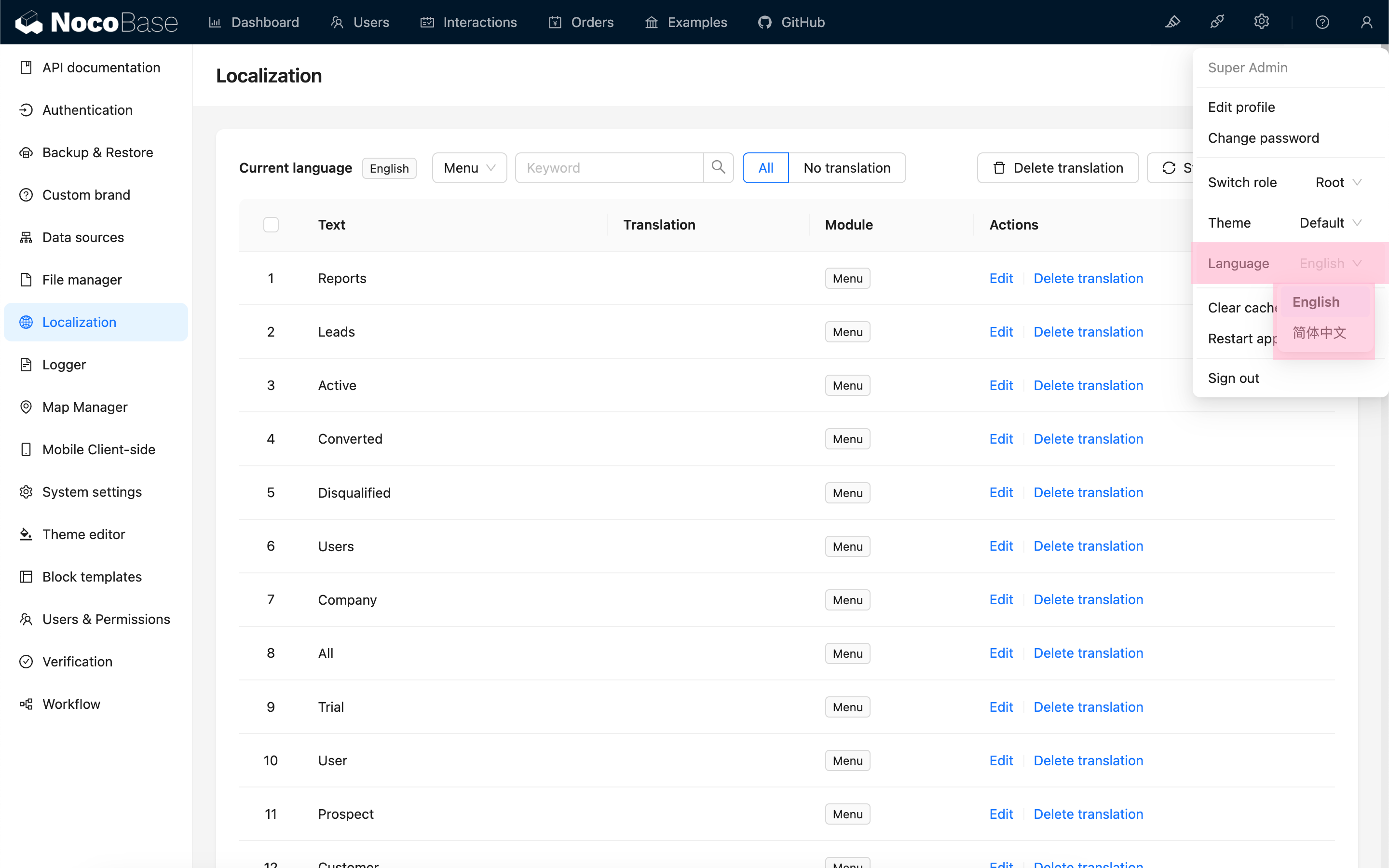
Switch to that language.
Synchronize the entries.
Translate and publish.