logologo
Démarrer
Manuel
Développement
Plugins
API
English
简体中文
日本語
한국어
Deutsch
Français
Español
Português
Русский
Italiano
Türkçe
Українська
Tiếng Việt
Bahasa Indonesia
ไทย
Polski
Nederlands
Čeština
العربية
עברית
हिन्दी
Svenska
Démarrer
Manuel
Développement
Plugins
API
logologo

Authentification utilisateur

Aperçu
Gestion des authentificateurs

Types d'authentification

Mot de passe
SMS

OIDC

Configuration

Exemples

Connexion Google
Connexion Microsoft

SAML

Configuration

Exemples

Connexion Google
LDAP
CAS
WeChat Work
DingTalk
Clés API

Guide de développement

Étendre les types d'authentification
Référence API

Vérification

Aperçu

Types de vérification

SMS
Authentificateur TOTP

Guide de développement

Étendre les types de vérification
Étendre les scénarios de vérification
Étendre les fournisseurs de services SMS
Référence API
Authentification à deux facteurs (2FA)
Previous PageLDAP
Next PageWeChat Work
Avis de traduction IA

Cette documentation a été traduite automatiquement par IA.

#Authentification : CAS

This feature is provided by the commercial plugin «Authentification : CAS», please purchase to use

#Introduction

Le plugin Authentification : CAS suit la norme du protocole CAS (Central Authentication Service). Il permet aux utilisateurs de se connecter à NocoBase en utilisant les comptes fournis par des fournisseurs de services d'authentification d'identité tiers (IdP).

#Installation

#Manuel d'utilisation

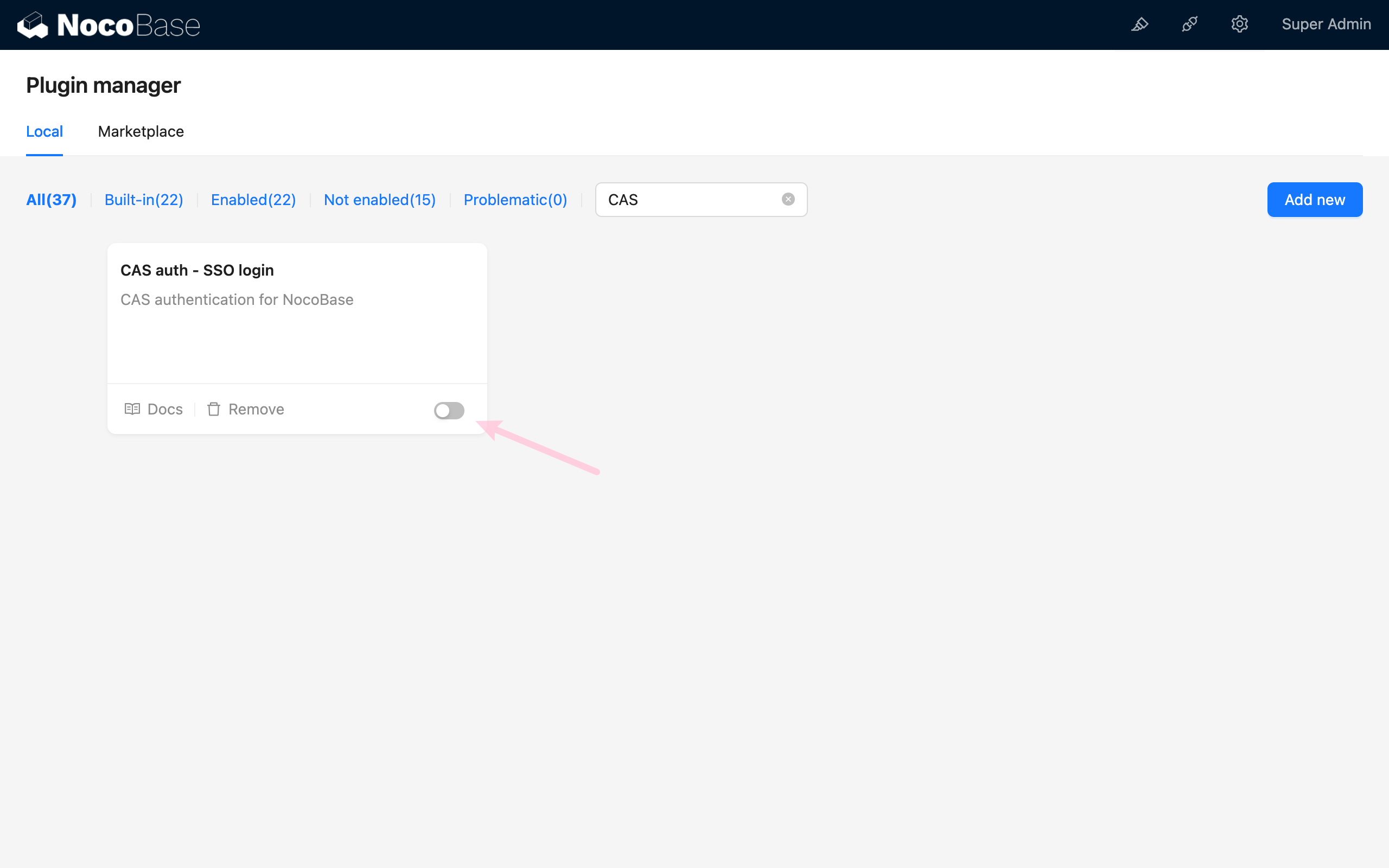
#Activer le plugin

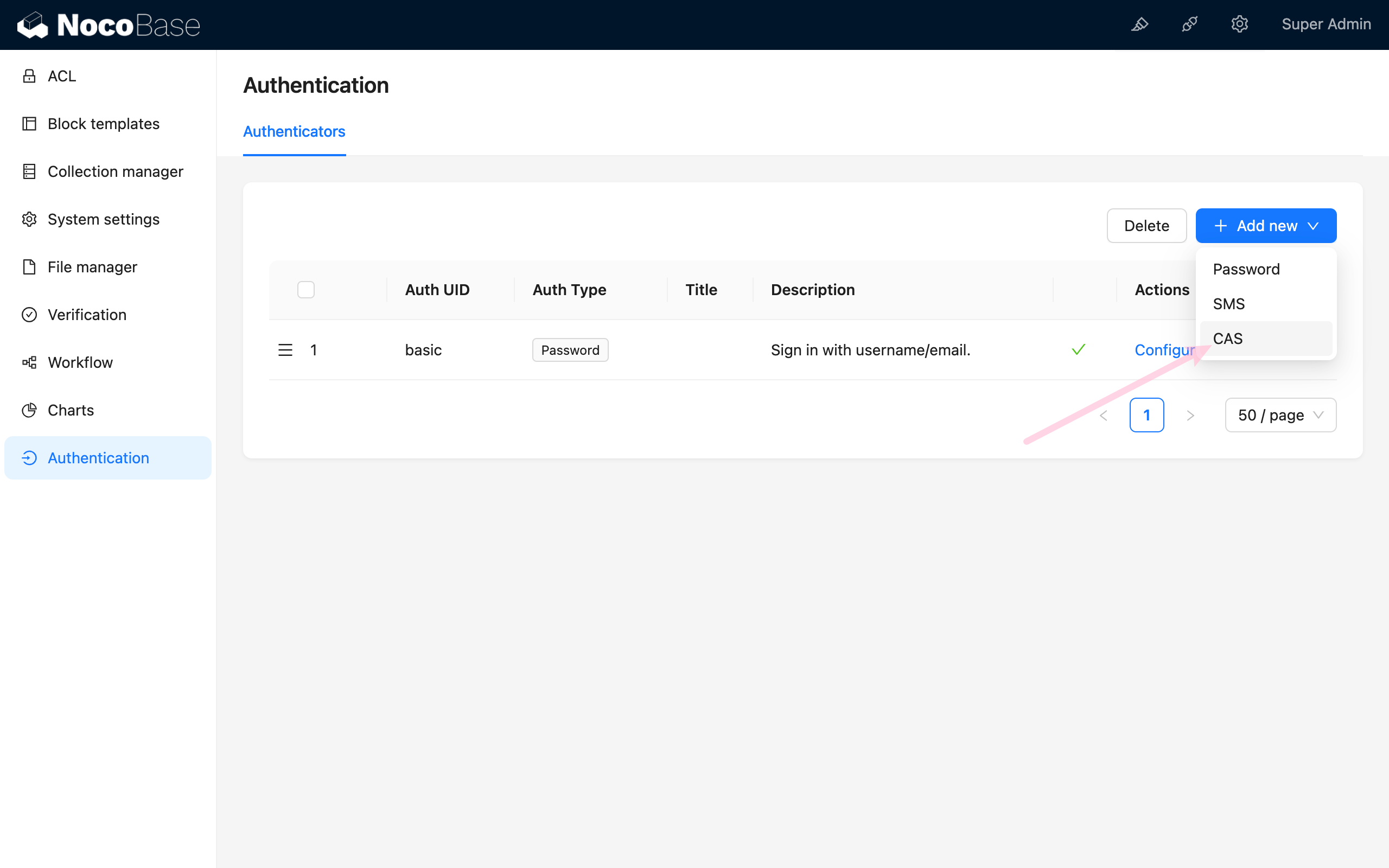
#Ajouter l'authentification CAS

Accédez à la page de gestion de l'authentification des utilisateurs

http://localhost:13000/admin/settings/auth/authenticators

Ajoutez une méthode d'authentification CAS
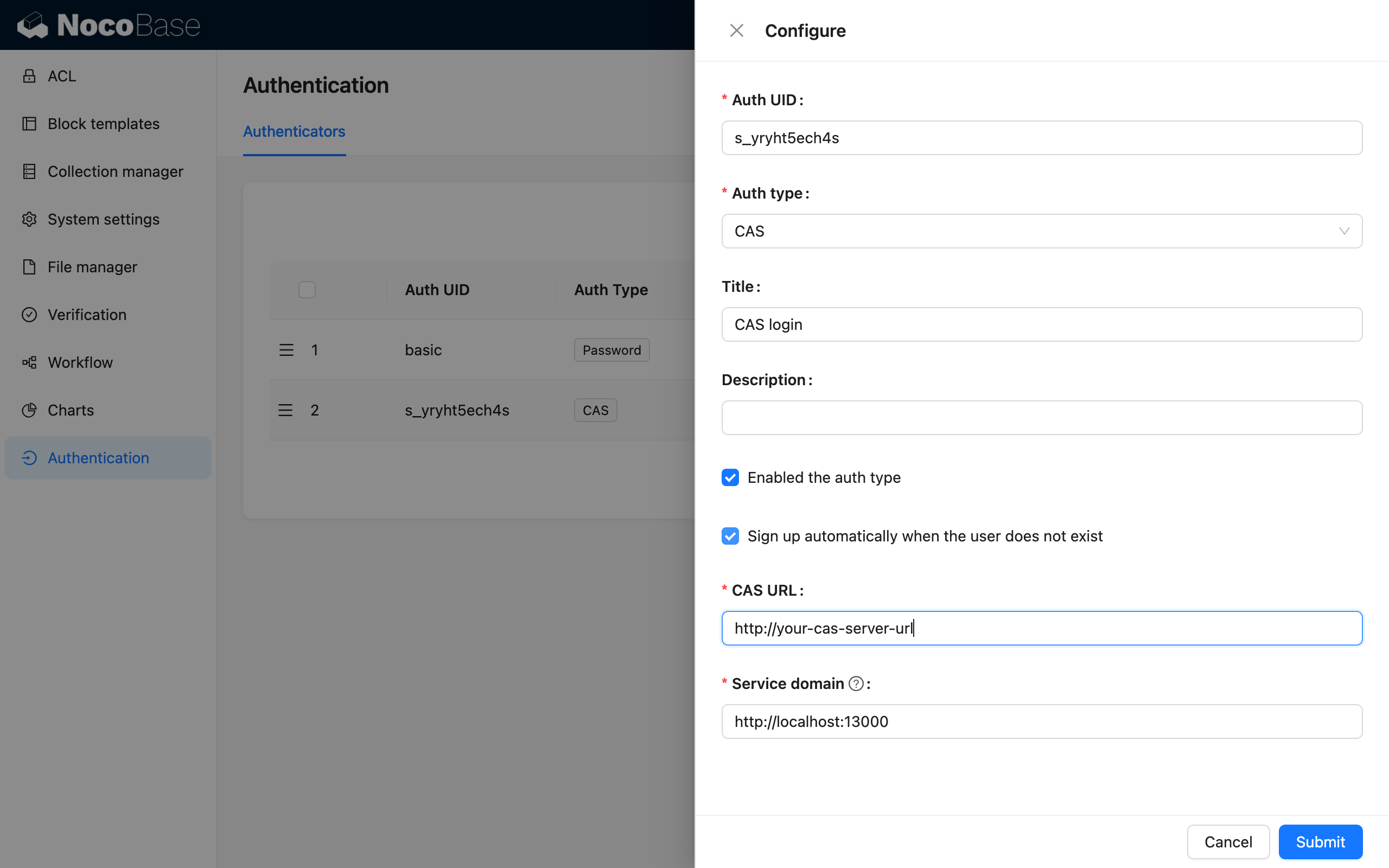
Configurez CAS et activez-le
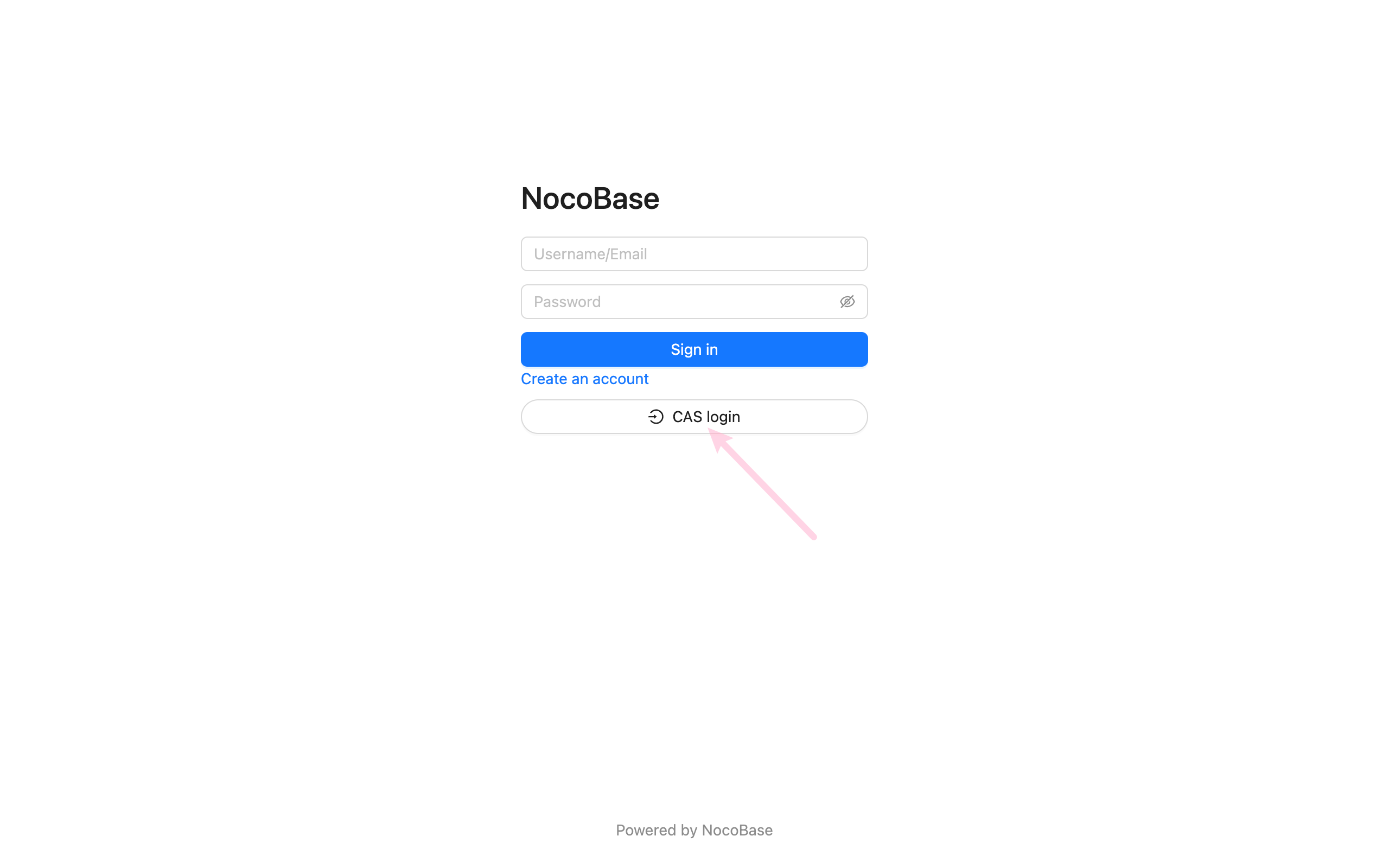
#Accédez à la page de connexion

http://localhost:13000/signin