

Integration
Overview
NocoBase provides comprehensive integration capabilities, allowing seamless connection with external systems, third-party services, and various data sources. Through flexible integration methods, you can extend NocoBase's functionality to meet diverse business needs.
Integration Methods
API Integration
NocoBase provides powerful API capabilities for integrating with external applications and services:
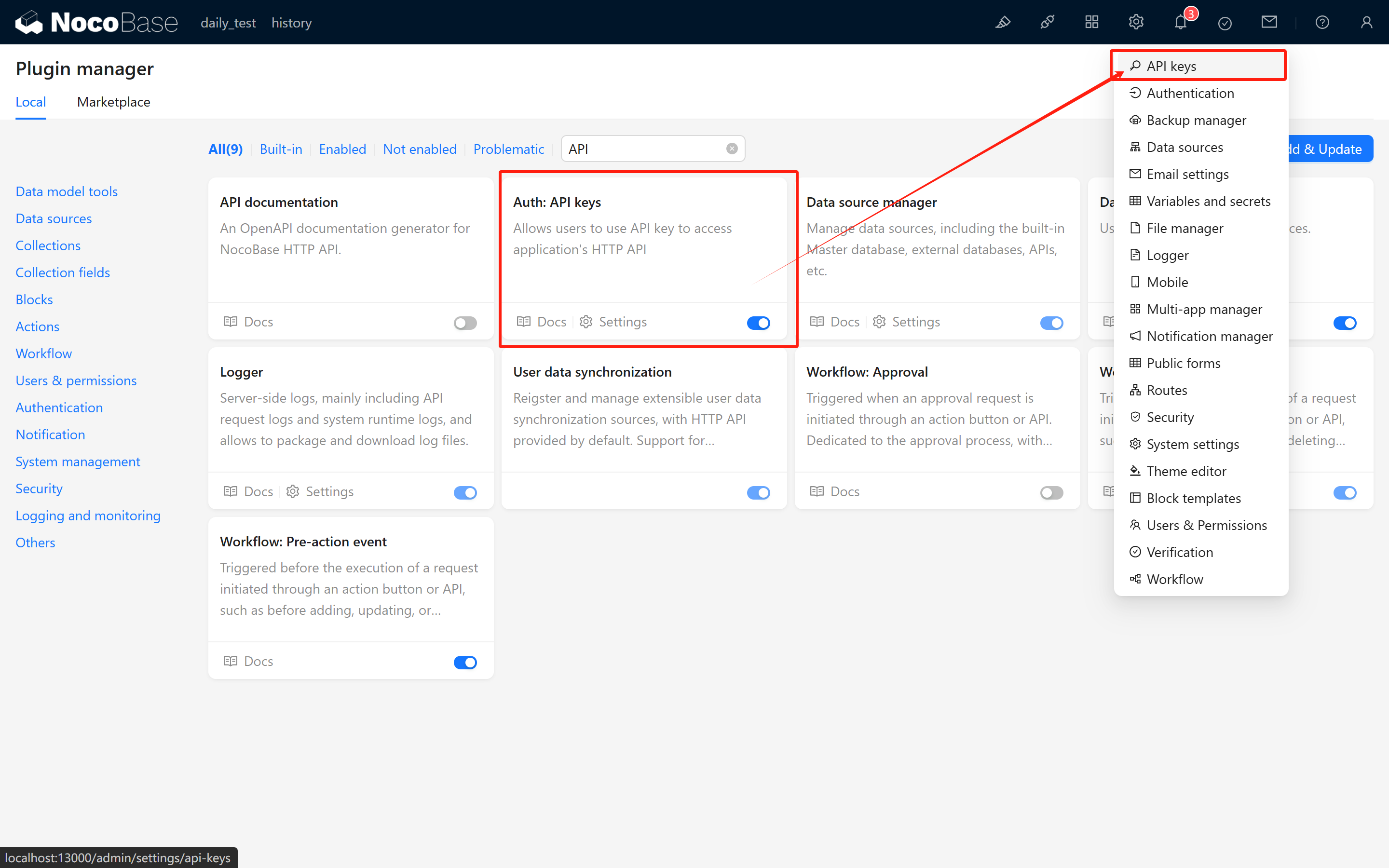
- API Keys: Secure authentication using API keys for programmatic access to NocoBase resources
- API Documentation: Built-in API documentation for exploring and testing endpoints
Single Sign-On (SSO)
Integrate with enterprise identity systems for unified authentication:
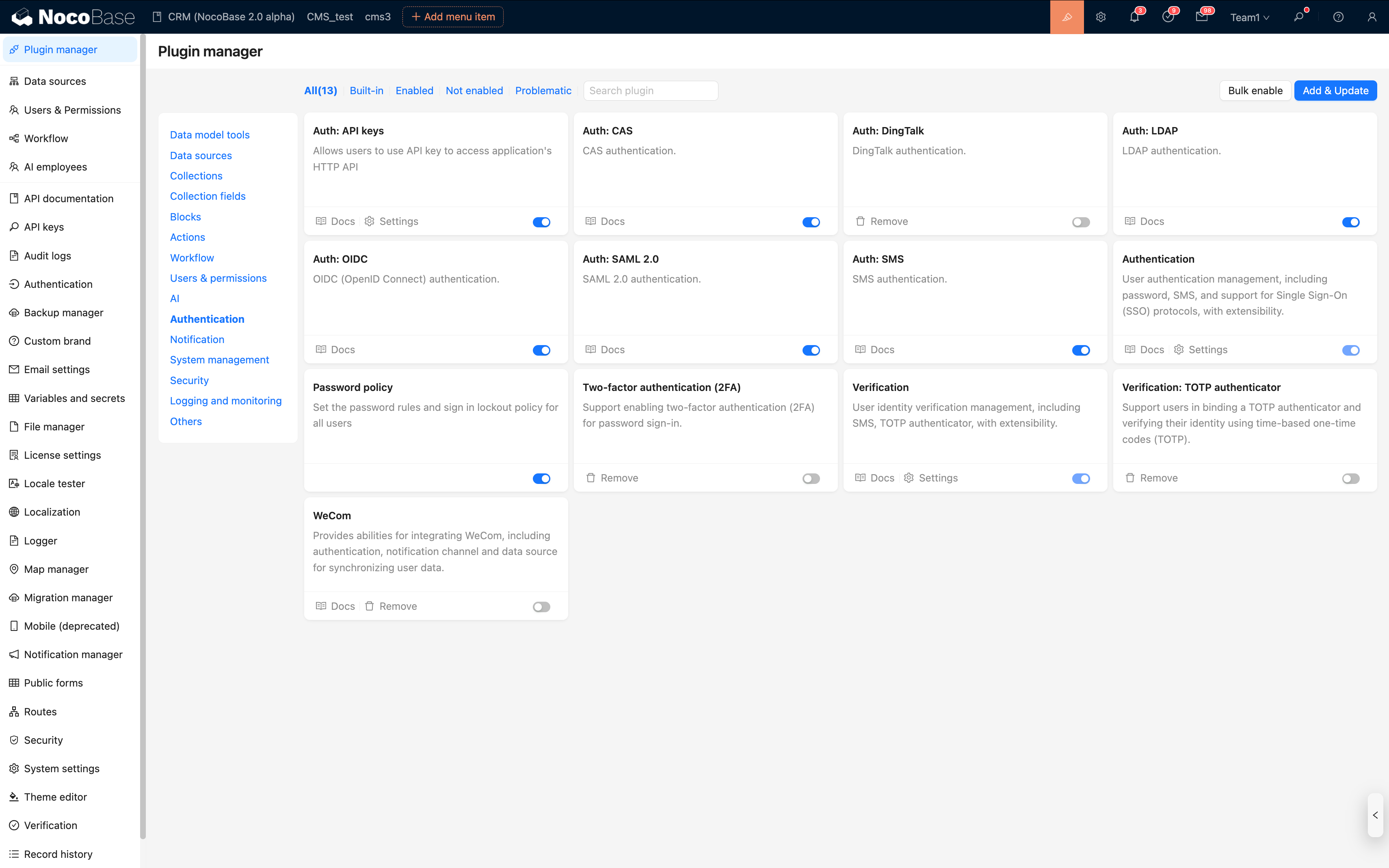
- SSO Integration: Support for SAML, OIDC, CAS, LDAP, and third-party platform authentication
- Centralized user management and access control
- Seamless authentication experience across systems
Workflow Integration
Connect NocoBase workflows with external systems:

- Workflow Webhook: Receive events from external systems to trigger workflows
- Workflow HTTP Request: Send HTTP requests to external APIs from workflows
- Automate business processes across platforms
External Data Sources
Connect to external databases and data systems:
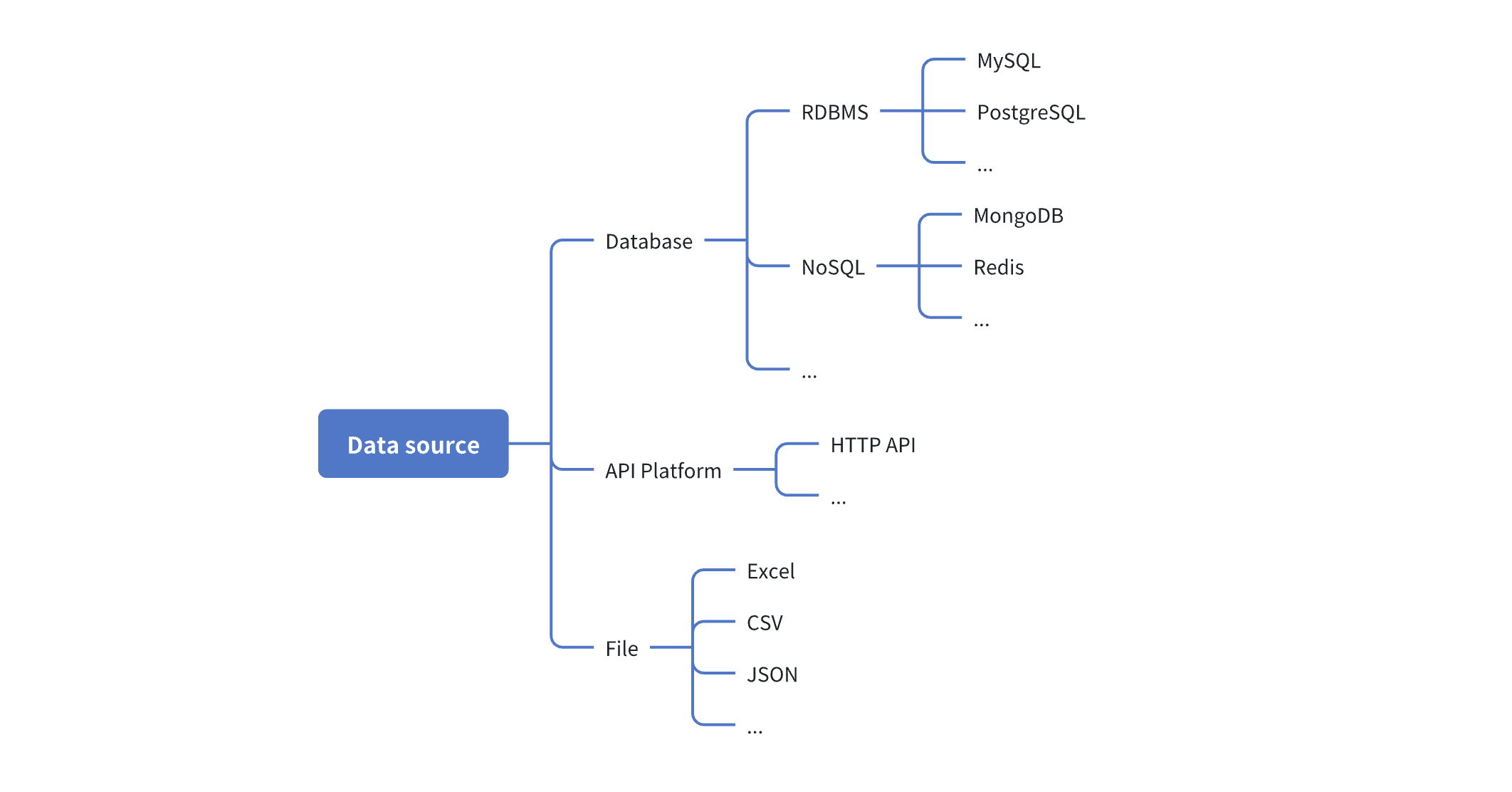
- External Databases: Directly connect to MySQL, PostgreSQL, MariaDB, MSSQL, Oracle, and KingbaseES databases
- Recognize external database table structures and perform CRUD operations on external data directly within NocoBase
- Unified data management interface
Embedded Content
Embed external content within NocoBase:
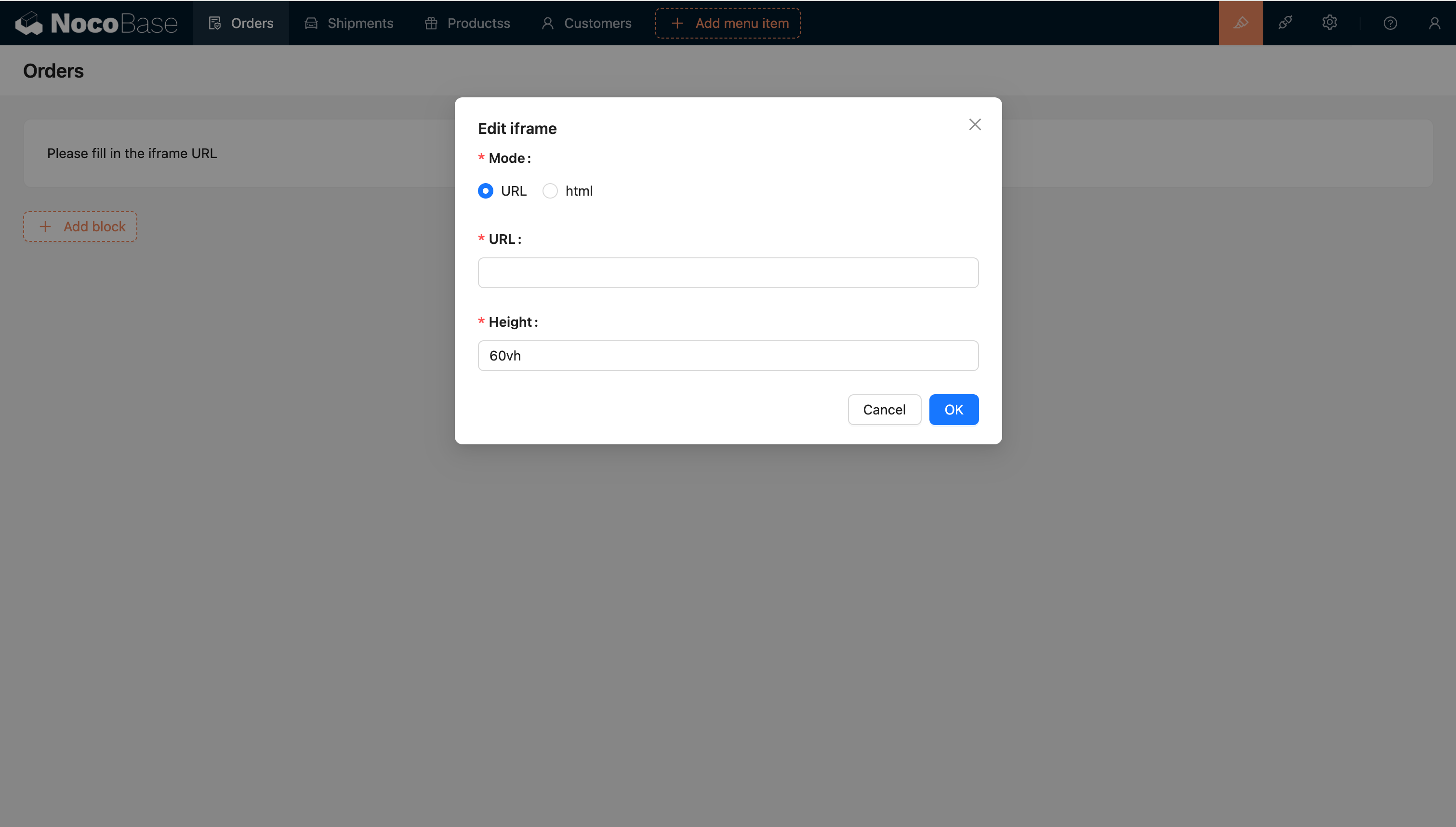
- Iframe Block: Embed external web pages and applications
- JS Blocks: Execute custom JavaScript code for advanced integrations
Common Integration Scenarios
Enterprise System Integration
- Connect NocoBase with ERP, CRM, or other enterprise systems
- Synchronize data bidirectionally
- Automate cross-system workflows
Third-Party Service Integration
- Query payment status from payment gateways, integrate messaging services, or cloud platforms
- Leverage external APIs to extend functionality
- Build custom integrations using webhooks and HTTP requests
Data Integration
- Connect to multiple data sources
- Aggregate data from different systems
- Create unified dashboards and reports
Security Considerations
When integrating NocoBase with external systems, consider the following security best practices:
- Use HTTPS: Always use encrypted connections for data transmission
- Secure API Keys: Store API keys securely and rotate them regularly
- Principle of Least Privilege: Grant only necessary permissions for integrations
- Audit Logging: Monitor and log integration activities
- Data Validation: Validate all data from external sources