

API Key
Introduction
Installation
Usage Instructions
http://localhost:13000/admin/settings/api-keys/configuration
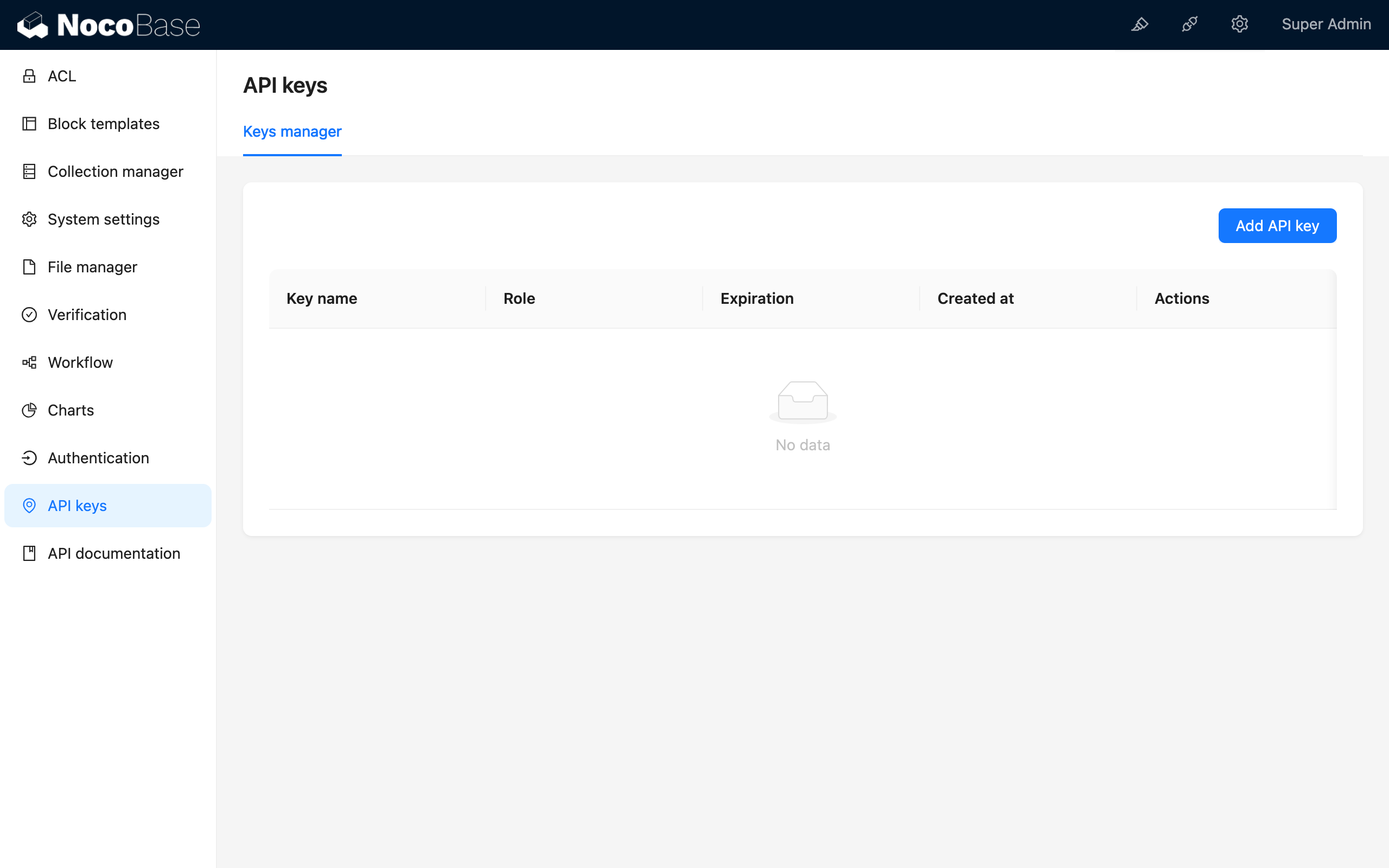
Add API Key

Notes
- The API key you add belongs to the current user and inherits the current user's role.
- Ensure the
APP_KEYenvironment variable is configured and kept confidential. IfAPP_KEYchanges, all previously added API keys will become invalid.
How to configure APP_KEY
For the docker version, modify the docker-compose.yml file
For the source code or create-nocobase-app installation, you can directly modify the APP_KEY in the .env file