Connect Foreign Data Tables (FDW)
Introduction
This feature connects to remote data tables based on the Foreign Data Wrapper of the database. Currently, it supports MySQL and PostgreSQL databases.
- Connecting data sources refers to establishing a connection with a specific database or API service, and you can fully use the features of the database or the services provided by the API;
- Connecting external data tables refers to obtaining data from the outside and mapping it for local use. In the database, it is called FDW (Foreign Data Wrapper), which is a database technology that focuses on using remote tables as local tables and can only connect one table at a time. Because it is remote access, there will be various constraints and limitations when using it.
The two can also be used in combination. The former is used to establish a connection with the data source, and the latter is used for cross data-source access. For example, a certain PostgreSQL data source is connected, and a certain table in this data source is an external data table created based on FDW.
MySQL
MySQL uses the federated engine, which needs to be activated, and supports connecting to remote MySQL and protocol-compatible databases, such as MariaDB. For more details, refer to the Federated Storage Engine documentation.
PostgreSQL
In PostgreSQL, different types of fdw extensions can be used to support different types of remote data. The currently supported extensions include:
- postgres_fdw: Connect to a remote PostgreSQL database in PostgreSQL.
- mysql_fdw: Connect to a remote MySQL database in PostgreSQL.
- For other types of fdw extensions, refer to PostgreSQL Foreign Data Wrappers. You need to implement the corresponding adaptation interface in the code.
Prerequisites
- If the main database of NocoBase is MySQL, you need to activate
federated. Refer to How to enable the federated engine in MySQL
Then install and activate the plugin through the plugin manager
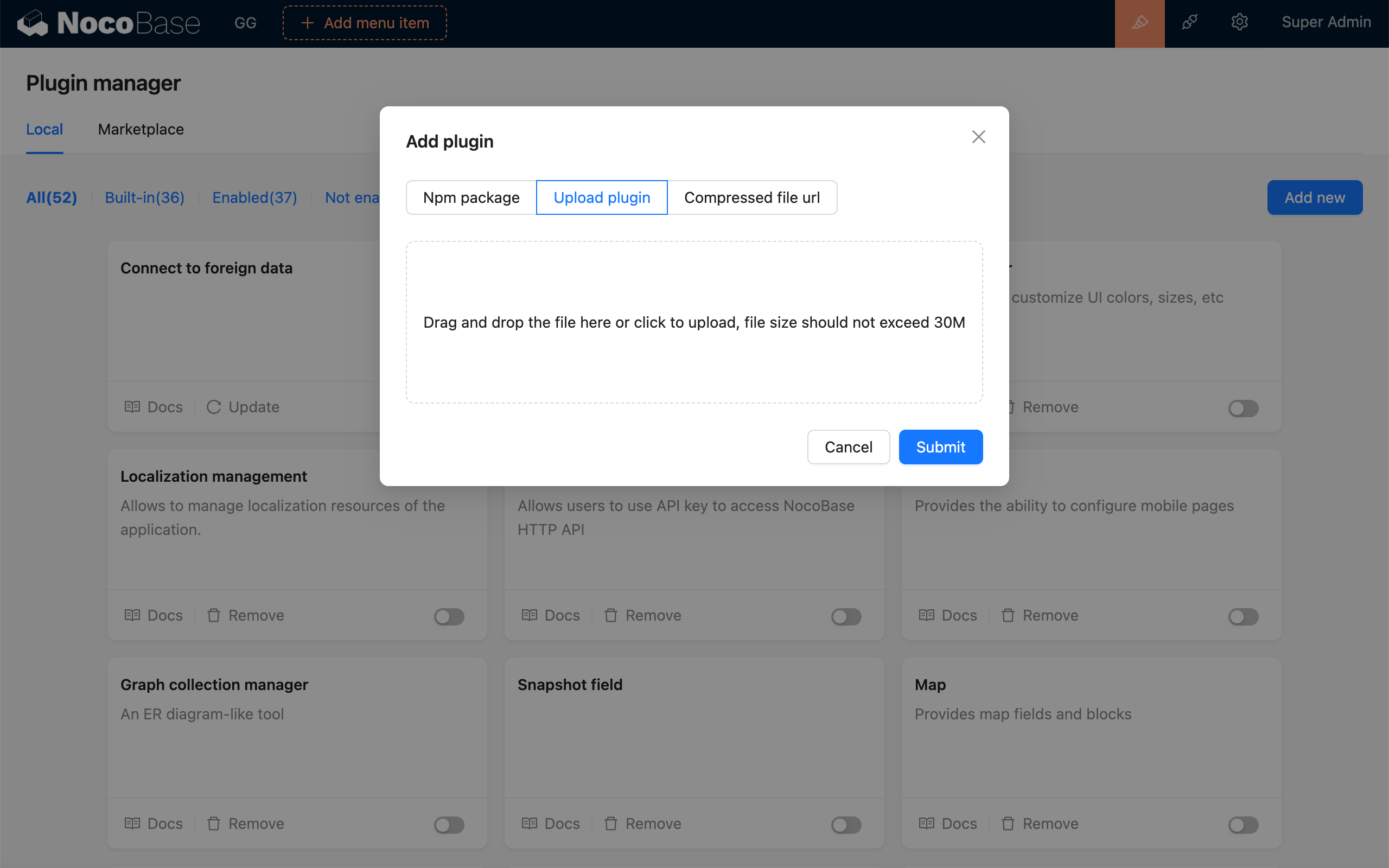
User Manual
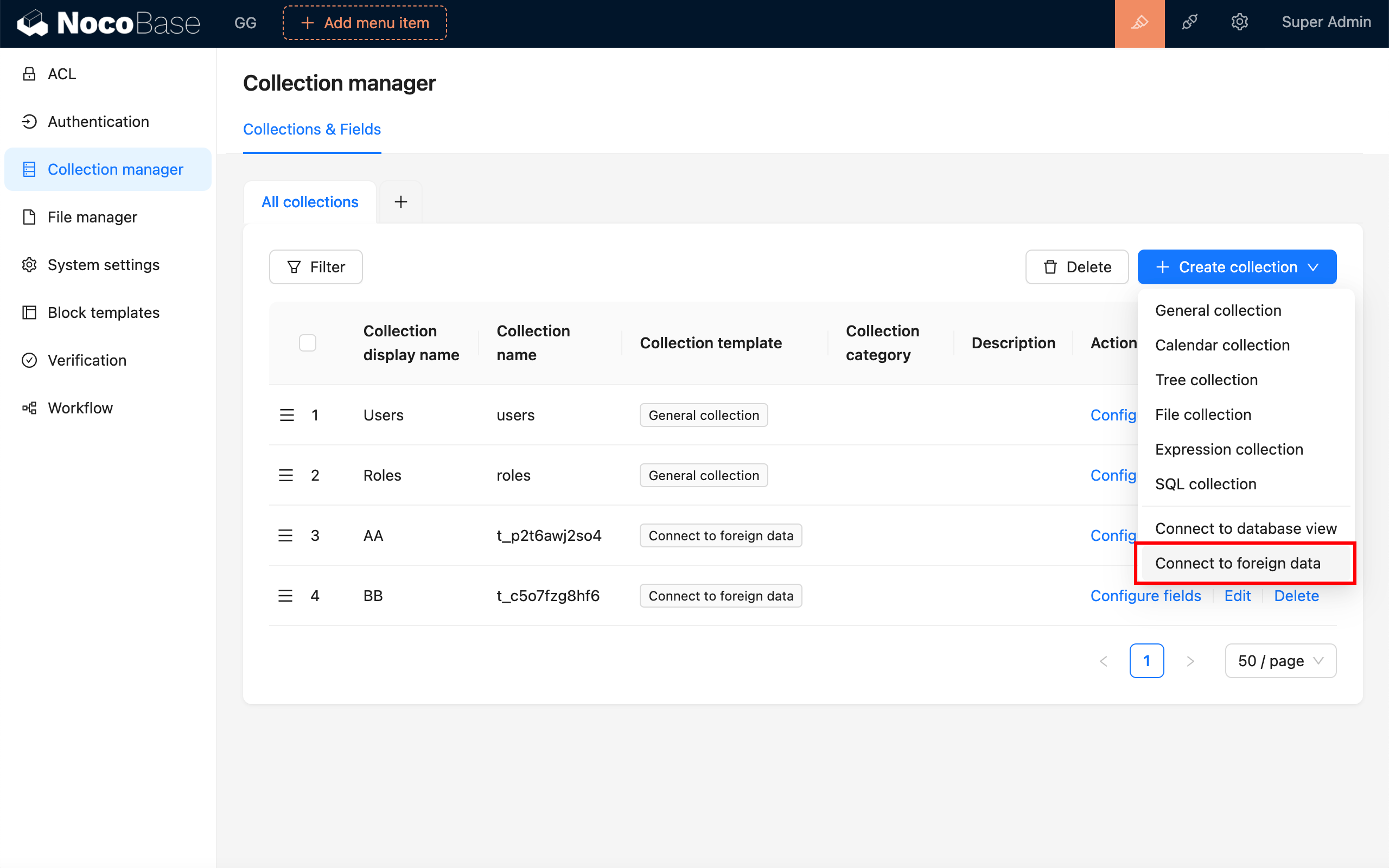
Under "Collection manager > Create collection", select "Connect to foreign data"
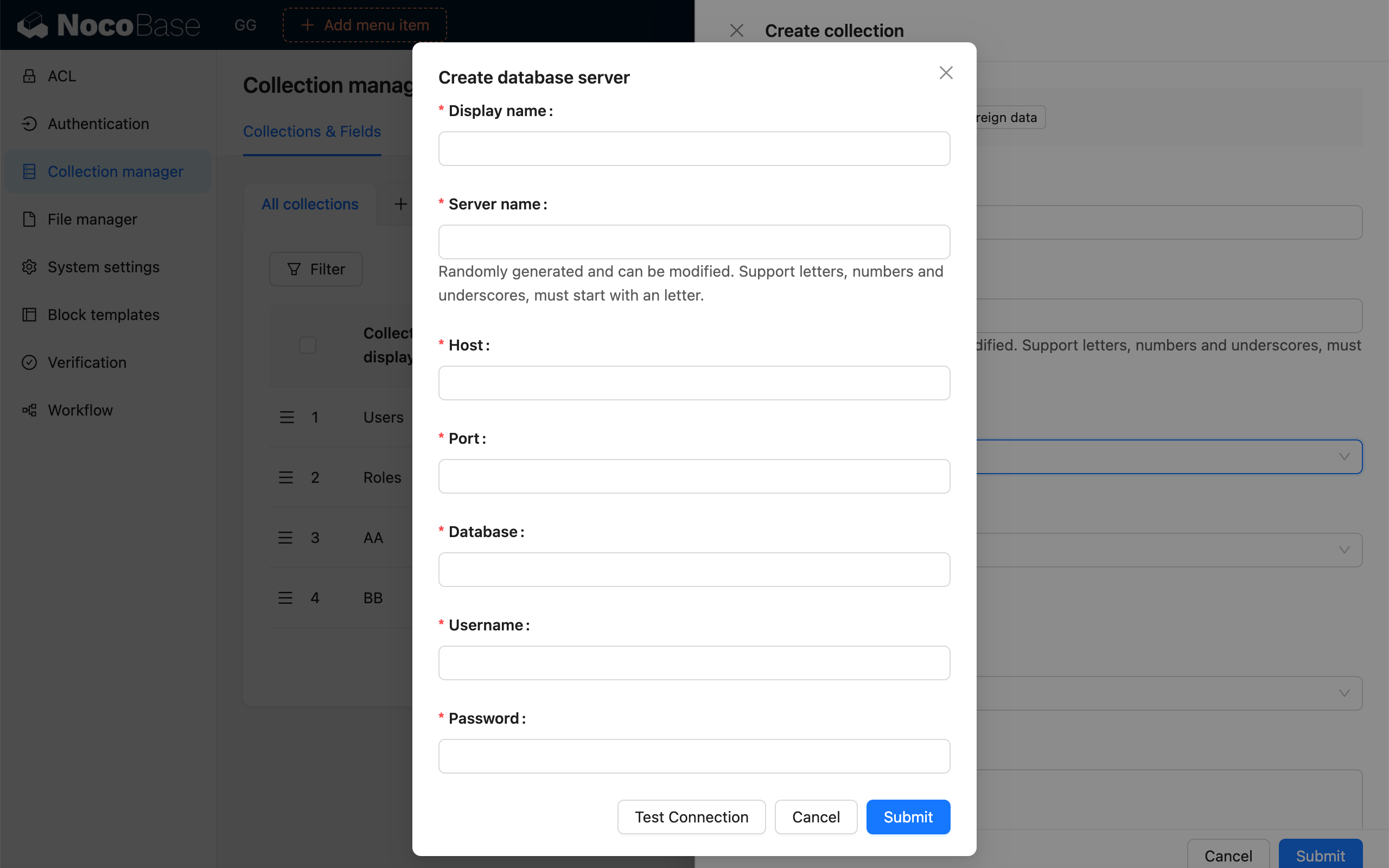
In the "Database Server" dropdown, select an existing database service, or "Create Database Server"
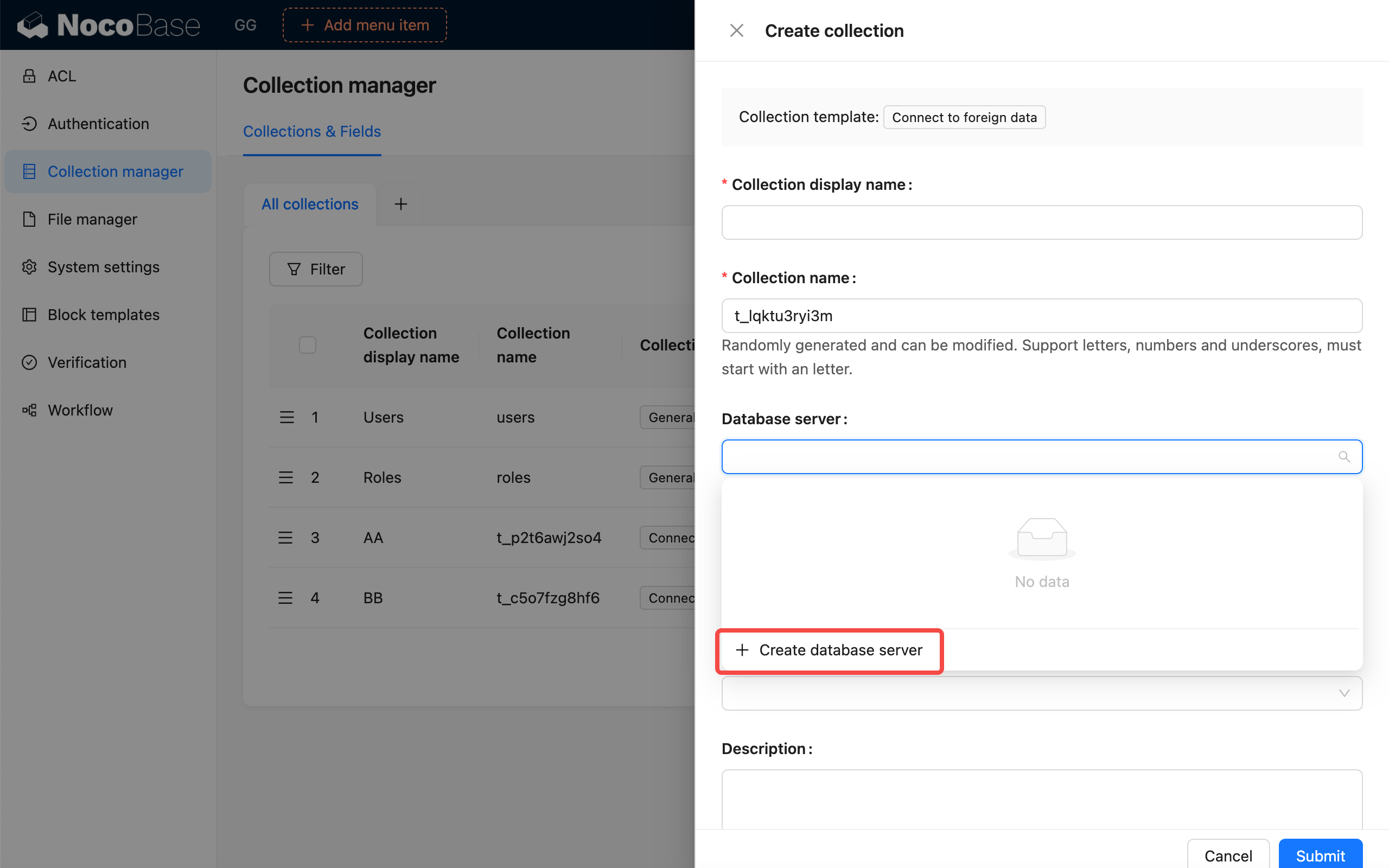
Create a database server
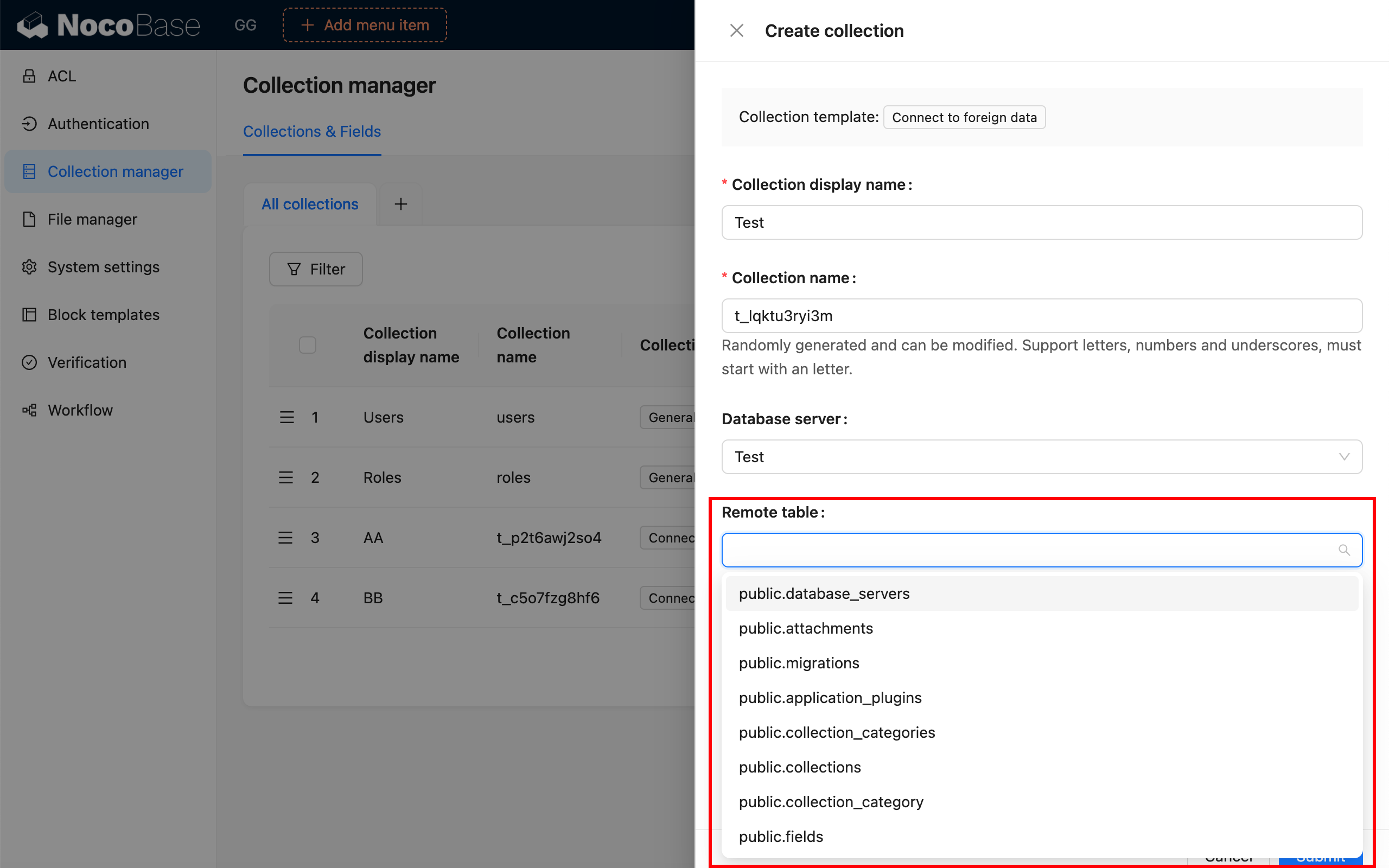
After selecting the database server, in the "Remote table" dropdown, select the data table you need to connect.
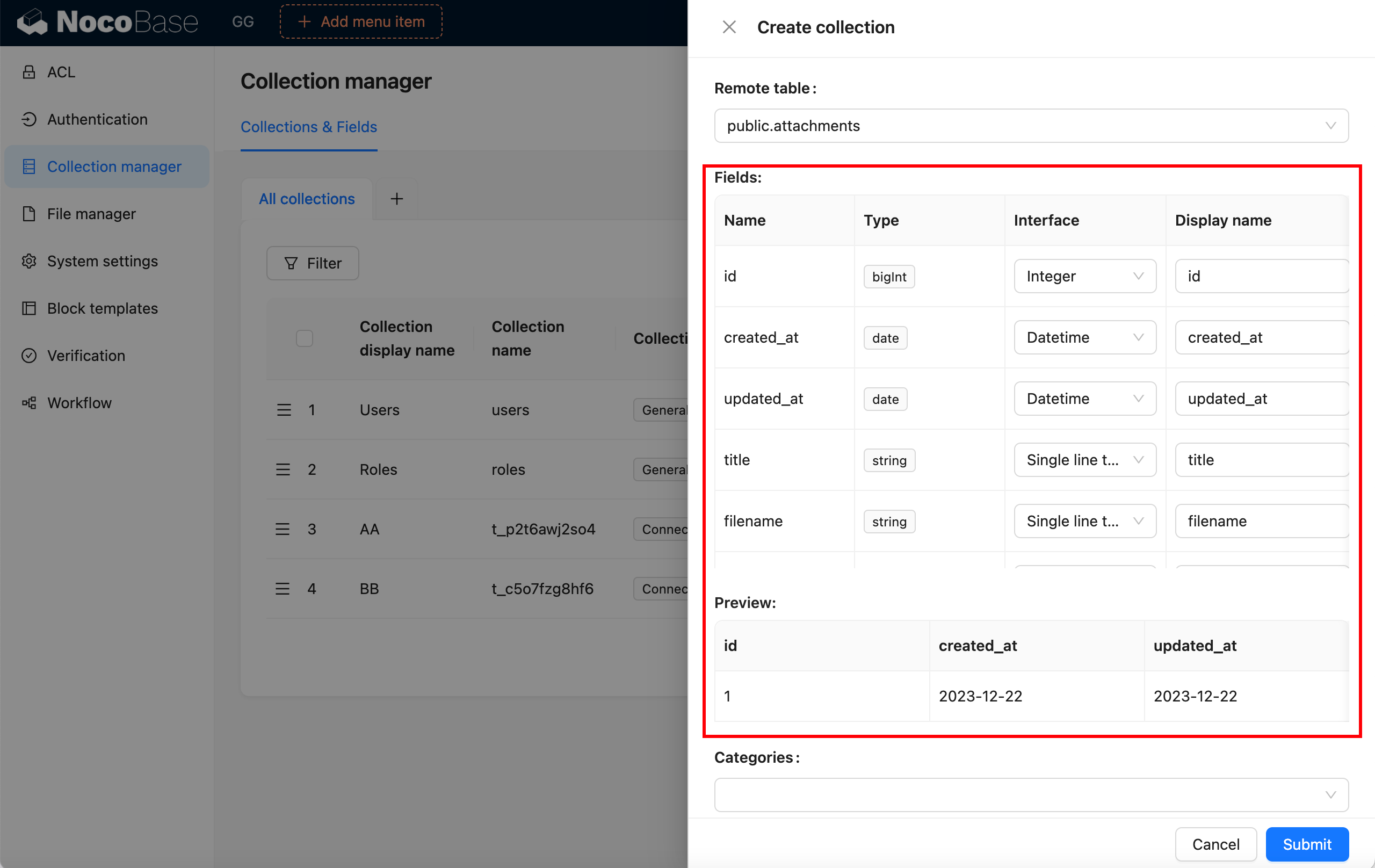
Configure field information
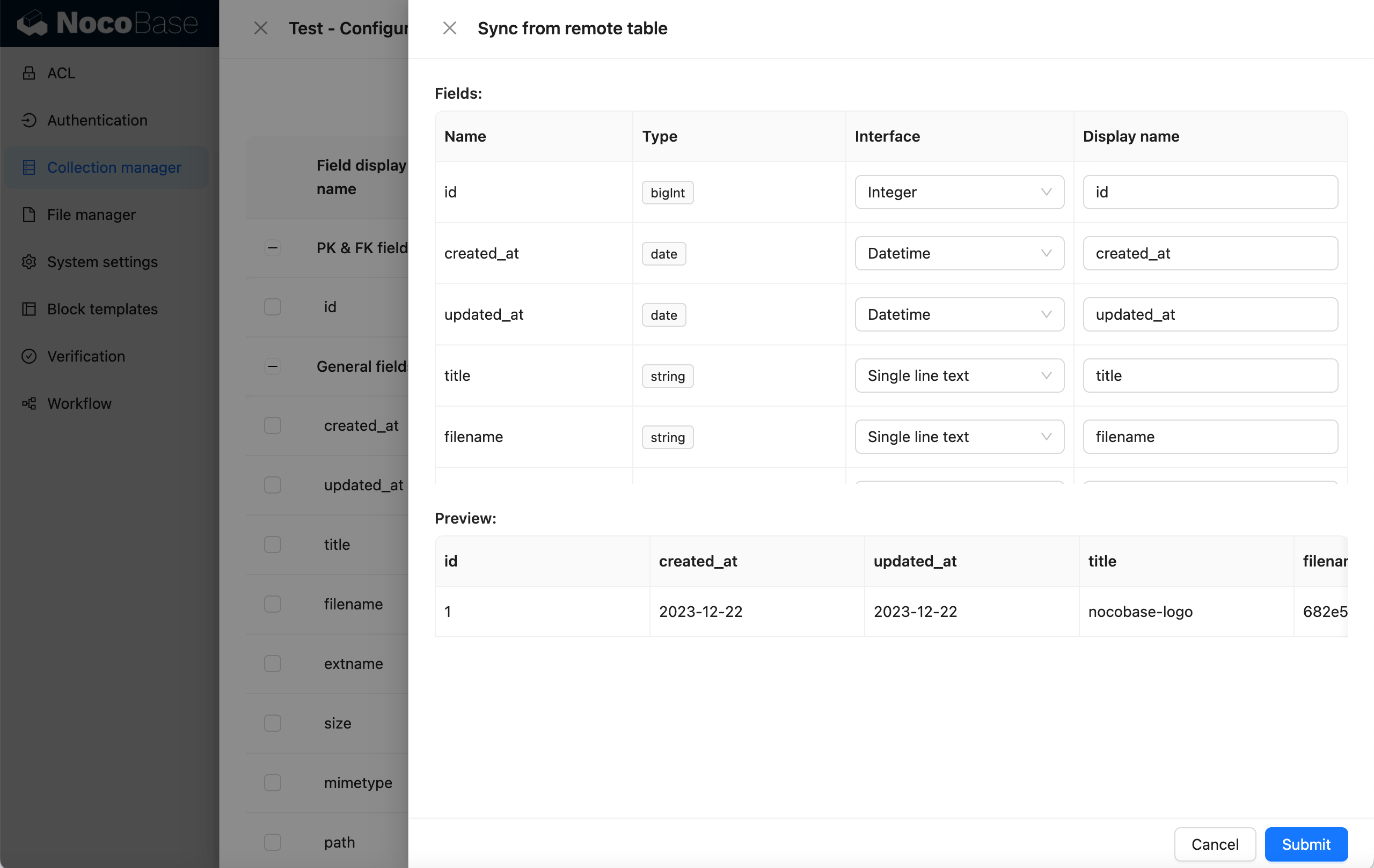
If the remote table has structural changes, you can also "Sync from remote table"
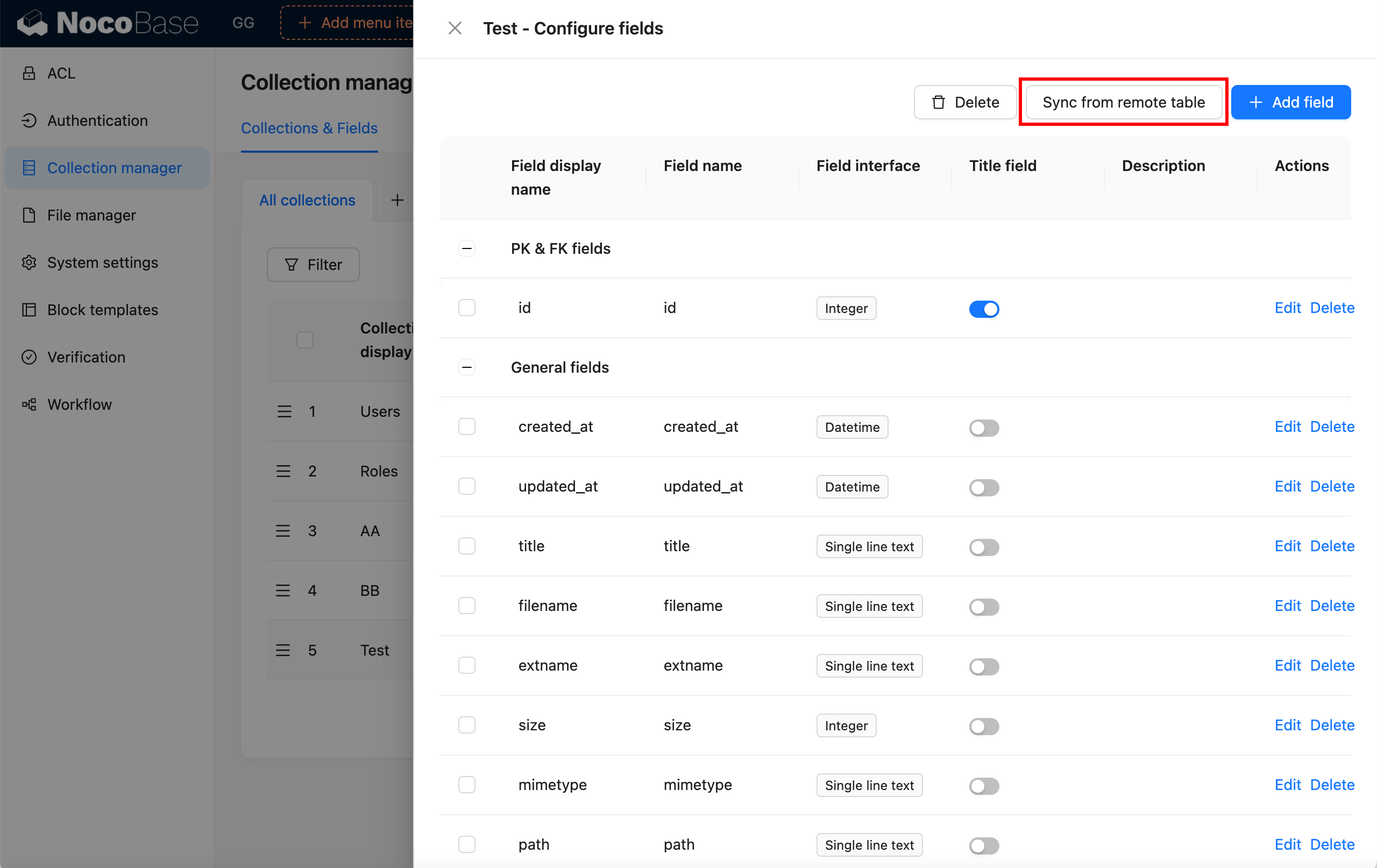
Remote table sync
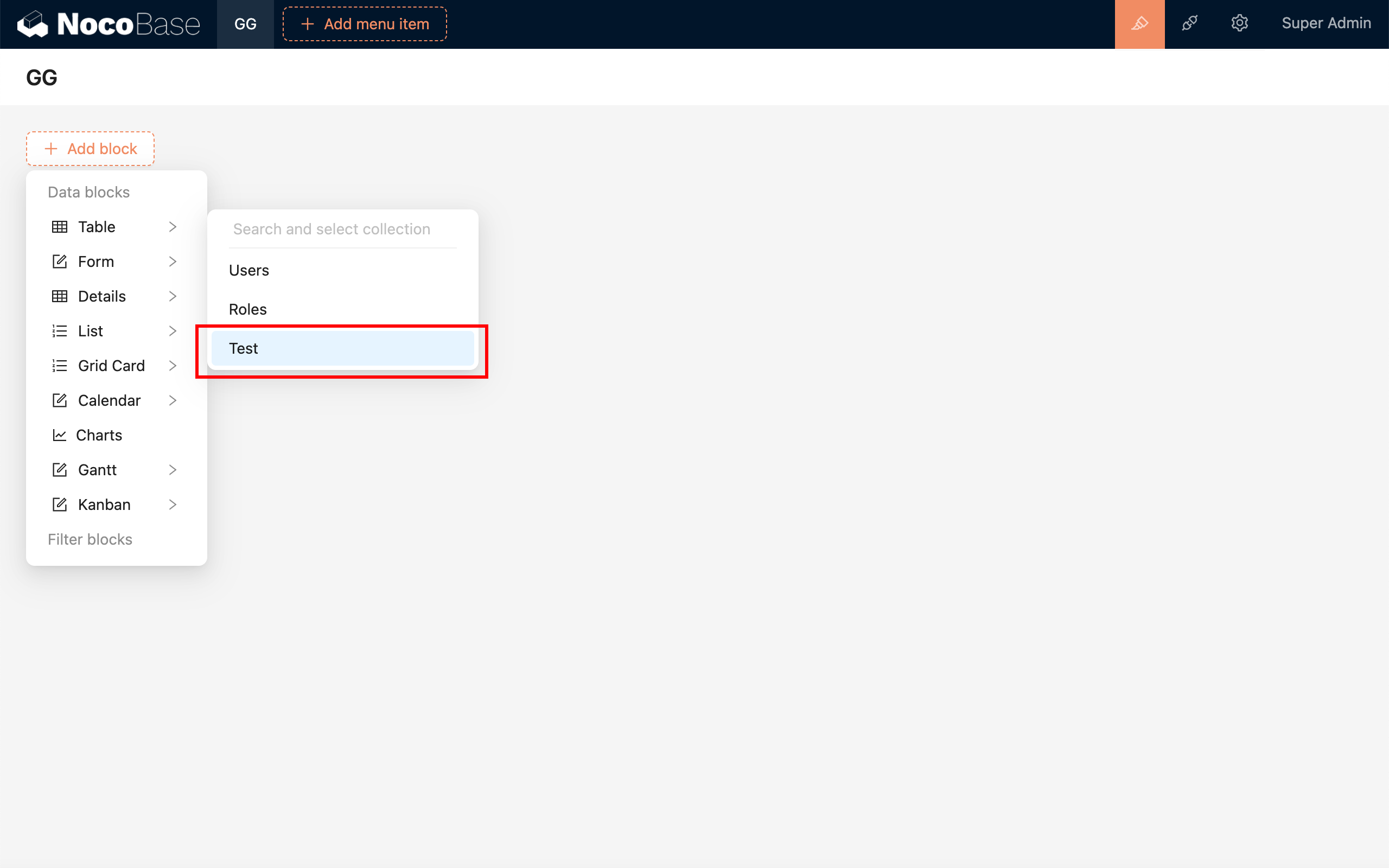
Finally, display it on the interface