

Single Sign-On (SSO) Integration
NocoBase provides comprehensive Single Sign-On (SSO) solutions, supporting multiple mainstream authentication protocols for seamless integration with existing enterprise identity systems.
Overview
Single Sign-On allows users to access multiple related but independent systems with a single set of credentials. Users authenticate once and gain access to all authorized applications without repeated login prompts. This enhances user experience while improving security and administrative efficiency.
Supported Authentication Protocols
NocoBase supports the following authentication protocols and methods through plugins:
Enterprise SSO Protocols
-
SAML 2.0: XML-based open standard widely used for enterprise identity authentication. Suitable for integration with enterprise Identity Providers (IdP).
-
OIDC (OpenID Connect): Modern authentication layer built on OAuth 2.0, providing authentication and authorization mechanisms. Supports integration with major identity providers (Google, Azure AD, etc.).
-
CAS (Central Authentication Service): SSO protocol developed by Yale University, widely adopted in higher education institutions.
-
LDAP: Lightweight Directory Access Protocol for accessing and maintaining distributed directory information services. Suitable for integration with Active Directory or other LDAP servers.
Third-Party Platform Authentication
-
WeCom (WeChat Work): Supports WeCom QR code login and in-app seamless authentication.
-
DingTalk: Supports DingTalk QR code login and in-app seamless authentication.
Other Authentication Methods
-
SMS Verification: Mobile phone SMS-based verification code authentication.
-
Username/Password: NocoBase's built-in basic authentication method.
Integration Steps
1. Install Authentication Plugin
Based on your requirements, locate and install the appropriate authentication plugin from the plugin manager. Most SSO authentication plugins require separate purchase or subscription.
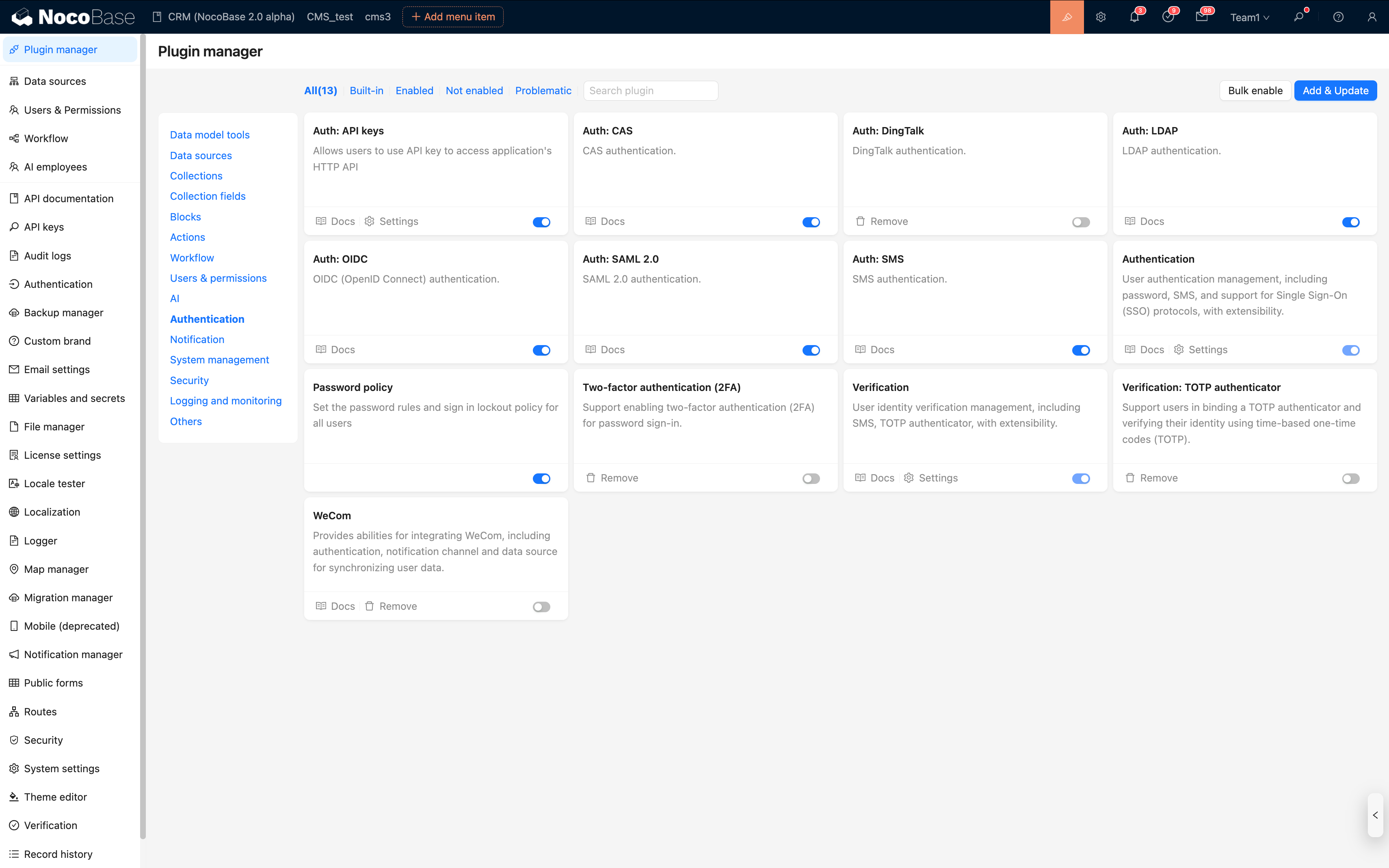
For example, install the SAML 2.0 authentication plugin:
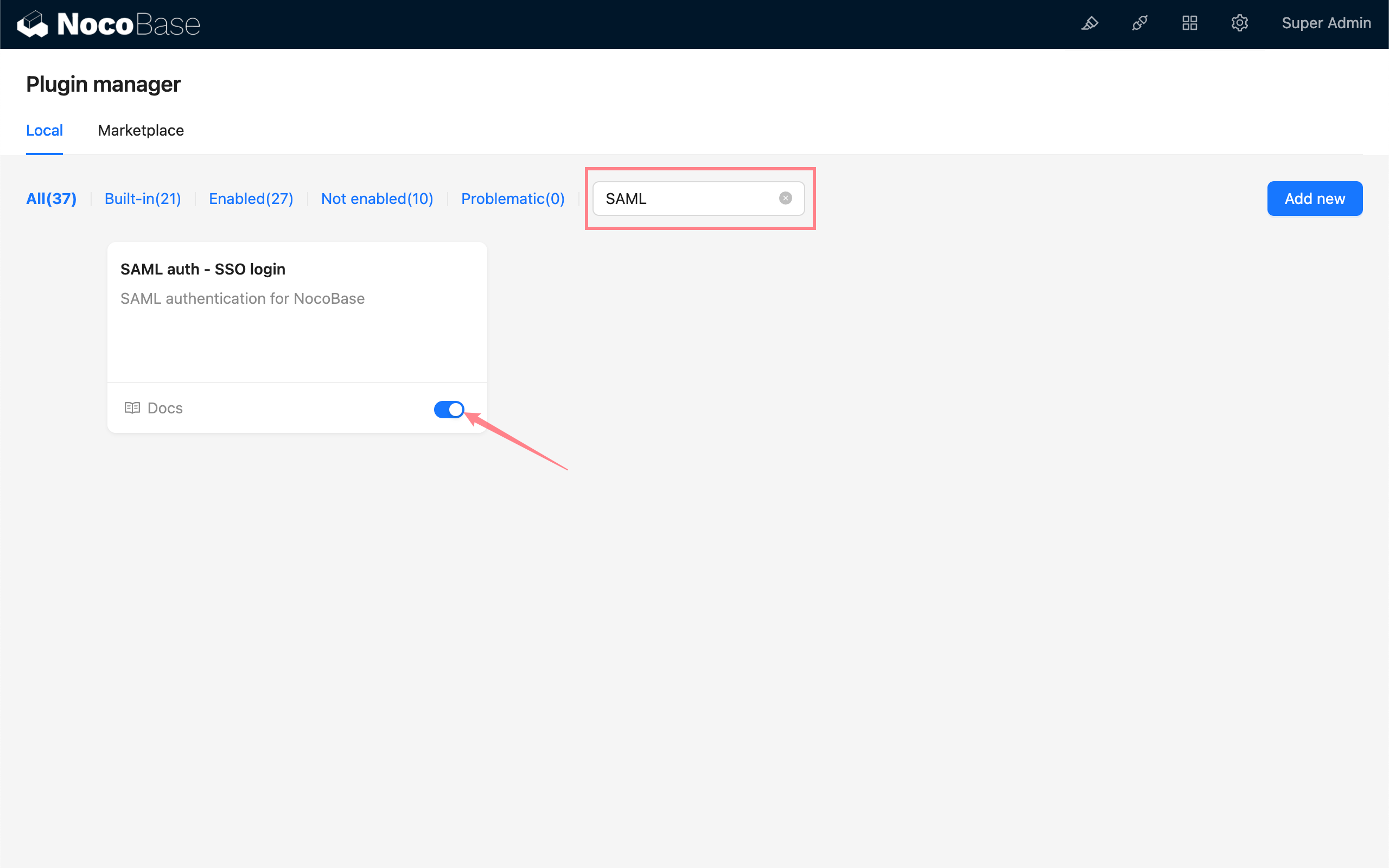
Or install the OIDC authentication plugin:
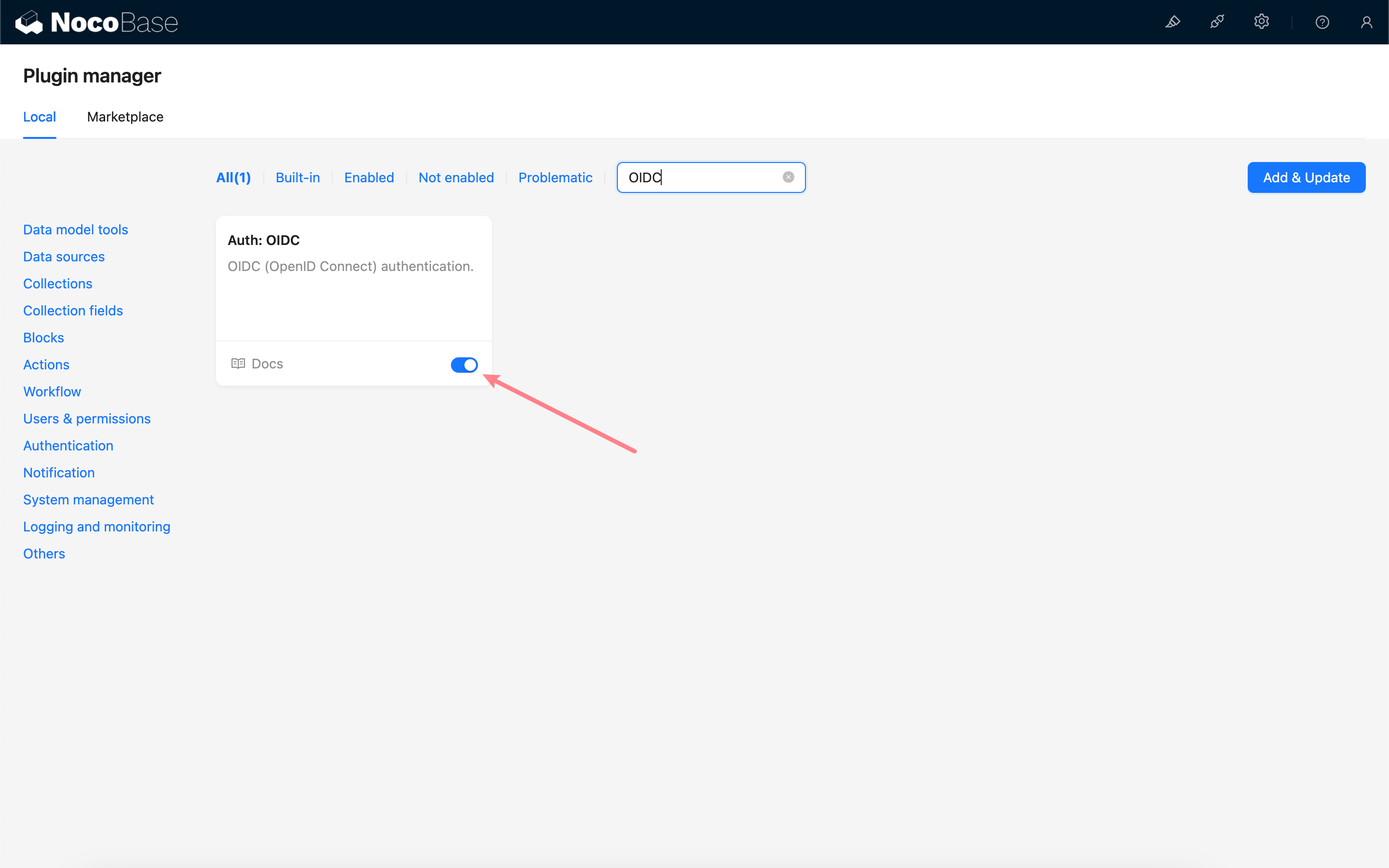
2. Configure Authentication Method
- Navigate to System Settings > User Authentication
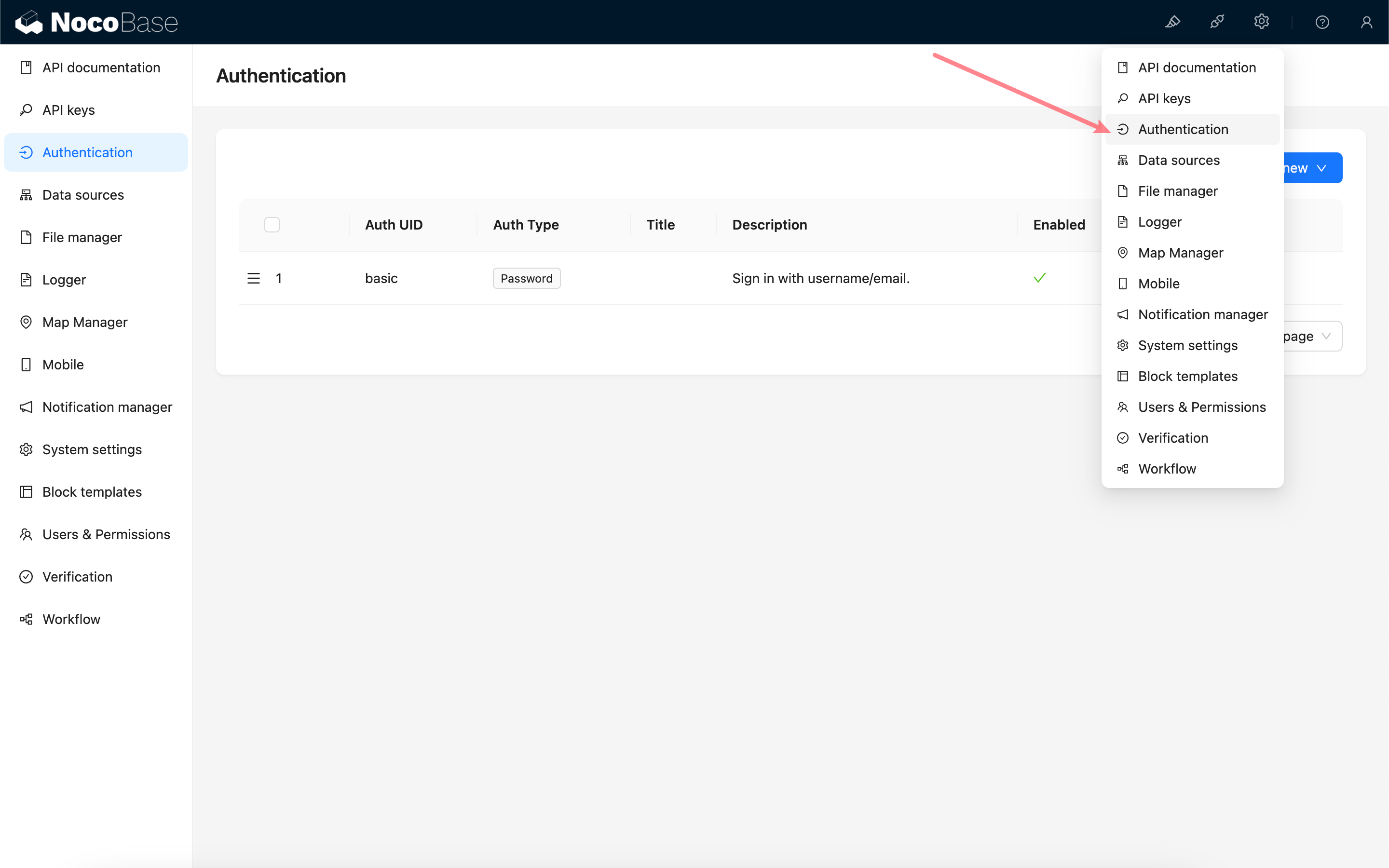
- Click Add Authentication Method
- Select the installed authentication type (e.g., SAML)
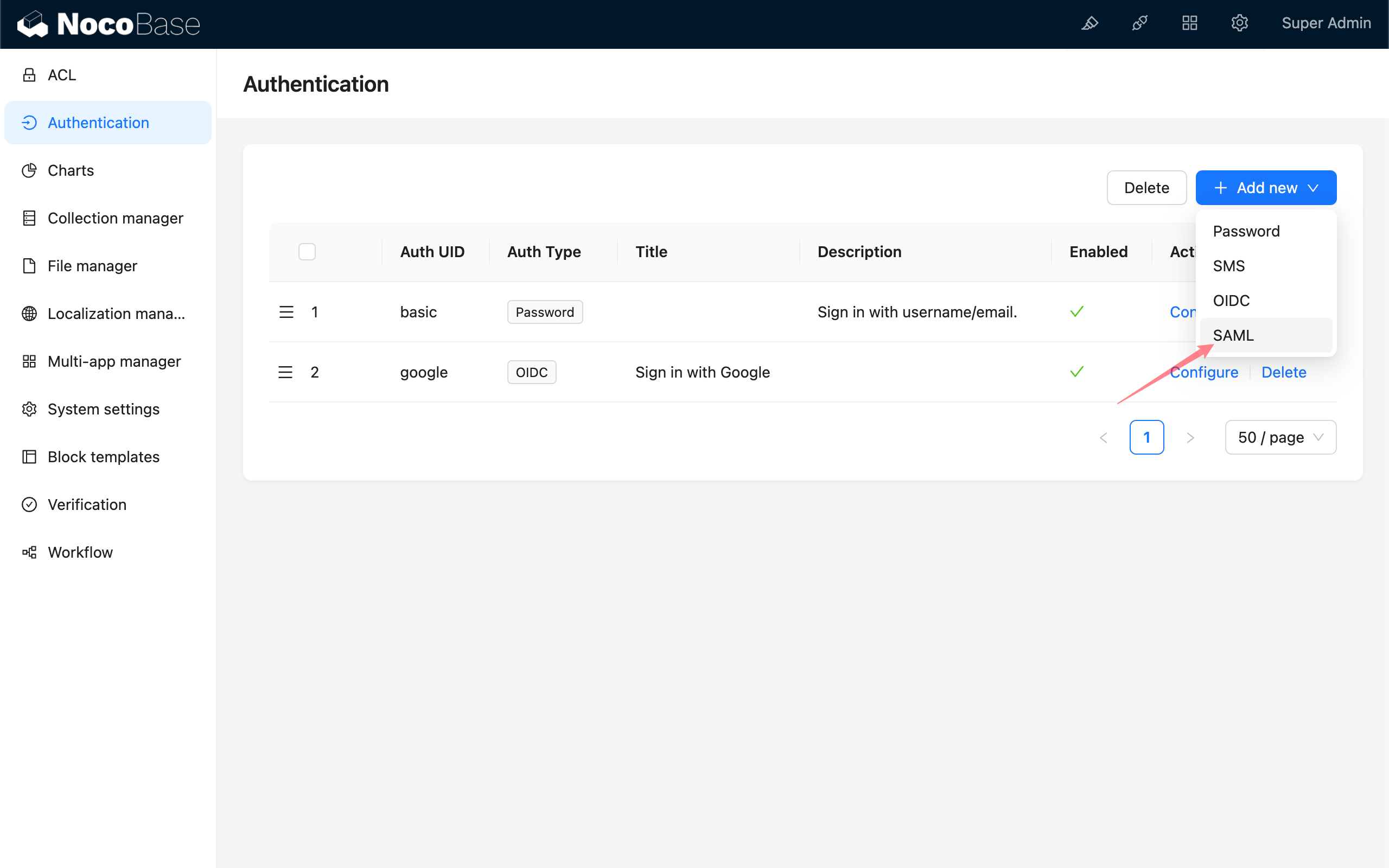
Or select OIDC:
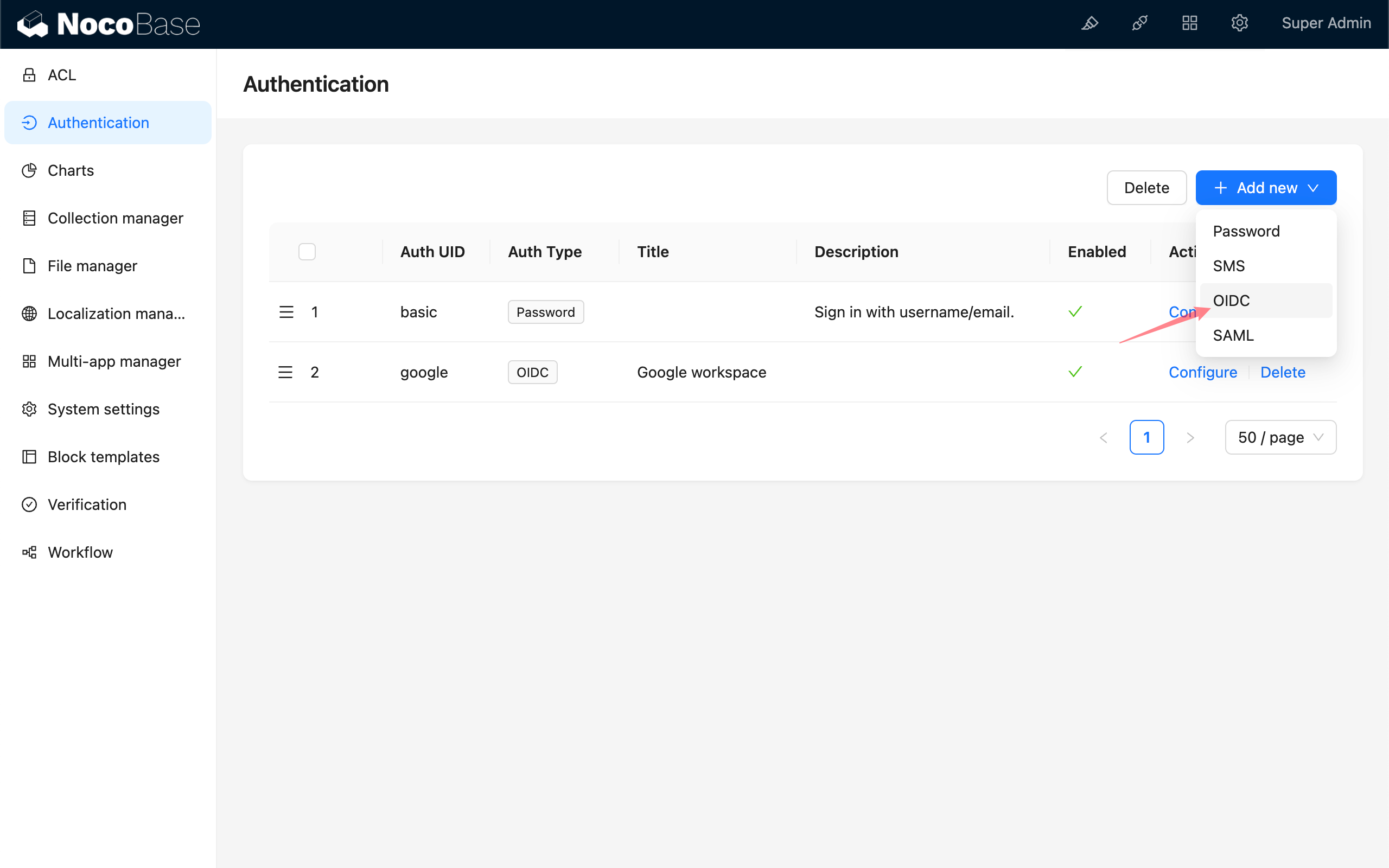
- Configure the required parameters as prompted
3. Configure Identity Provider
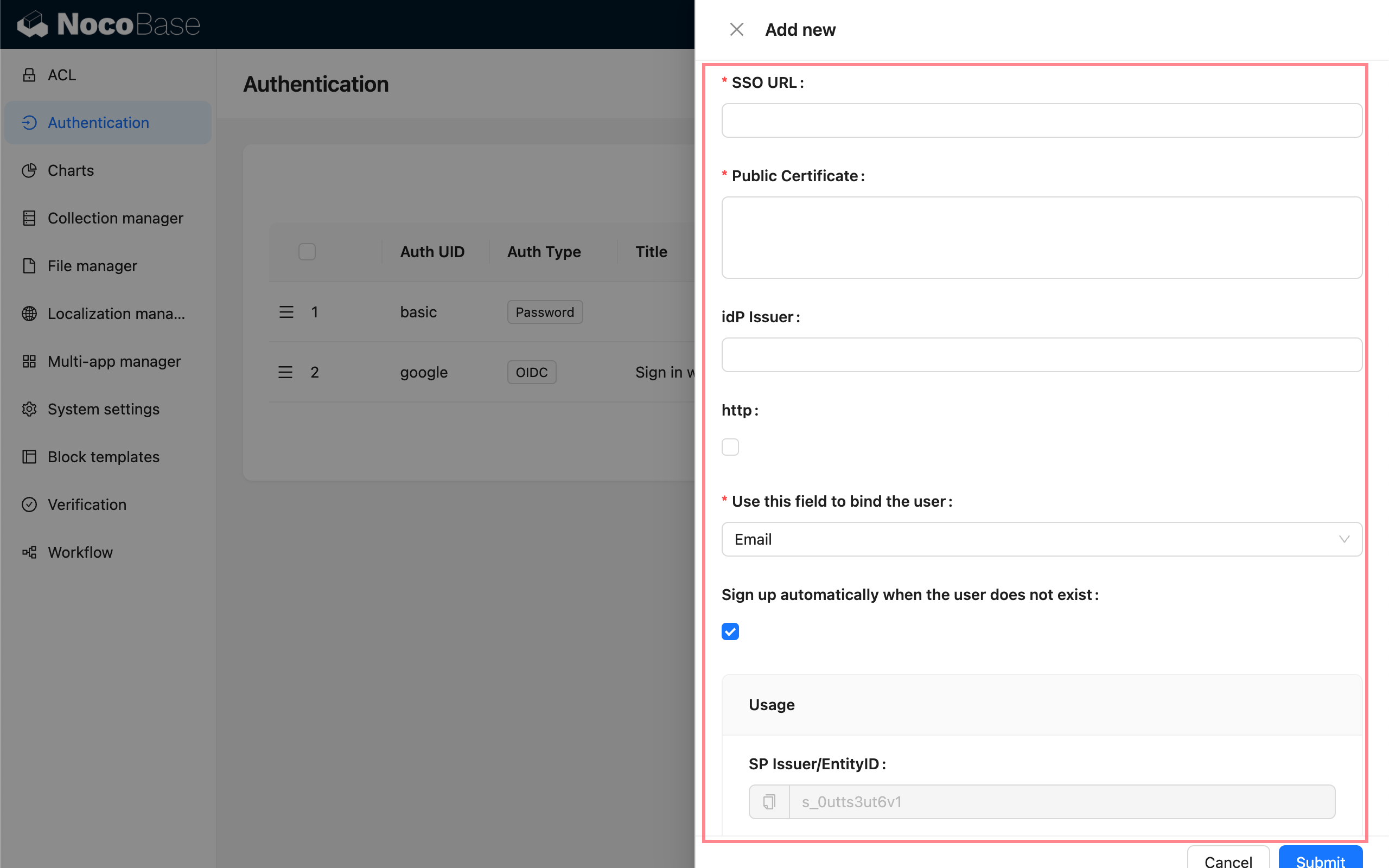
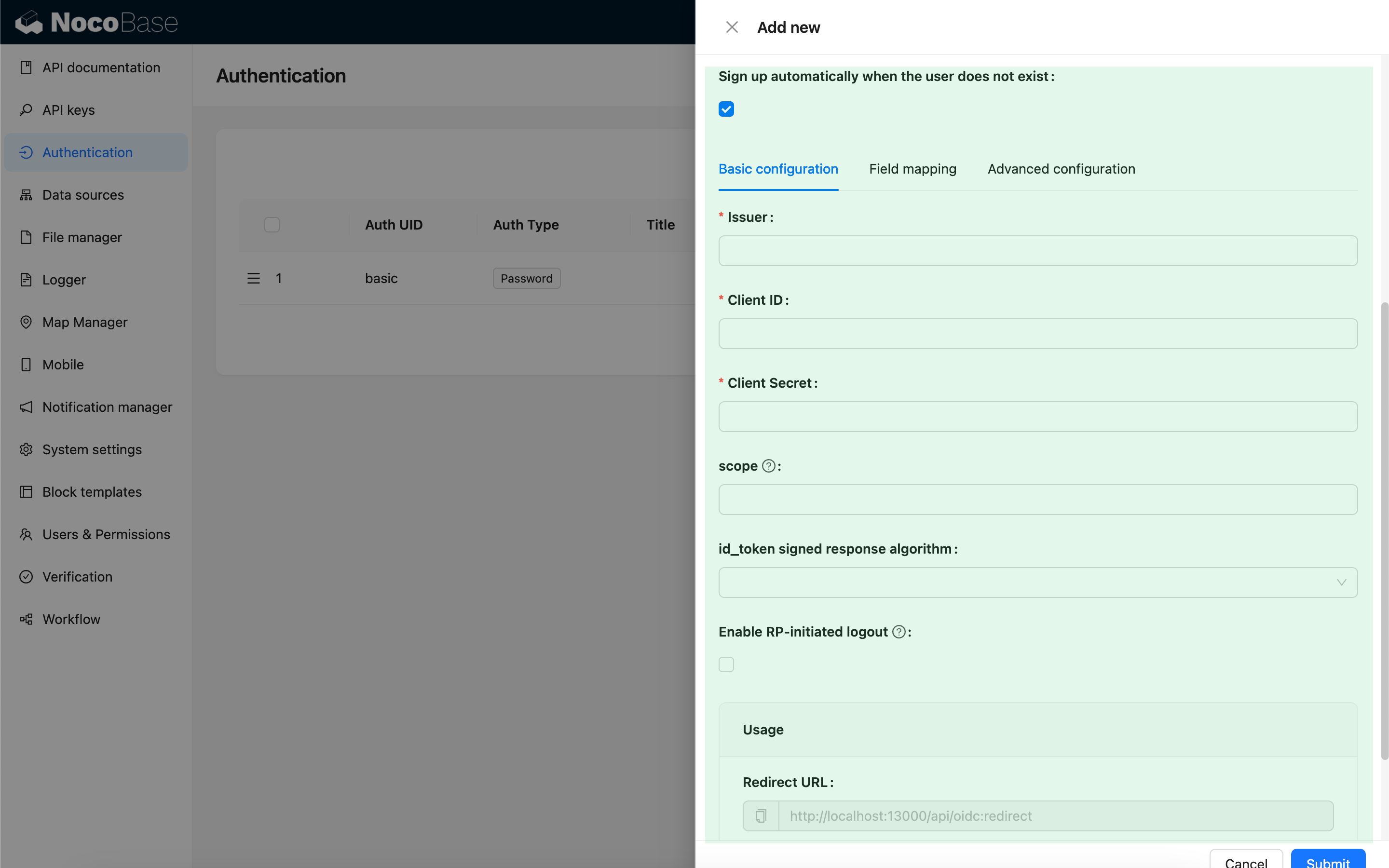
Each authentication protocol requires specific Identity Provider configuration:
- SAML: Configure IdP metadata, certificates, etc.
- OIDC: Configure Client ID, Client Secret, discovery endpoint, etc.
- CAS: Configure CAS server address
- LDAP: Configure LDAP server address, Bind DN, etc.
- WeCom/DingTalk: Configure application credentials, Corp ID, etc.
4. Test Authentication
After configuration, perform a test login:
- Log out of the current session
- Select the configured SSO method on the login page
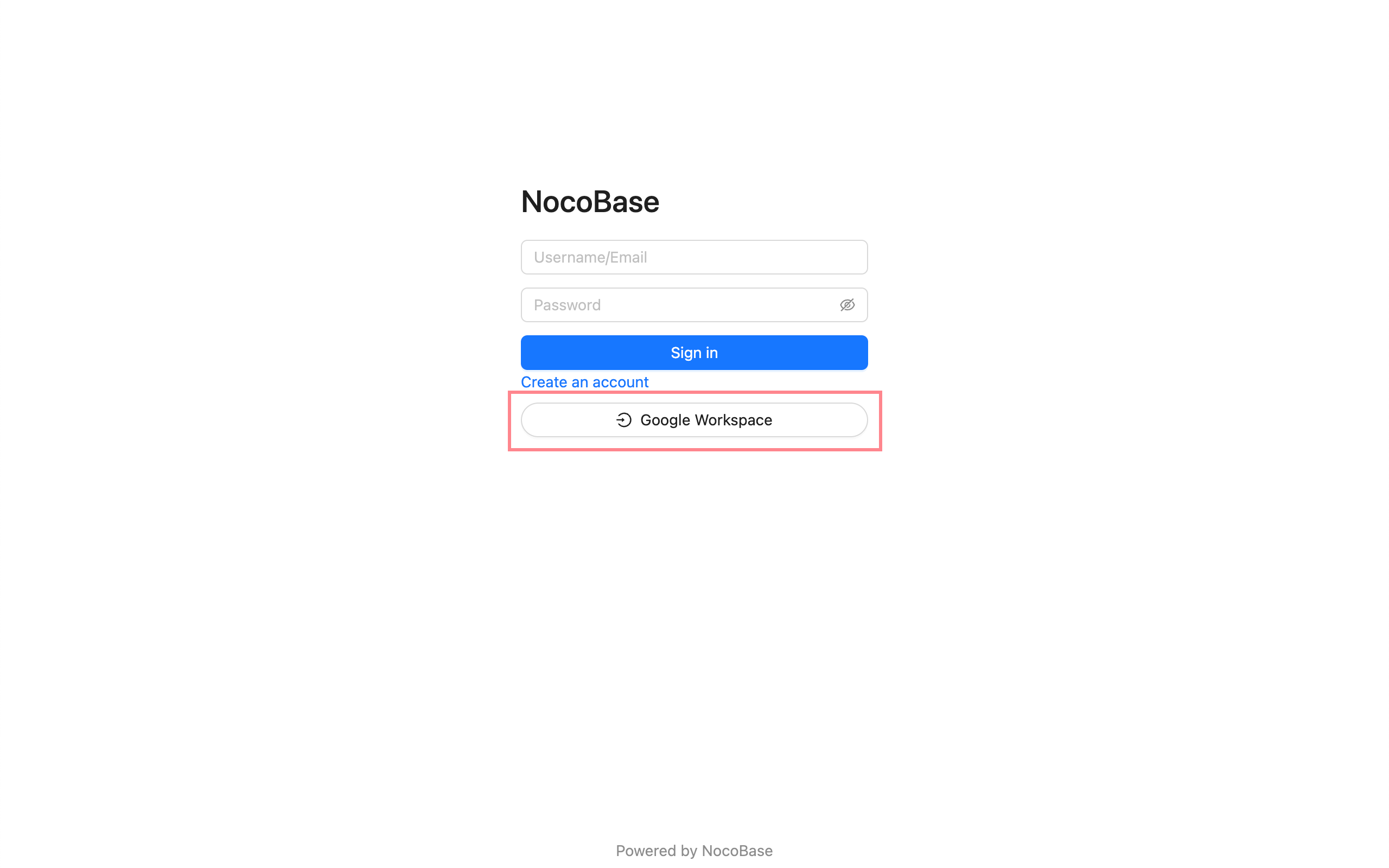
- Complete the Identity Provider authentication flow
- Verify successful login to NocoBase
User Mapping and Role Assignment
Upon successful SSO authentication, NocoBase automatically handles user accounts:
- First Login: Automatically creates a new user account and syncs basic information (nickname, email, etc.) from the Identity Provider
- Subsequent Logins: Uses the existing account; optionally syncs updated user information
- Role Assignment: Configure default roles or automatically assign roles based on user attributes from the Identity Provider
Security Recommendations
- Use HTTPS: Ensure NocoBase is deployed with HTTPS to protect authentication data transmission
- Regular Certificate Updates: Promptly update and rotate security credentials such as SAML certificates
- Configure Callback URL Whitelist: Properly configure NocoBase callback URLs in the Identity Provider
- Principle of Least Privilege: Assign appropriate roles and permissions to SSO users
- Enable Audit Logging: Record and monitor SSO login activities
Troubleshooting
SSO Login Failure?
- Verify Identity Provider configuration is correct
- Ensure callback URLs are properly configured
- Check NocoBase logs for detailed error messages
- Confirm certificates and keys are valid
User Information Not Syncing?
- Check user attributes returned by the Identity Provider
- Verify field mapping configuration is correct
- Confirm user information sync option is enabled
How to Support Multiple Authentication Methods?
NocoBase supports configuring multiple authentication methods simultaneously. Users can select their preferred method on the login page.