

Multi-app
Multi-app manager (deprecated)Community Edition+Introduction
The Multi-app plugin allows for the dynamic creation and management of multiple independent applications without separate deployments. Each sub-app is a completely independent instance with its own database, plugins, and configurations.
Use Cases
- Multi-tenancy: Provides independent application instances where each customer has their own data, plugin configurations, and permission systems.
- Main and Sub-systems for Different Business Domains: A large system composed of several independently deployed small applications.
The Multi-app plugin itself does not provide user sharing capabilities.
To enable user integration across multiple applications, it can be used in conjunction with the Authentication Plugin.
Installation
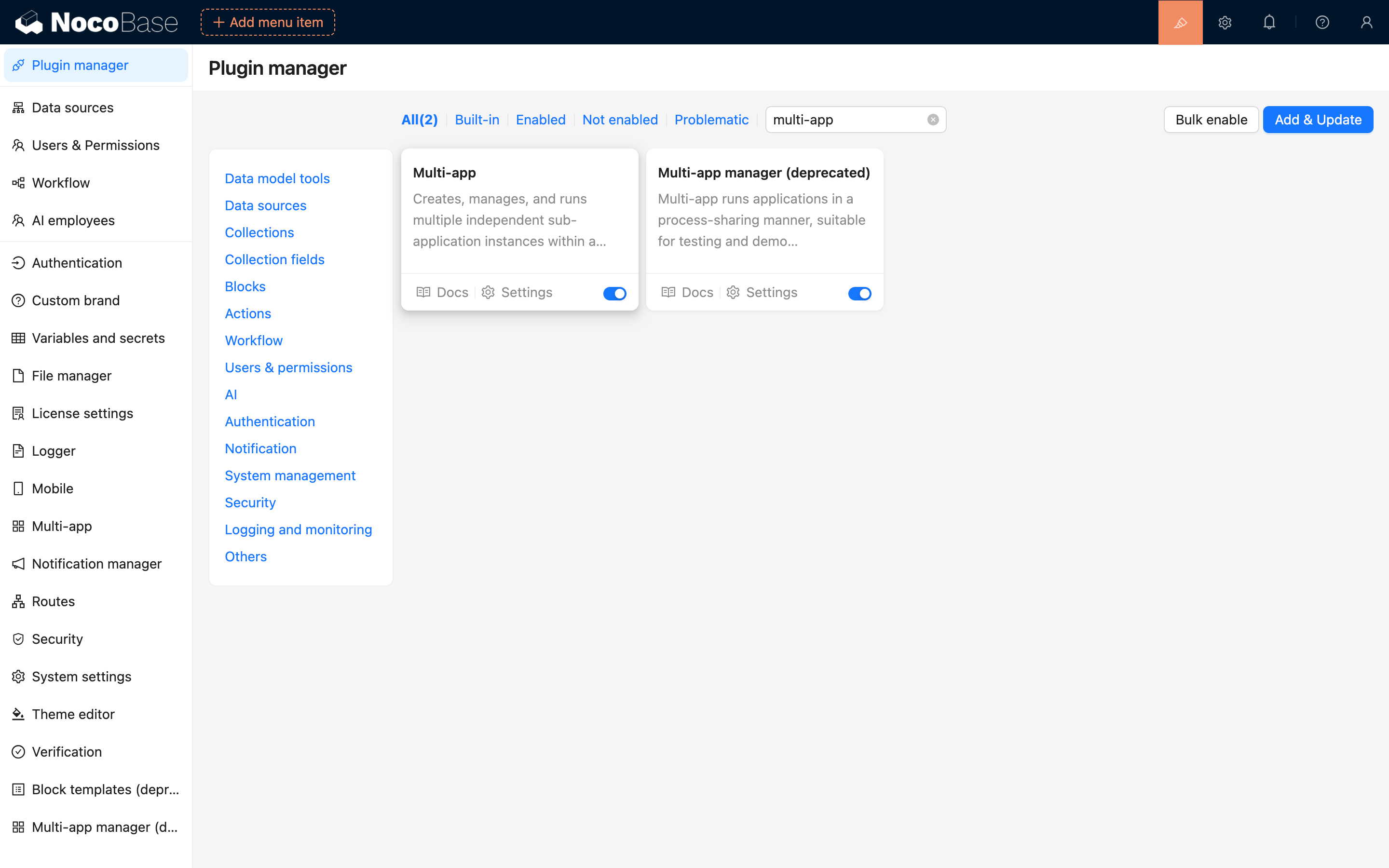
Find the Multi-app plugin in the plugin manager and enable it.
User Manual
Creating a Sub-app
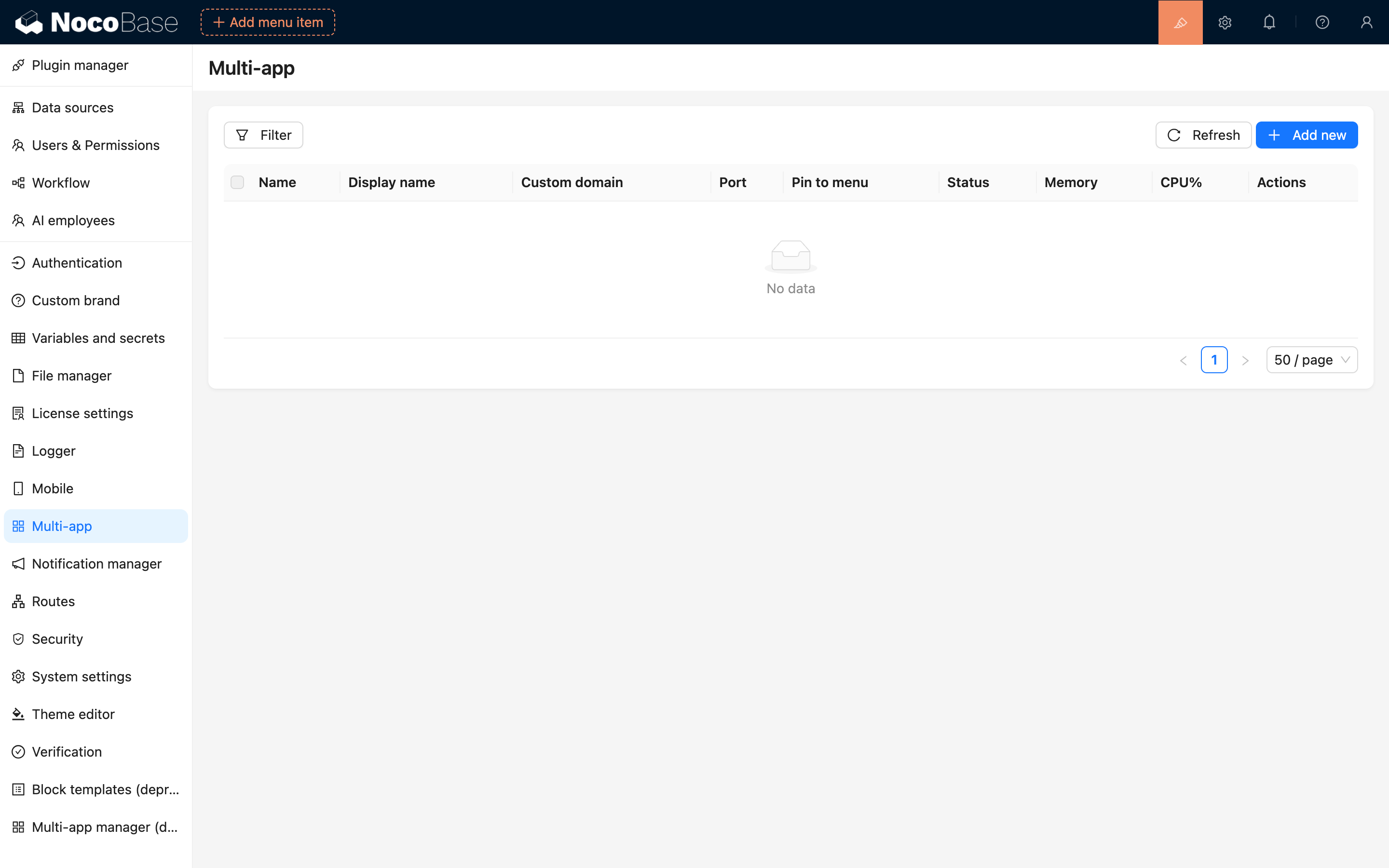
Click "Multi-app" in the system settings menu to enter the multi-app management page:
Click the "Add New" button to create a new sub-app:
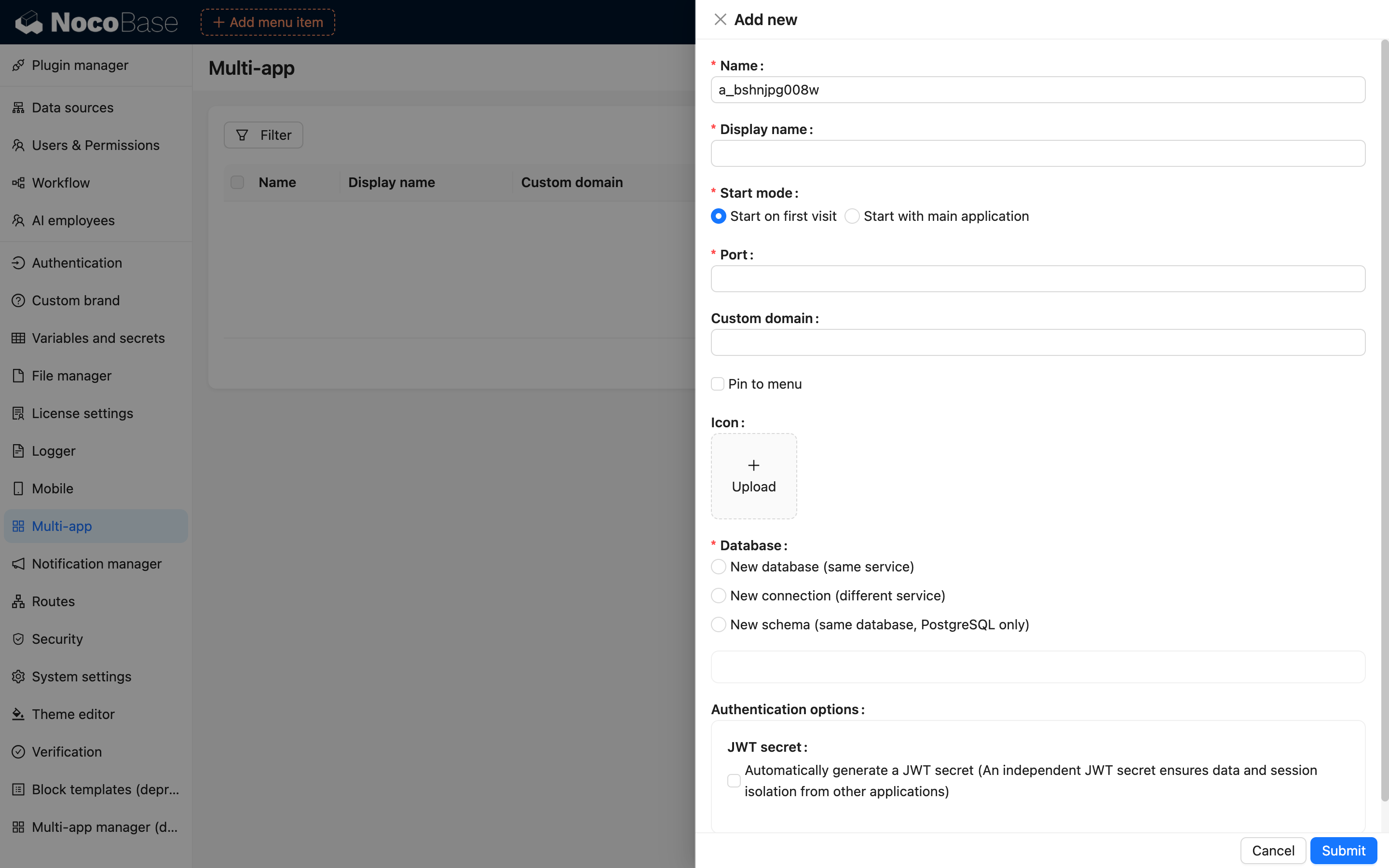
Form Field Descriptions
- Name: Sub-app identifier, globally unique.
- Display Name: The name of the sub-app displayed in the interface.
- Startup Mode:
- Start on first access: The sub-app starts only when a user accesses it via URL for the first time.
- Start with main app: The sub-app starts simultaneously with the main app (this increases main app startup time).
- Port: The port number used by the sub-app during runtime.
- Custom Domain: Configure an independent subdomain for the sub-app.
- Pin to Menu: Pins the sub-app entry to the left side of the top navigation bar.
- Database Connection: Used to configure the data source for the sub-app, supporting three methods:
- New Database: Reuses the current data service to create an independent database.
- New Data Connection: Configures a completely new database service.
- Schema Mode: Creates an independent Schema for the sub-app in PostgreSQL.
- Upgrade: If the connected database contains an older version of the NocoBase data structure, it will automatically upgrade to the current version.
Running and Stopping Sub-apps
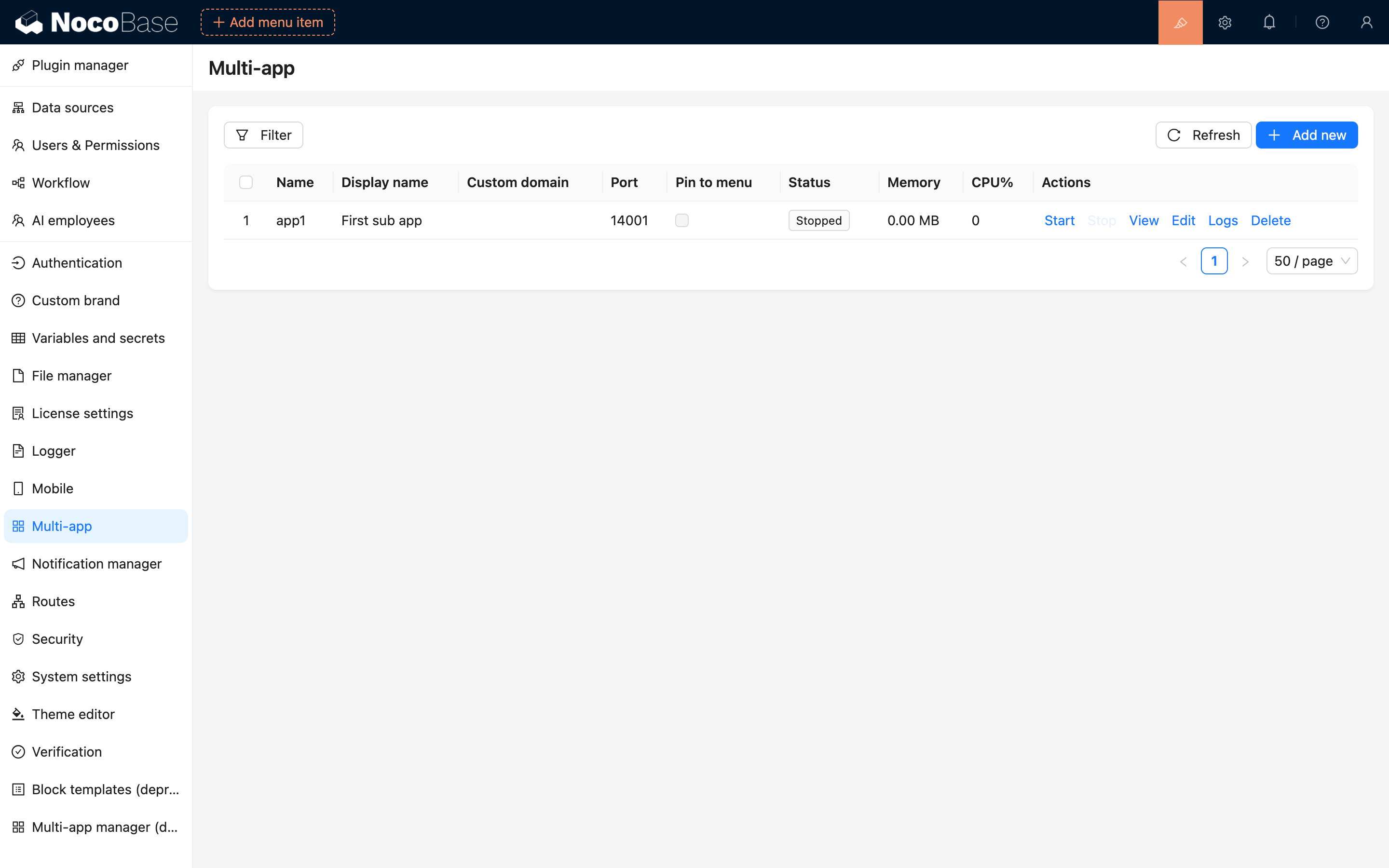
Click the Start button to start a sub-app.
If "Start on first access" was checked during creation, it will start automatically upon the first visit.
Click the View button to open the sub-app in a new tab.
Sub-app Status and Logs
You can view the memory and CPU usage of each application in the list.
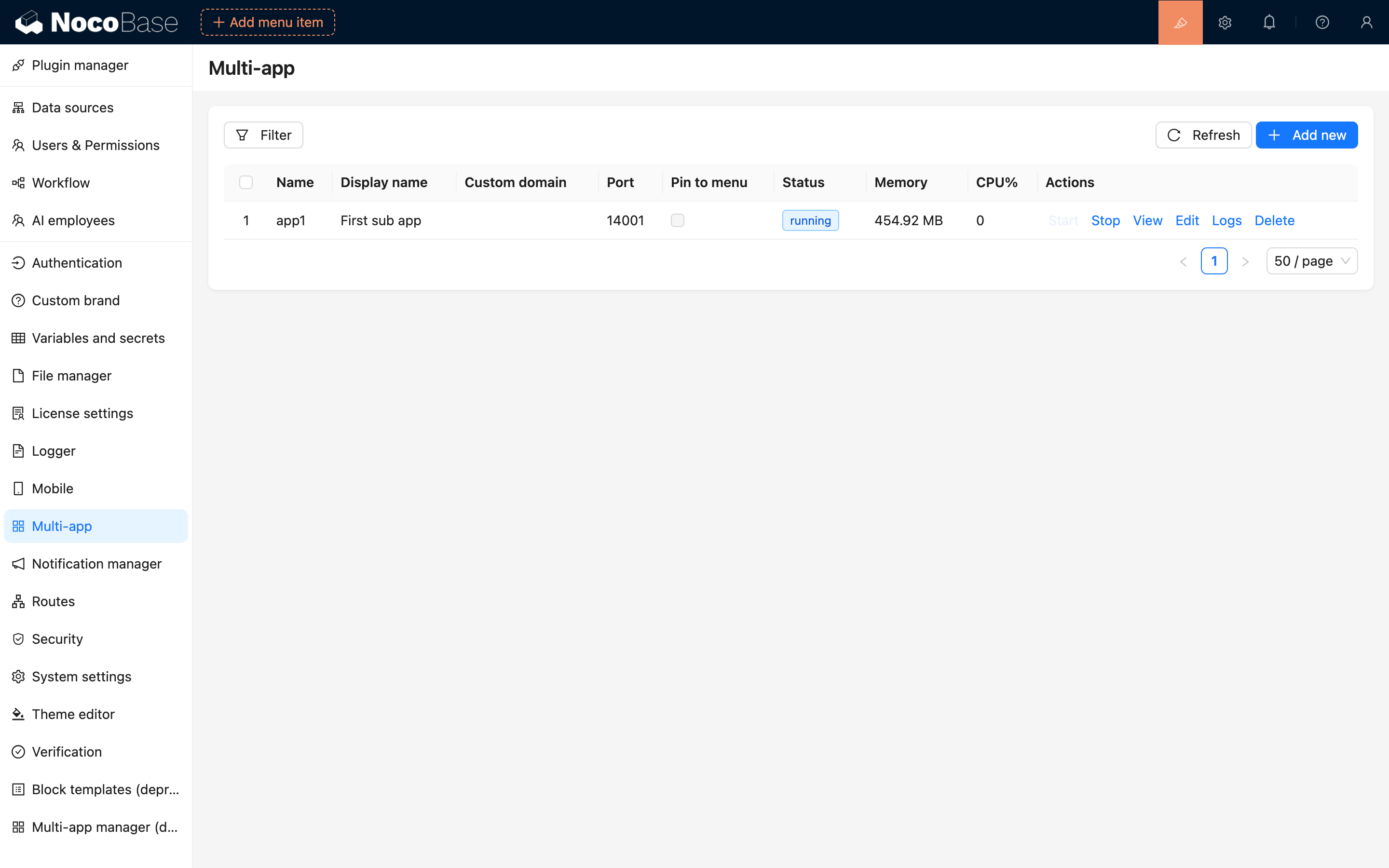
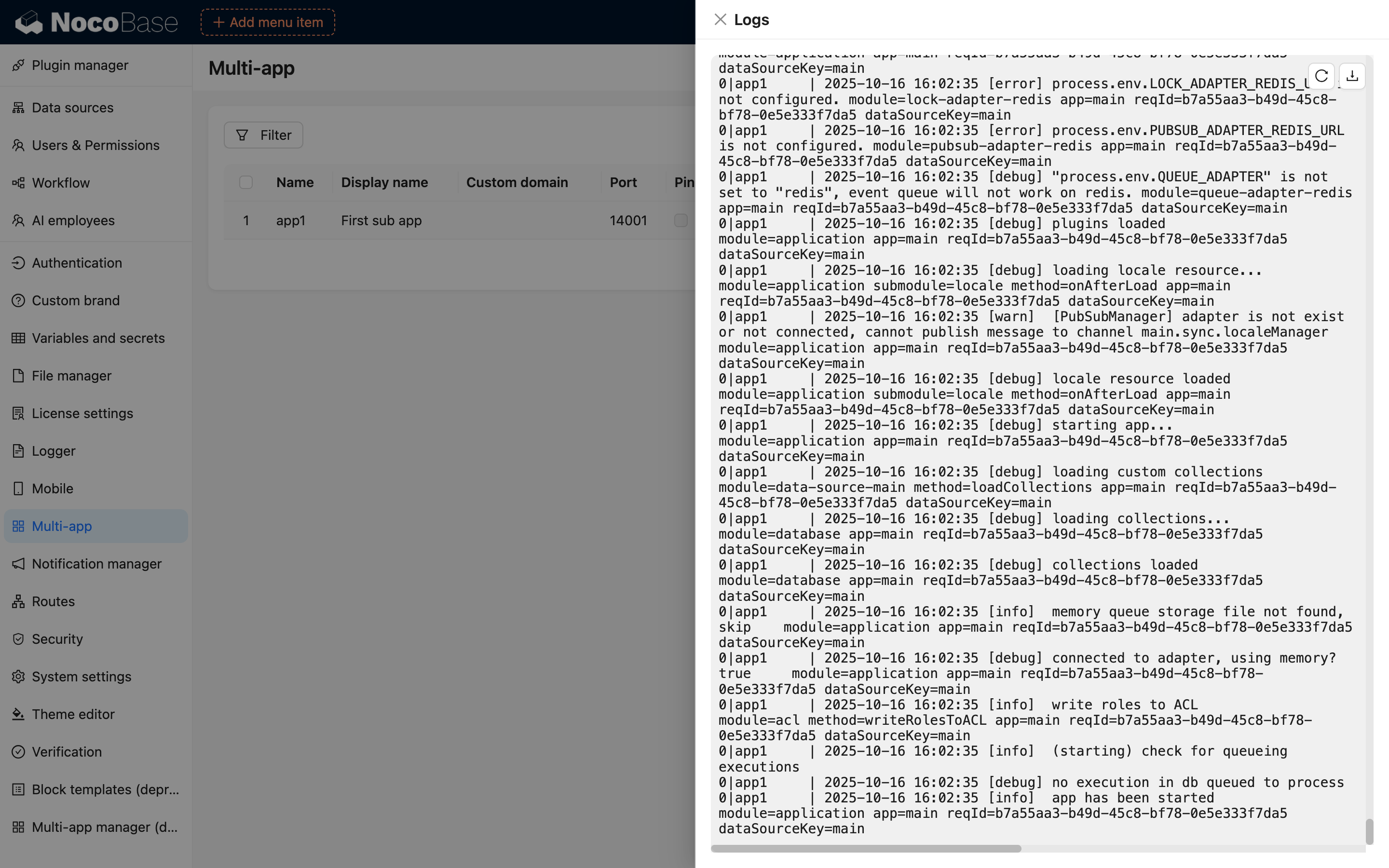
Click the Logs button to view the sub-app's runtime logs.
If a sub-app is inaccessible after starting (e.g., due to database corruption), you can troubleshoot using the logs.
Deleting a Sub-app
Click the Delete button to remove a sub-app.
When deleting, you can choose whether to delete the database as well. Please proceed with caution, as this action is irreversible.
Accessing Sub-apps
By default, use /_app/:appName/admin/ to access sub-apps, for example:
Additionally, you can configure independent subdomains for sub-apps. You need to resolve the domain to the current IP address. If using Nginx, the domain must also be added to the Nginx configuration.
Managing Sub-apps via CLI
In the project root directory, you can use the command line to manage sub-app instances via PM2:
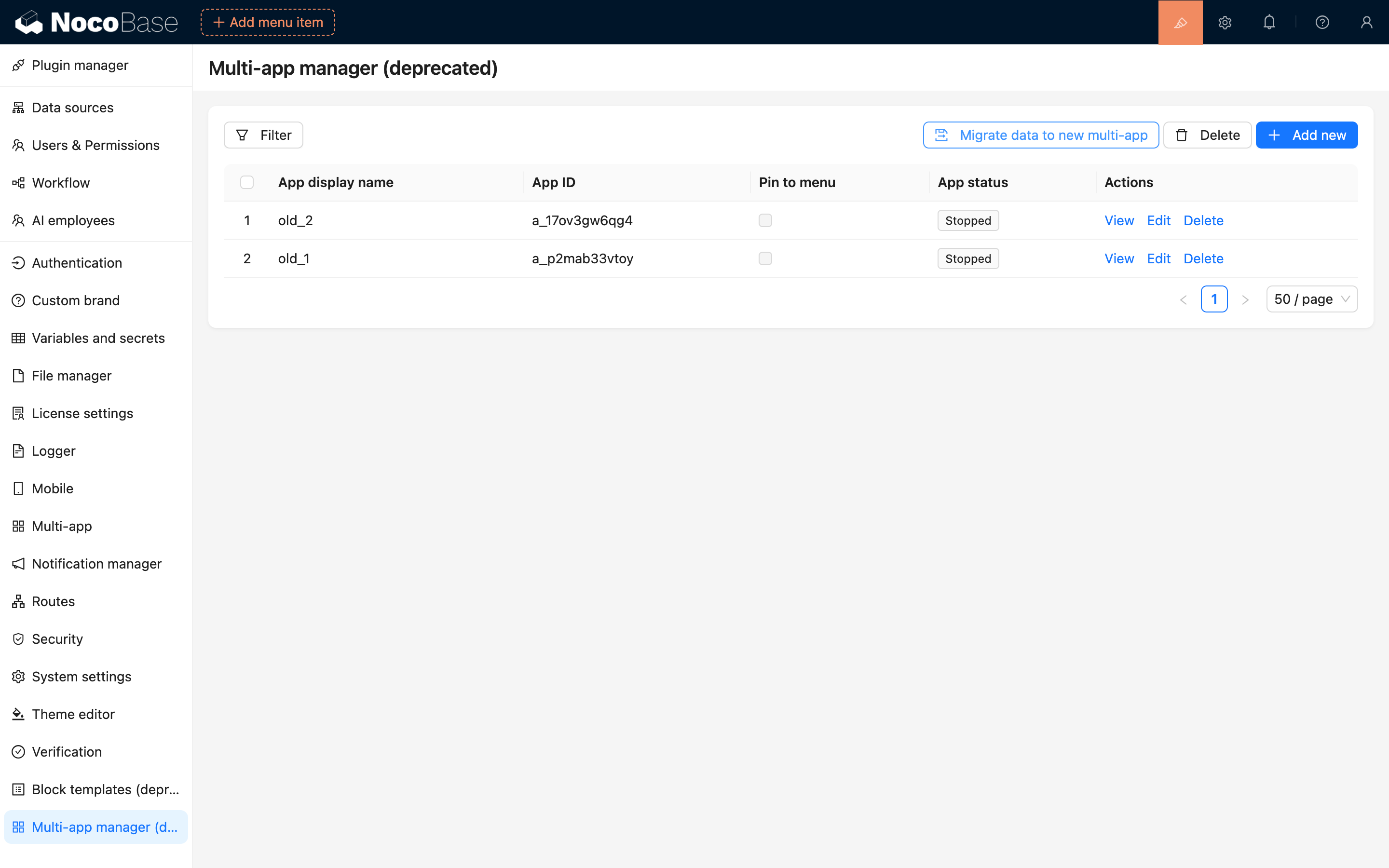
Legacy Multi-app Data Migration
Go to the legacy multi-app management page and click the Migrate Data to New Multi-app button to perform the migration.
FAQ
1. Plugin Management
Sub-apps can use the same plugins as the main app (including versions), but plugins can be configured and used independently.
2. Database Isolation
Sub-apps can be configured with independent databases. If you want to share data between applications, it can be achieved through external data sources.
3. Data Backup and Migration
Currently, data backup on the main app does not include sub-app data (it only includes basic sub-app information). Backups and migrations must be performed manually within each sub-app.
4. Deployment and Updates
Sub-app versions will automatically follow the main app's upgrades, ensuring version consistency between the main and sub-apps.
5. Resource Management
The resource consumption of each sub-app is basically the same as the main app. Currently, the memory usage of a single application is around 500-600MB.