

Office File Preview v1.8.11+
Office File PreviewerCommunity Edition+
The Office File Preview plugin is used to preview Office format files in NocoBase applications, such as Word, Excel, and PowerPoint.
It is based on a public online service provided by Microsoft, which allows files accessible via a public URL to be embedded in a preview interface, enabling users to view these files in a browser without downloading or using Office applications.
User Manual
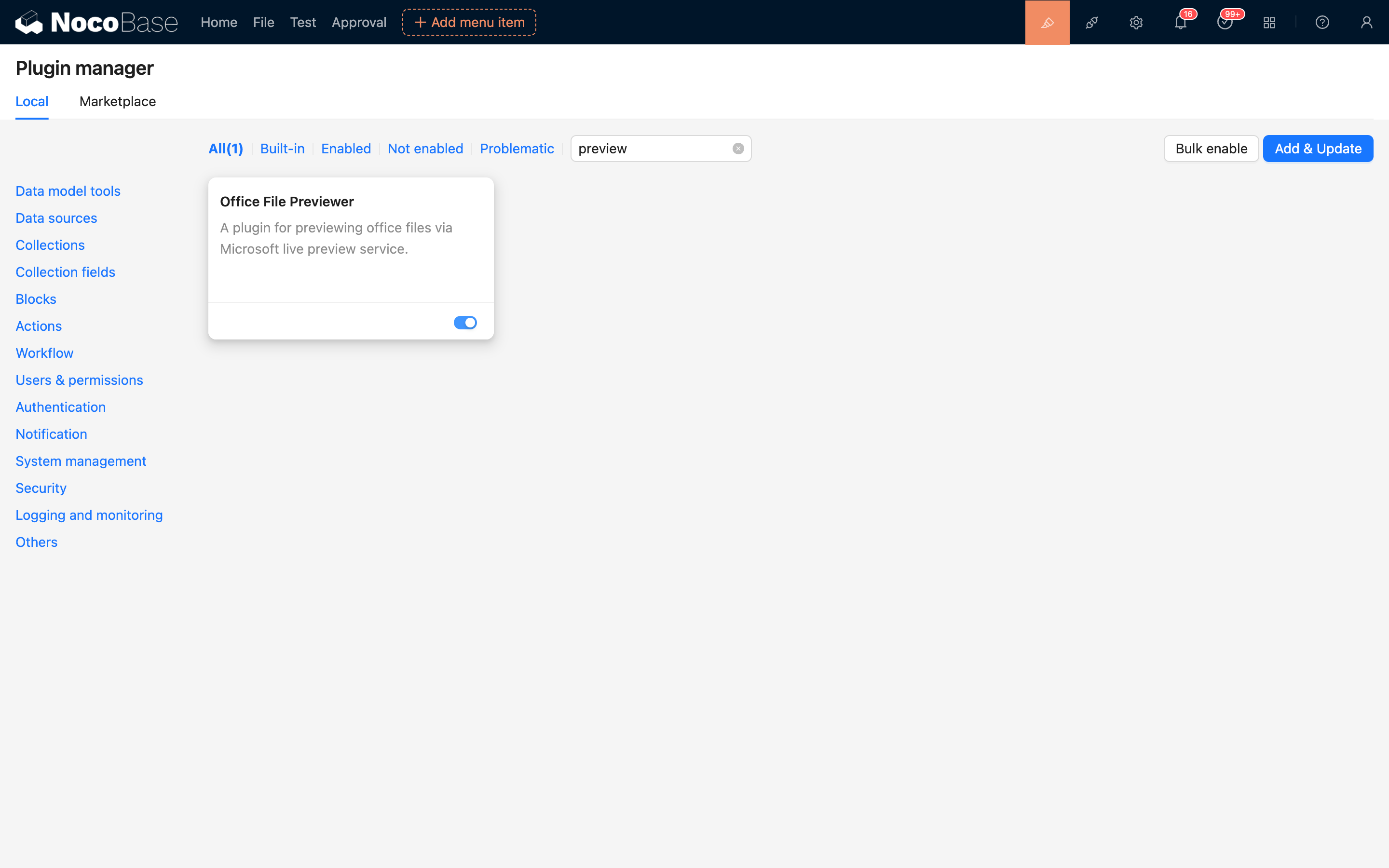
By default, the plugin is in a disabled state. It can be used after being enabled in the plugin manager, with no additional configuration required.
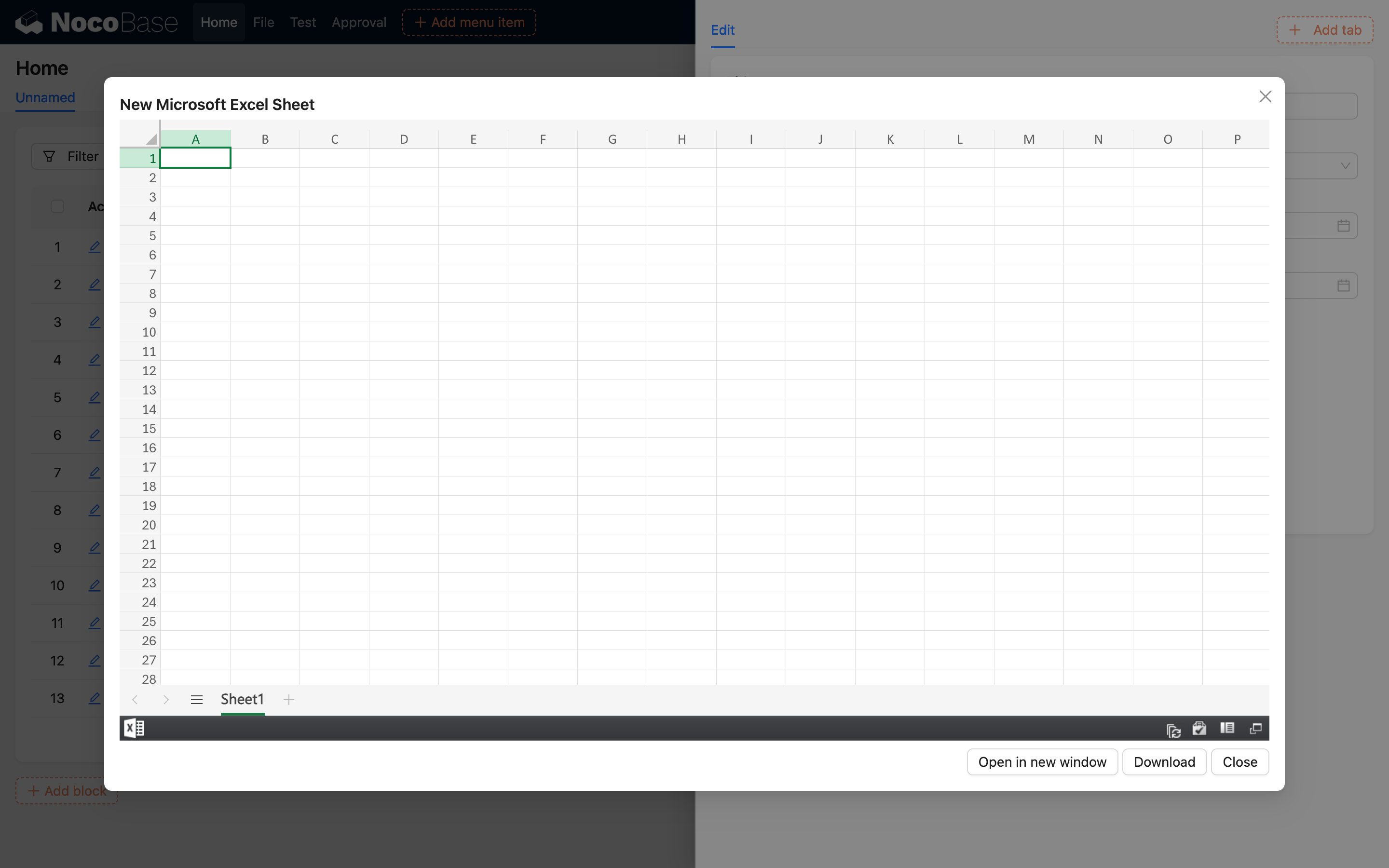
After successfully uploading an Office file (Word / Excel / PowerPoint) to a file field in a collection, click the corresponding file icon or link to view the file content in the popup or embedded preview interface.
Implementation Principle
The preview embedded by this plugin relies on Microsoft's public online service (Office Web Viewer). The main process is as follows:
-
The frontend generates a publicly accessible URL for the file uploaded by the user (including S3 signed URLs);
-
The plugin loads the file preview in an iframe using the following address:
-
Microsoft's service requests the file content from this URL, renders it, and returns a viewable page.
Notes
- Since this plugin relies on Microsoft's online service, ensure that the network connection is normal and that Microsoft's related services can be accessed.
- Microsoft will access the file URL you provide, and the file content will be briefly cached by its server for rendering the preview page. Therefore, there is a certain privacy risk. If you have concerns about this, it is recommended not to use the preview function provided by this plugin1.
- The file to be previewed must be a publicly accessible URL. Under normal circumstances, files uploaded to NocoBase will automatically generate accessible public links (including signed URLs generated by the S3-Pro plugin), but if the file has access permissions set or is stored in an internal network environment, it cannot be previewed2.
- The service does not support login authentication or resources in private storage. For example, files that are only accessible within an internal network or require login cannot use this preview function.
- After the file content is crawled by the Microsoft service, it may be cached for a short time. Even if the source file is deleted, the preview content may still be accessible for a period of time.
- There are recommended limits for file sizes: Word and PowerPoint files are recommended not to exceed 10MB, and Excel files are recommended not to exceed 5MB to ensure preview stability3.
- Currently, there is no official clear commercial use license description for this service. Please evaluate the risks yourself when using it4.
Supported File Formats
The plugin only supports previews for the following Office file formats, based on the file's MIME type or file extension:
- Word documents:
application/vnd.openxmlformats-officedocument.wordprocessingml.document(.docx) orapplication/msword(.doc) - Excel spreadsheets:
application/vnd.openxmlformats-officedocument.spreadsheetml.sheet(.xlsx) orapplication/vnd.ms-excel(.xls) - PowerPoint presentations:
application/vnd.openxmlformats-officedocument.presentationml.presentation(.pptx) orapplication/vnd.ms-powerpoint(.ppt) - OpenDocument text:
application/vnd.oasis.opendocument.text(.odt)
Other file formats will not enable the preview function of this plugin.