

External Data Source - Oracle
This feature is provided by the commercial plugin «Data source: External Oracle», please purchase to useIntroduction
This plugin allows you to use an external Oracle database as a data source. It supports Oracle versions >= 11g.
Installation
Install Oracle Client
For Oracle server versions earlier than 12.1, you need to install the Oracle client.
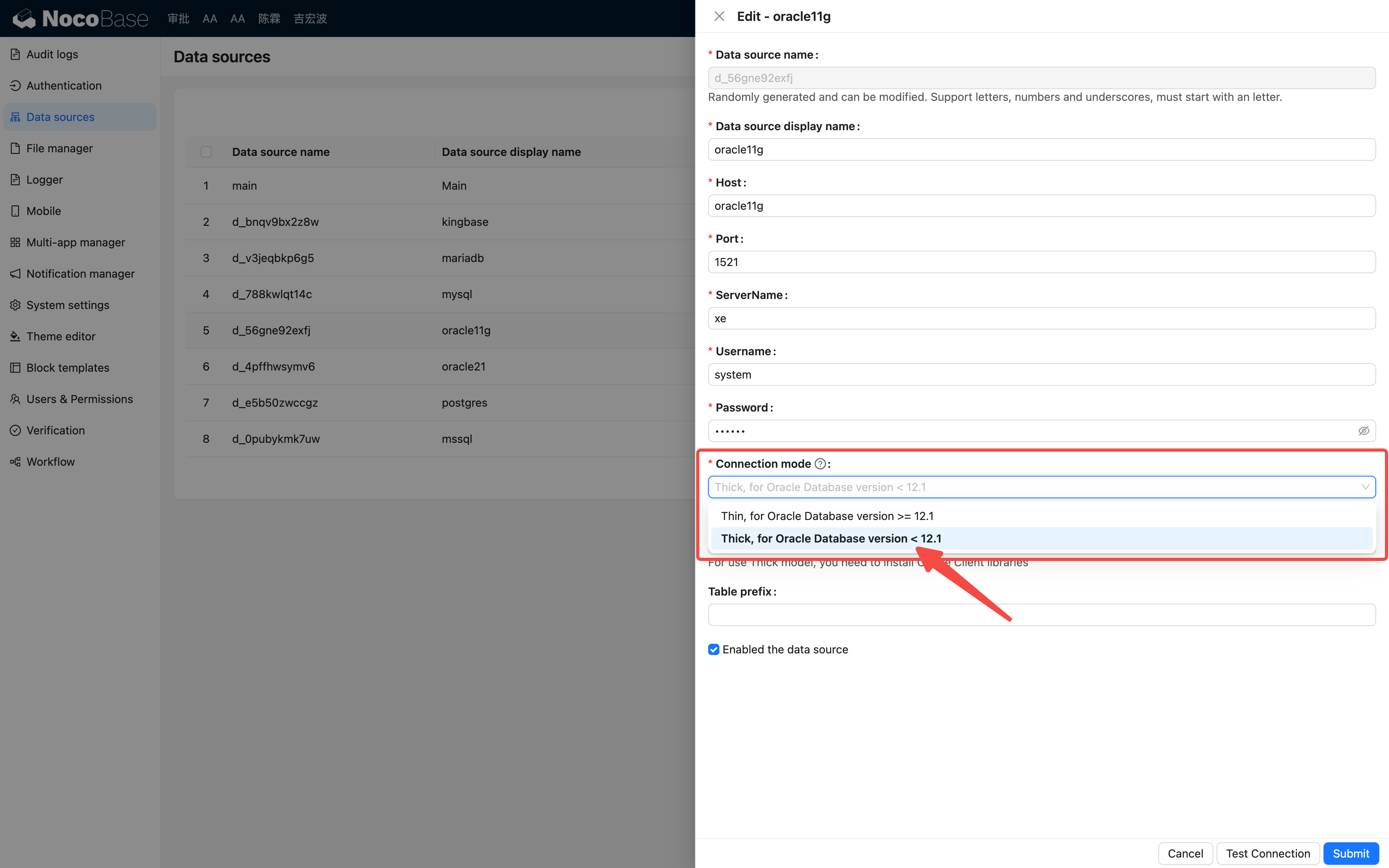
Example for Linux:
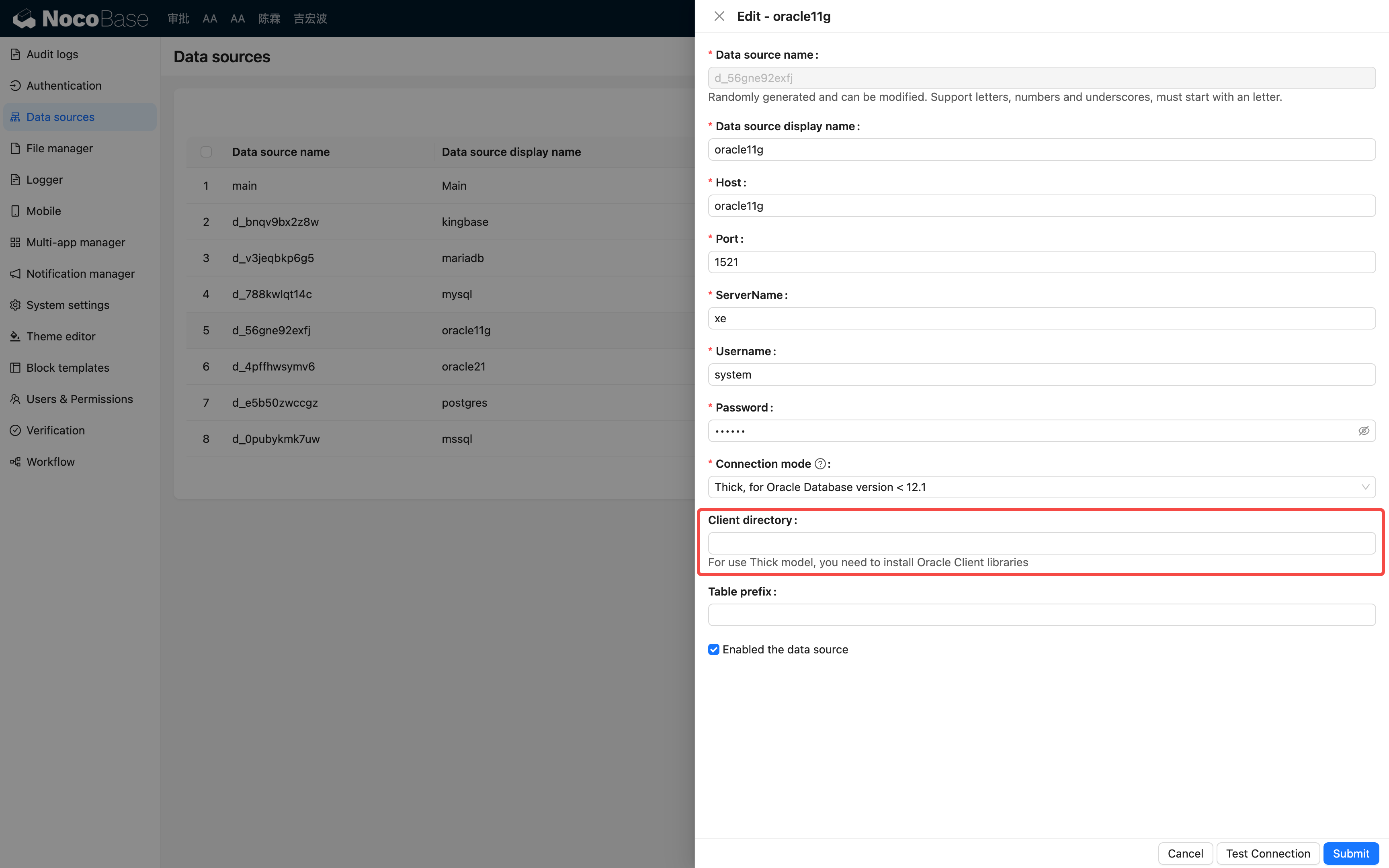
If the client is not installed as described above, you will need to specify the path to the client (for more details, refer to the node-oracledb documentation).
Usage
For detailed instructions, refer to the Data Source / External Database section.