logologo
Get Started
Guide
Development
Plugins
API
Home
English
简体中文
日本語
한국어
Español
Português
Deutsch
Français
Русский
Italiano
Türkçe
Українська
Tiếng Việt
Bahasa Indonesia
ไทย
Polski
Nederlands
Čeština
العربية
עברית
हिन्दी
Svenska
Get Started
Guide
Development
Plugins
API
Home
logologo
Overview
Quick Start

Features

Configure LLM Service
Enable AI Employees
Collaborate with AI Employees
Add Context - Blocks
Use Skills
Shortcuts
Web Search
Create AI Employee
Built-in AI Employees
Permissions
File Management

AI Knowledge Base

Overview
Vector Database
Vector Store
Knowledge Base
RAG

Workflow

LLM Node

Text Chat
Multimodal Chat
Structured Output

Application Practices

Scenarios

Viz: CRM Scenario Configuration

Configuration

Admin Configuration
Prompt Engineering Guide
Previous PageShortcuts
Next PageCreate AI Employee

#Web Search

Usually, the data timeliness of large language models is relatively poor and lacks the latest data. Therefore, online LLM Service platforms generally provide Web Search functions, allowing AI to use Tools to search for information before replying, and then reply based on the search results of the Tools.

AI Employees have adapted to the Web Search functions of various online LLM Service platforms. You can enable the Web Search function in the AI Employee Model configuration and in the Chat.

#Enable Web Search Function

Enter the AI Employee plugin configuration page, click the AI employees tab to enter the AI Employee management page.

20251021225643

Select the AI Employee for whom you want to enable the Web Search function, click the Edit button to enter the AI Employee editing page.

20251022114043

In the Model settings tab, turn on the Web Search switch, and click the Submit button to save the changes.

20251022114300

#Use Web Search Function in Chat

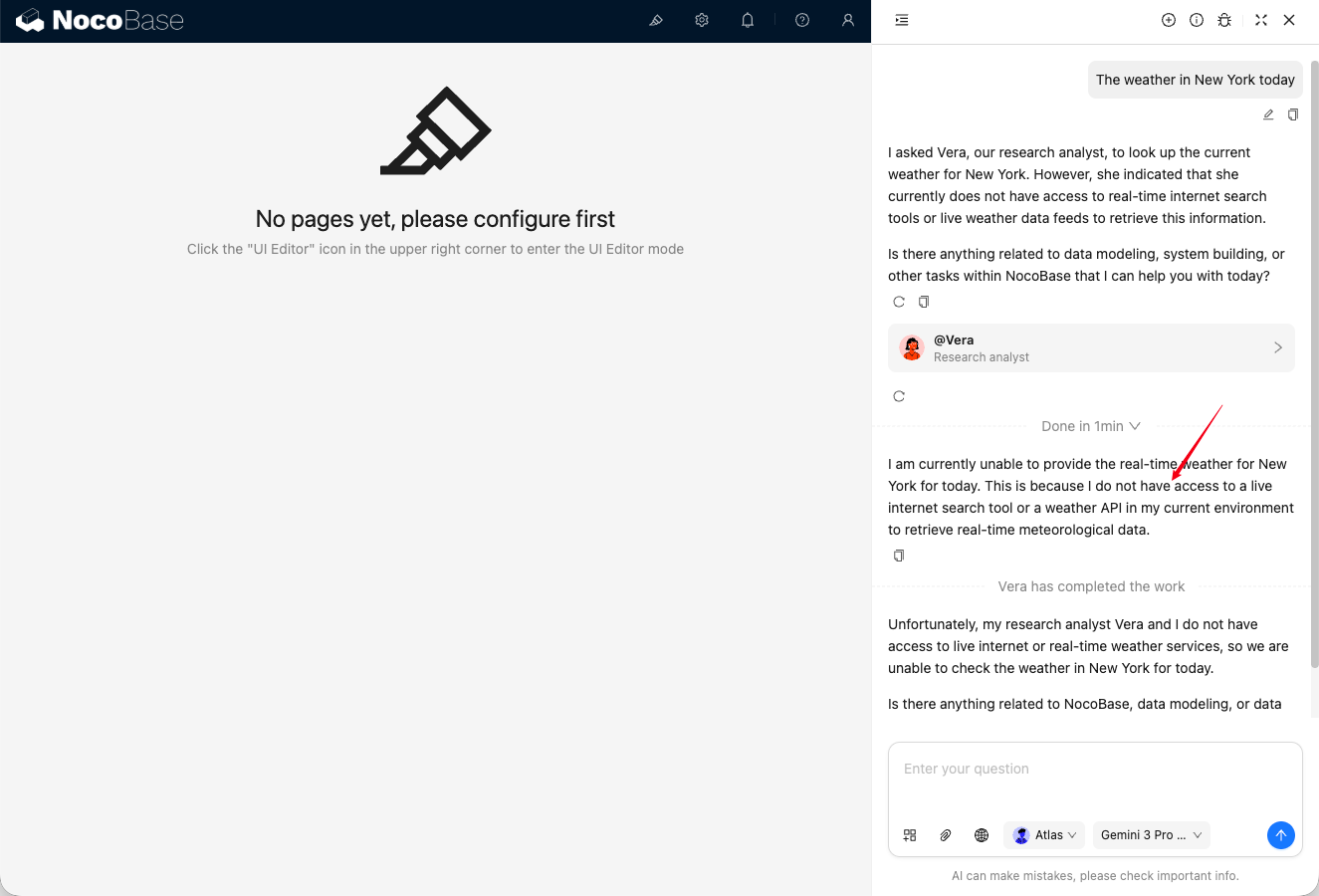
After the AI Employee enables the Web Search function, a "Web Search" icon will appear in the chat input box. Web Search is enabled by default, click to disable it.

20251022115110

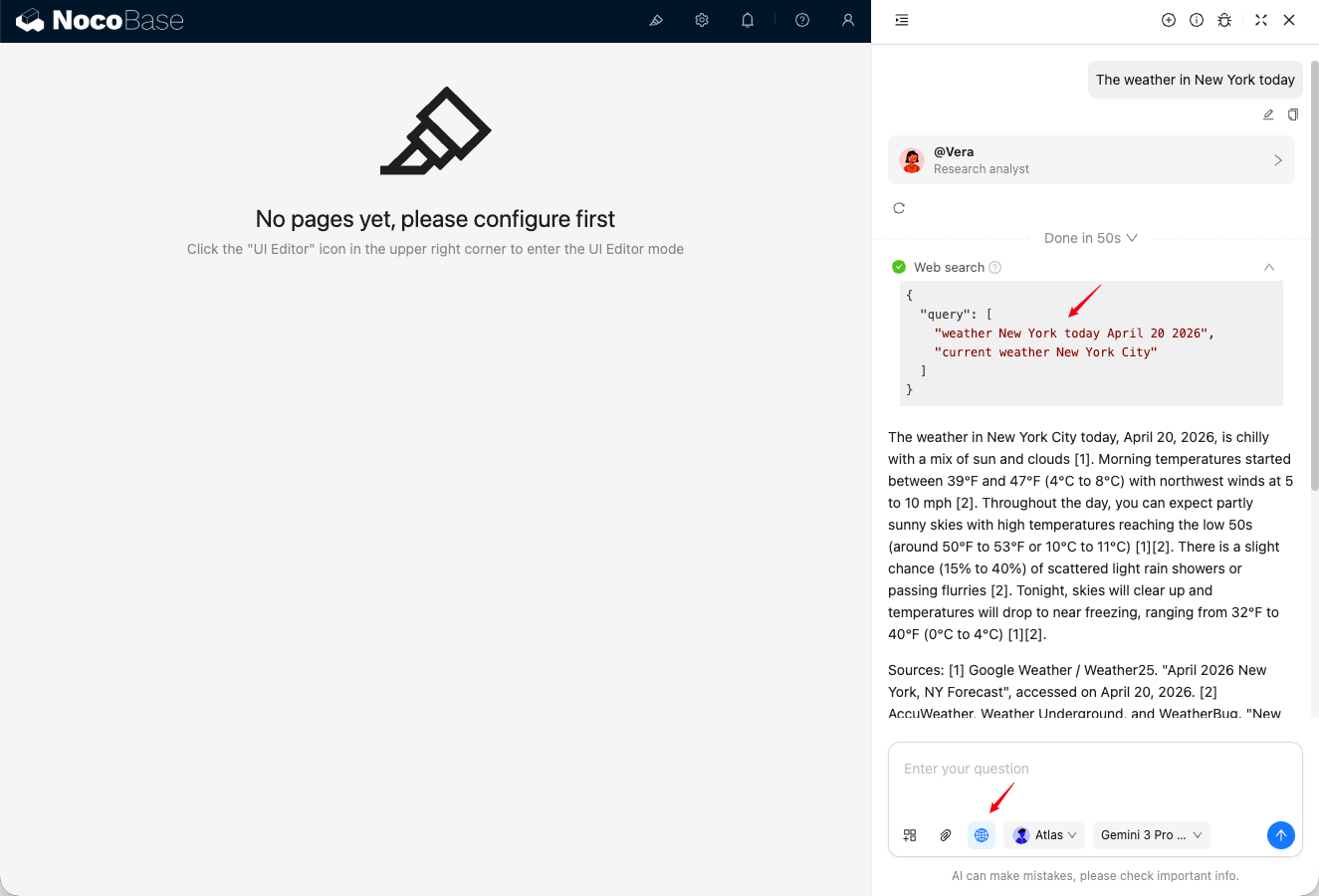
After enabling Web Search, the AI Employee's reply will display the Web Search results.

20251022115502

#Differences in Web Search Tools on Various AI Platforms

Currently, the AI Employee Web Search function relies on the online LLM Service platform, and there will be differences in the user experience. The specific differences are as follows:

PlatformWeb SearchToolsReal-time response to search termsReturn reference external link information
OpenAI✅✅✅✅
Gemini✅❌❌✅
Dashscope✅✅❌❌
DeepSeek❌❌❌❌