logologo
Get Started
Guide
Development
Plugins
API
Home
English
简体中文
日本語
한국어
Español
Português
Deutsch
Français
Русский
Italiano
Türkçe
Українська
Tiếng Việt
Bahasa Indonesia
ไทย
Polski
Nederlands
Čeština
العربية
עברית
हिन्दी
Svenska
Get Started
Guide
Development
Plugins
API
Home
logologo
Overview
Quick Start

Features

Configure LLM Service
Enable AI Employees
Collaborate with AI Employees
Add Context - Blocks
Use Skills
Shortcuts
Web Search
Create AI Employee
Built-in AI Employees
Permissions
File Management

AI Knowledge Base

Overview
Vector Database
Vector Store
Knowledge Base
RAG

Workflow

LLM Node

Text Chat
Multimodal Chat
Structured Output

Application Practices

Scenarios

Viz: CRM Scenario Configuration

Configuration

Admin Configuration
Prompt Engineering Guide
Previous PageConfigure LLM Service
Next PageCollaborate with AI Employees

#Enable AI Employees

NocoBase provides several built-in AI Employees for specific scenarios.

You only need to complete the enabling process in the admin panel to let these digital experts join your business process, realizing automated and intelligent task processing.

#How to Enable

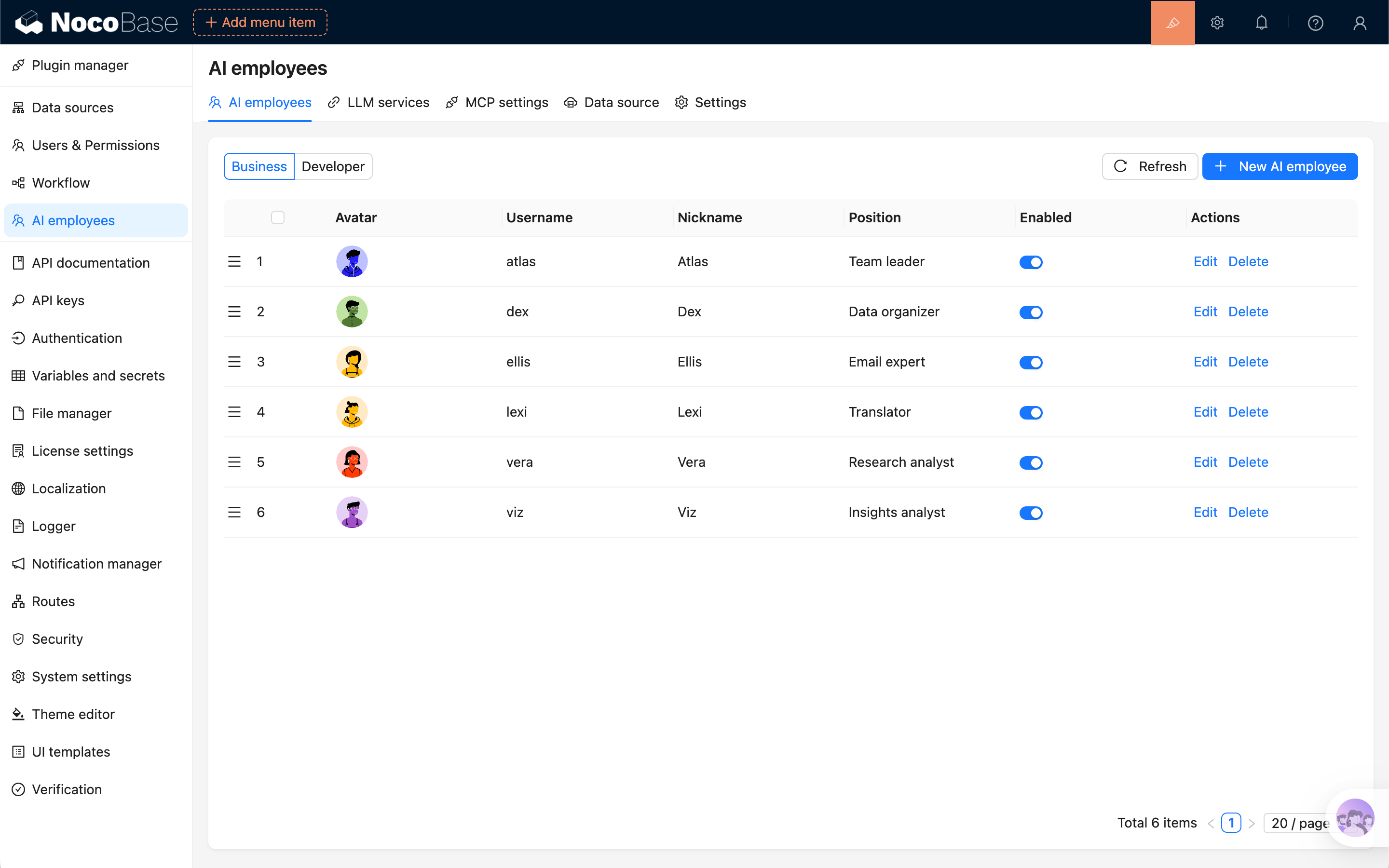
Enter the AI Employee plugin configuration page, click the AI employees tab, and enter the AI Employee management page.

You can see that the system already has multiple built-in AI Employees, but none of them are enabled, so you cannot collaborate with these AI Employees on the application page yet.

20251022121248

Select the built-in AI Employee to enable, click the Edit button, and enter the AI Employee editing page.

First, in the Profile tab, turn on the Enable switch.

20251022121546

Then, in the Model settings tab, set the Model for the built-in AI Employee:

  • Select the LLM Service.
  • Select the Model you want to use. Recommended (tested): gemini-3, deepseek-chat, qwen3-max.

20251022121729

#Complete Enabling

After setting the Model for the built-in AI Employee, click the Submit button to save the changes.

Then we can see this built-in AI Employee in the AI Employee quick launch button at the bottom right of the page.

20251022121951