Use Tools
Mainstream large language models can use Tools. The AI Employee plugin includes some commonly used Tools for large language models to call.
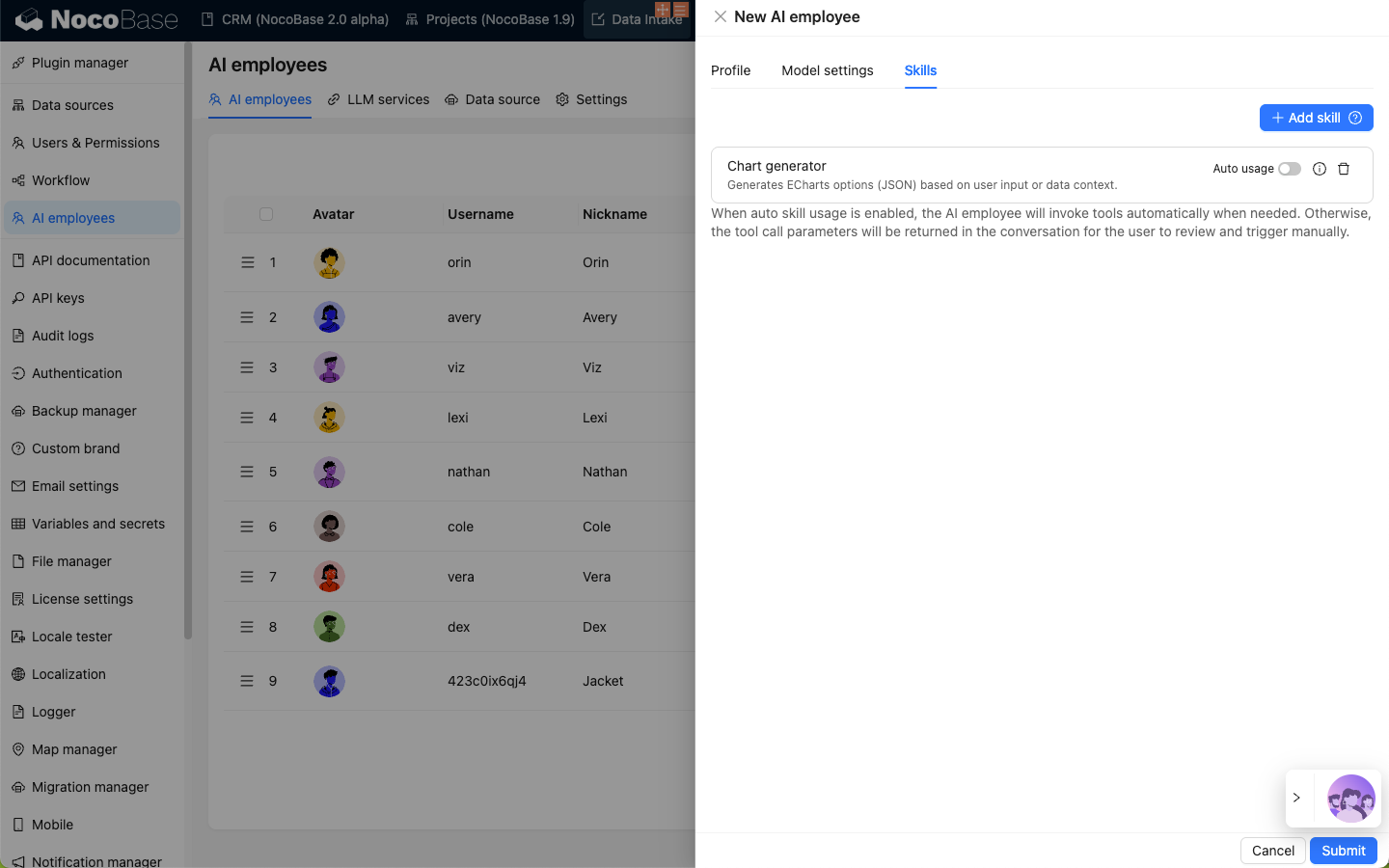
The Tools configured on the AI Employee settings page are the Tools used by large language models.
Configure Tools
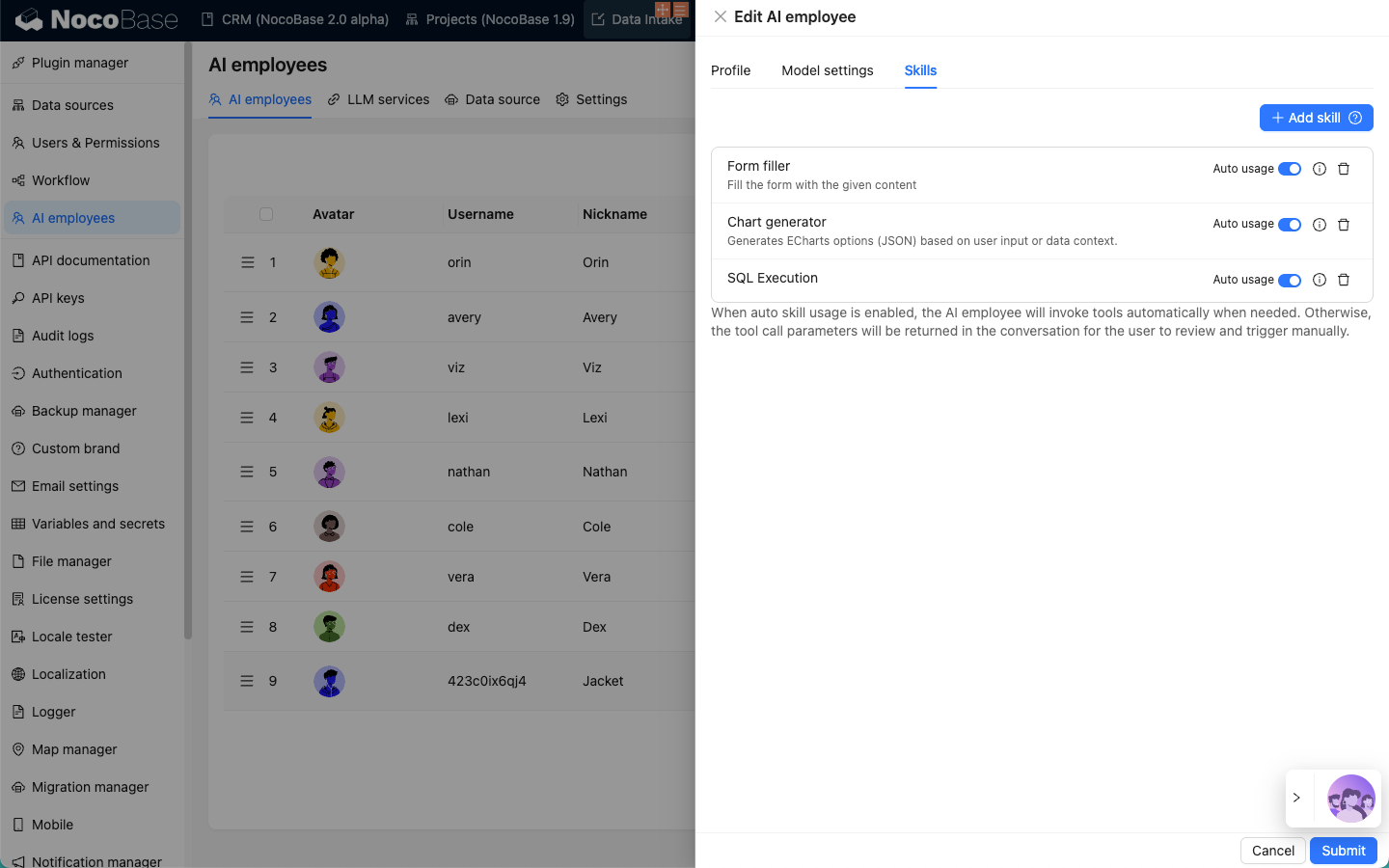
Enter the AI Employee plugin configuration page, click the AI employees tab to enter the AI Employee management page.
Select the AI Employee to configure Tools for, click the Edit button to enter the AI Employee editing page.
Click the Add Tool button in the Tools tab to add Tools for the current AI Employee.
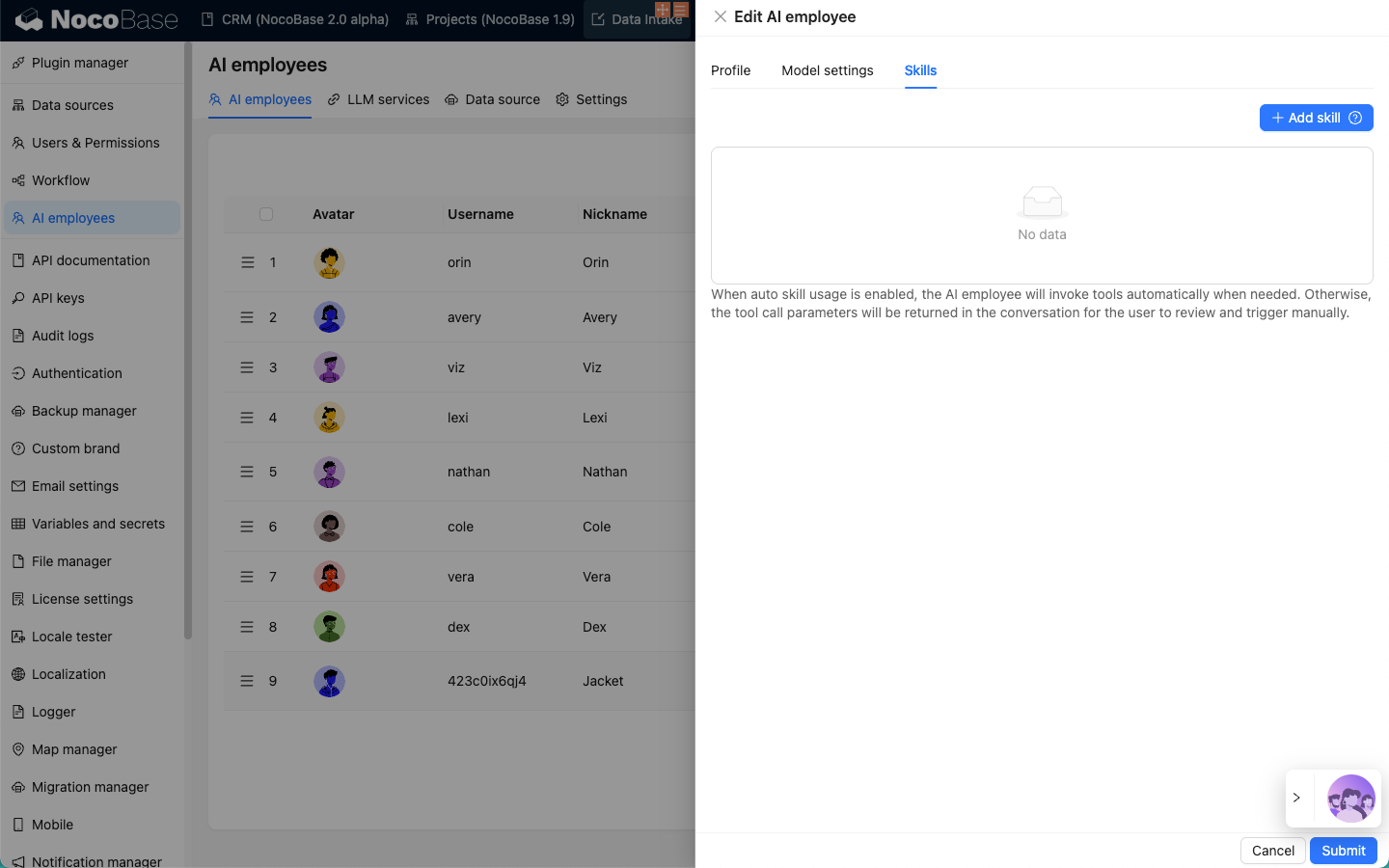
Tools Overview
Frontend
The Frontend group allows AI Employees to interact with frontend components.
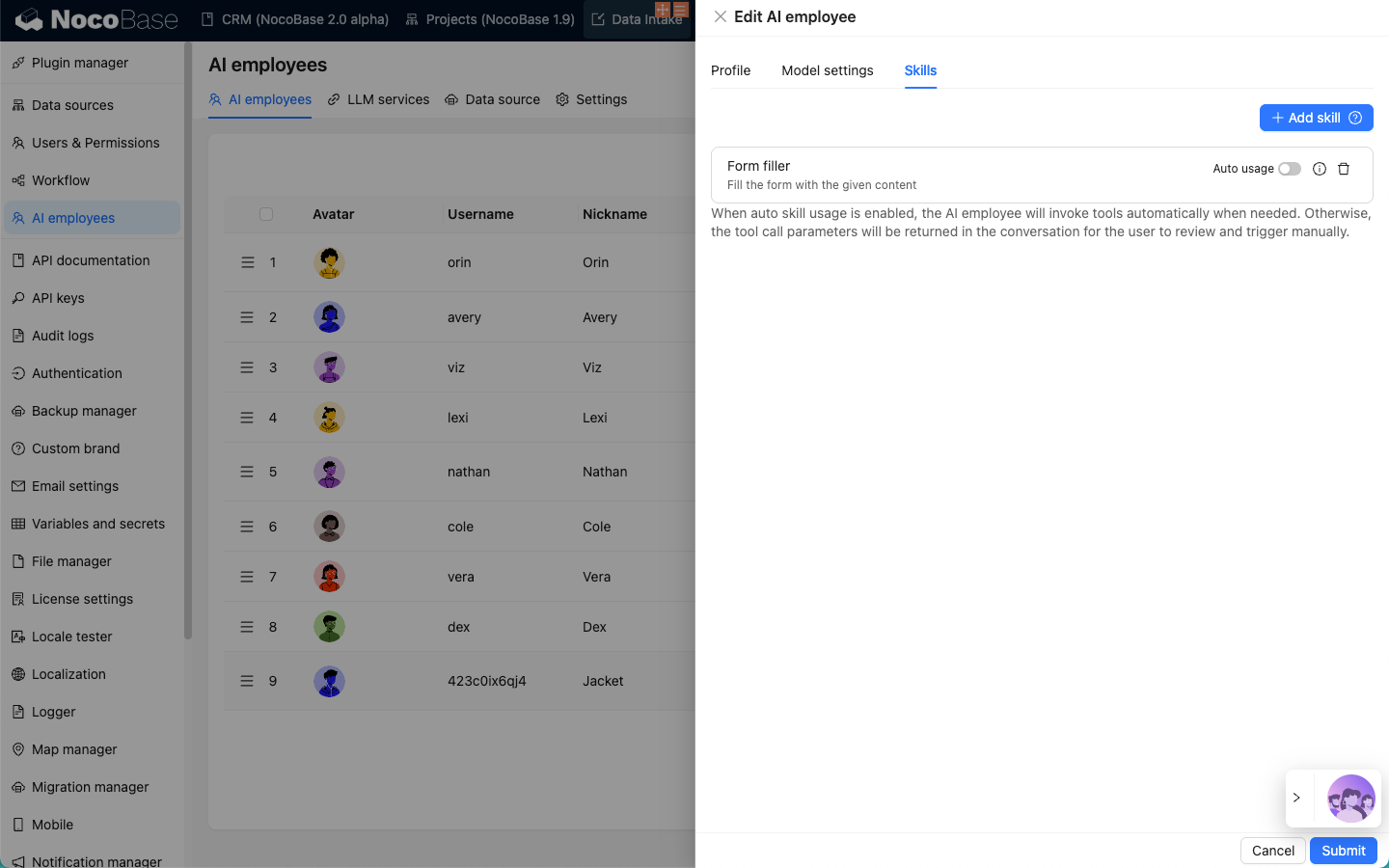
Form fillerTool allows AI Employees to fill generated form data back into the form specified by the user.
Data modeling
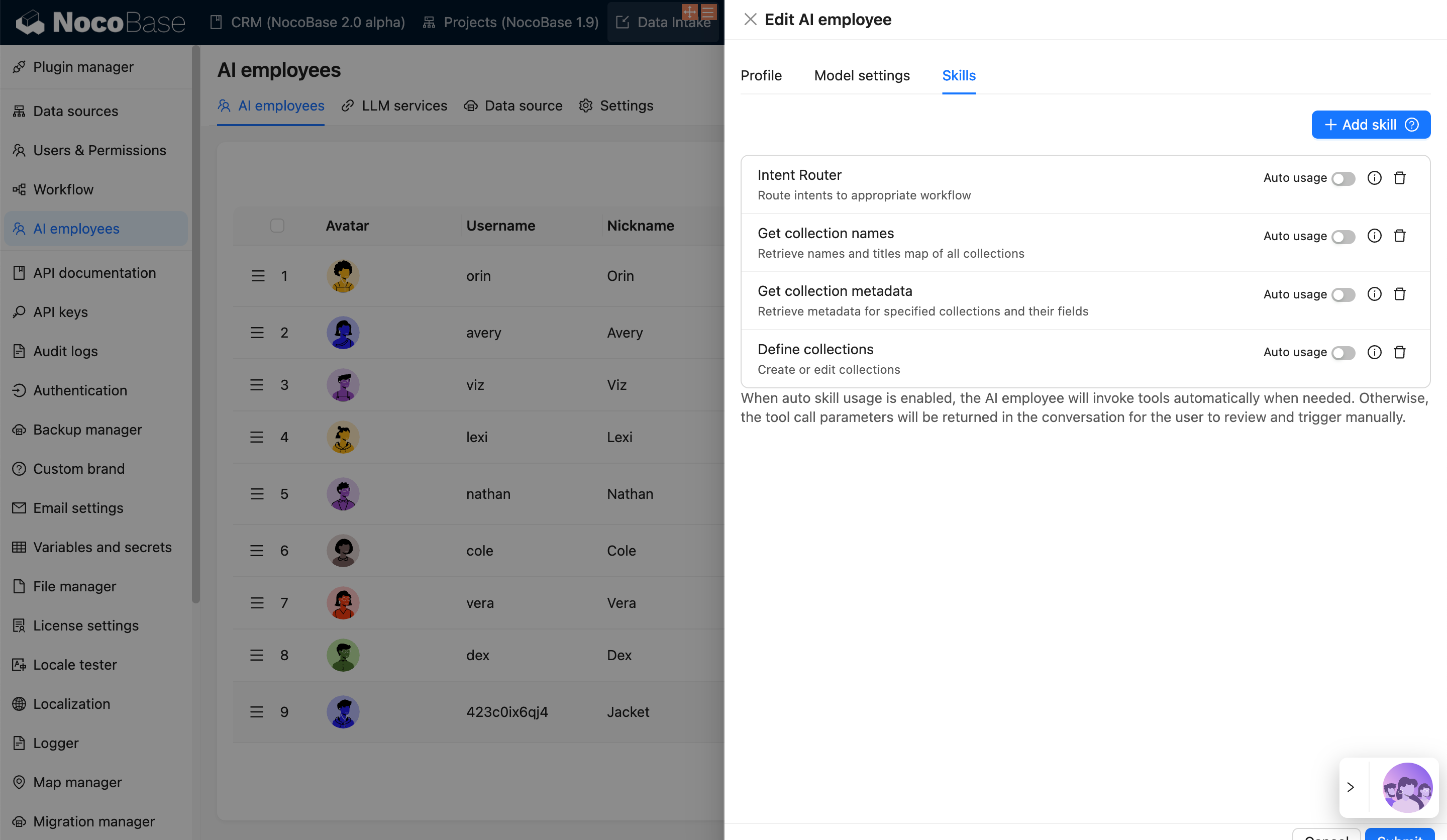
The Data modeling group Tools enable AI Employees to call NocoBase internal interfaces for data modeling.
Intent Router: Judges whether the user wants to modify the data table structure or create a new data table structure.Get collection names: Gets the names of all existing data tables in the system.Get collection metadata: Gets the structure information of the specified data table.Define collections: Allows AI Employees to create data tables in the system.
Workflow caller
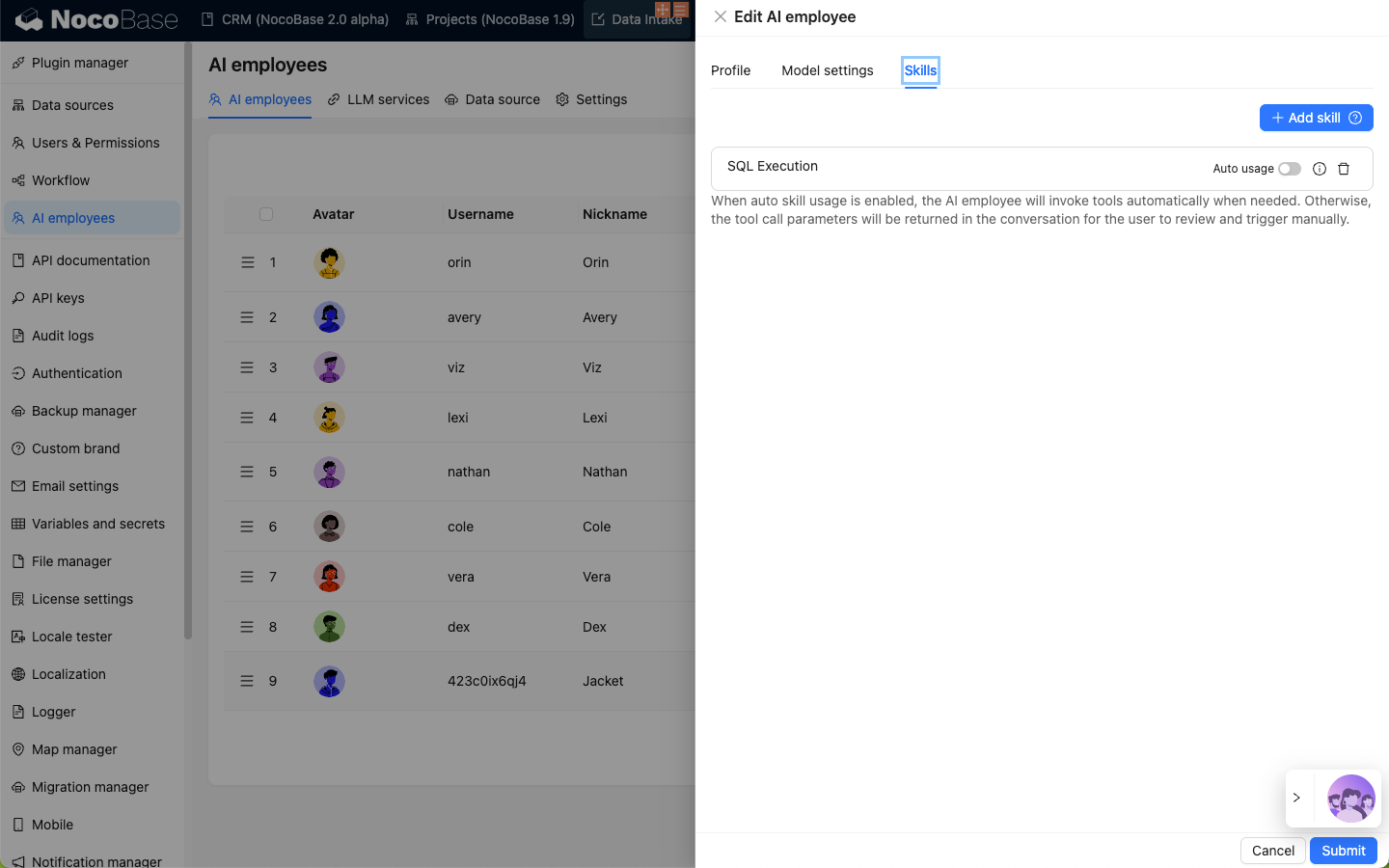
Workflow caller enables AI Employees to execute workflows. Workflows configured with Trigger type as AI employee event in the Workflow plugin will be available here as Tools for AI Employees to use.
Code Editor
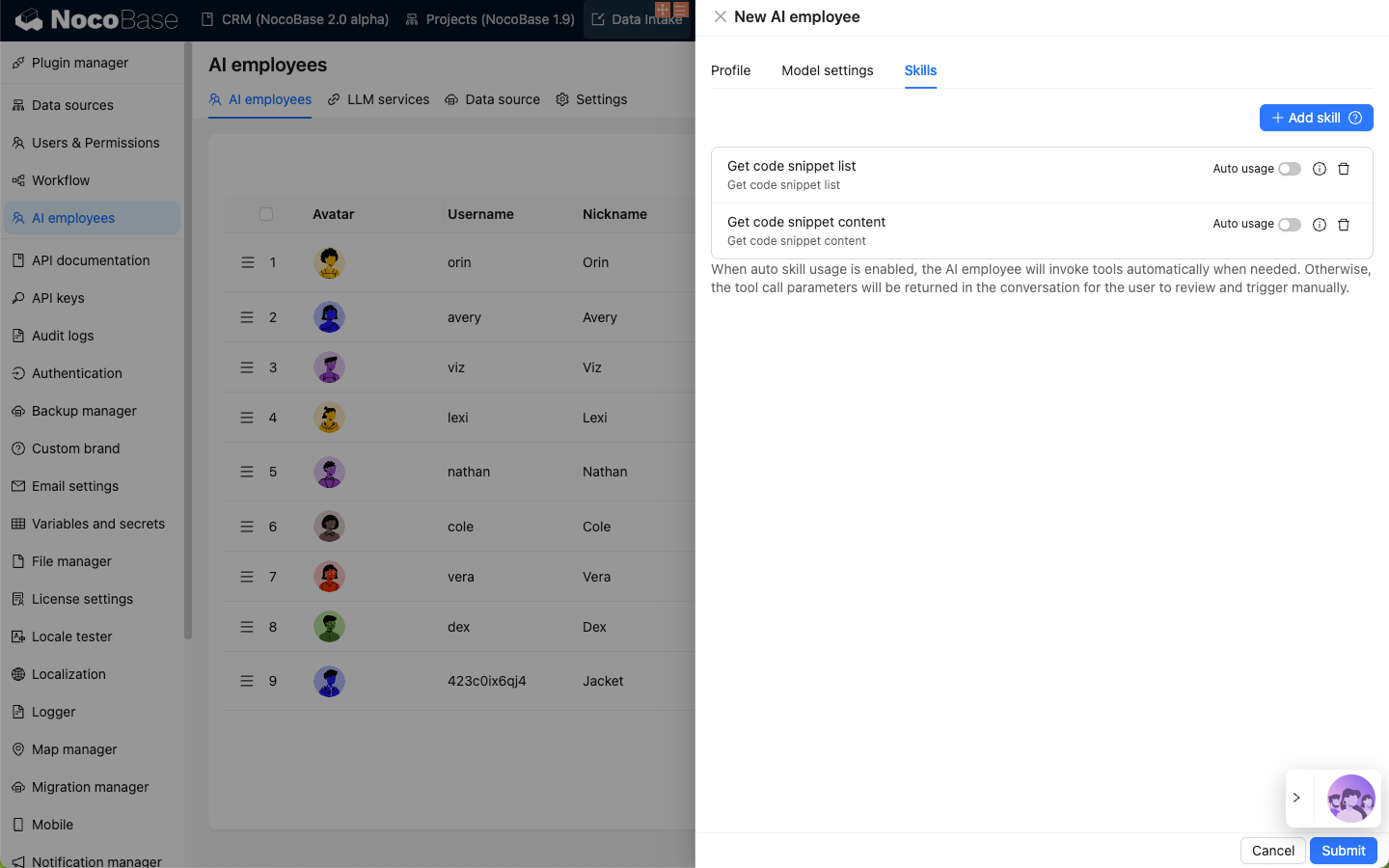
Tools under the Code Editor group mainly enable AI Employees to interact with the code editor.
Get code snippet list: Gets the list of preset code snippets.Get code snippet content: Gets the content of the specified code snippet.
Others
Chart generator: Enables AI Employees to generate charts and output charts directly in the chat.