

Dropdown
Introduction
The Dropdown supports associating data by selecting from existing data in the target collection, or by adding new data to it for association. The dropdown options support fuzzy search.
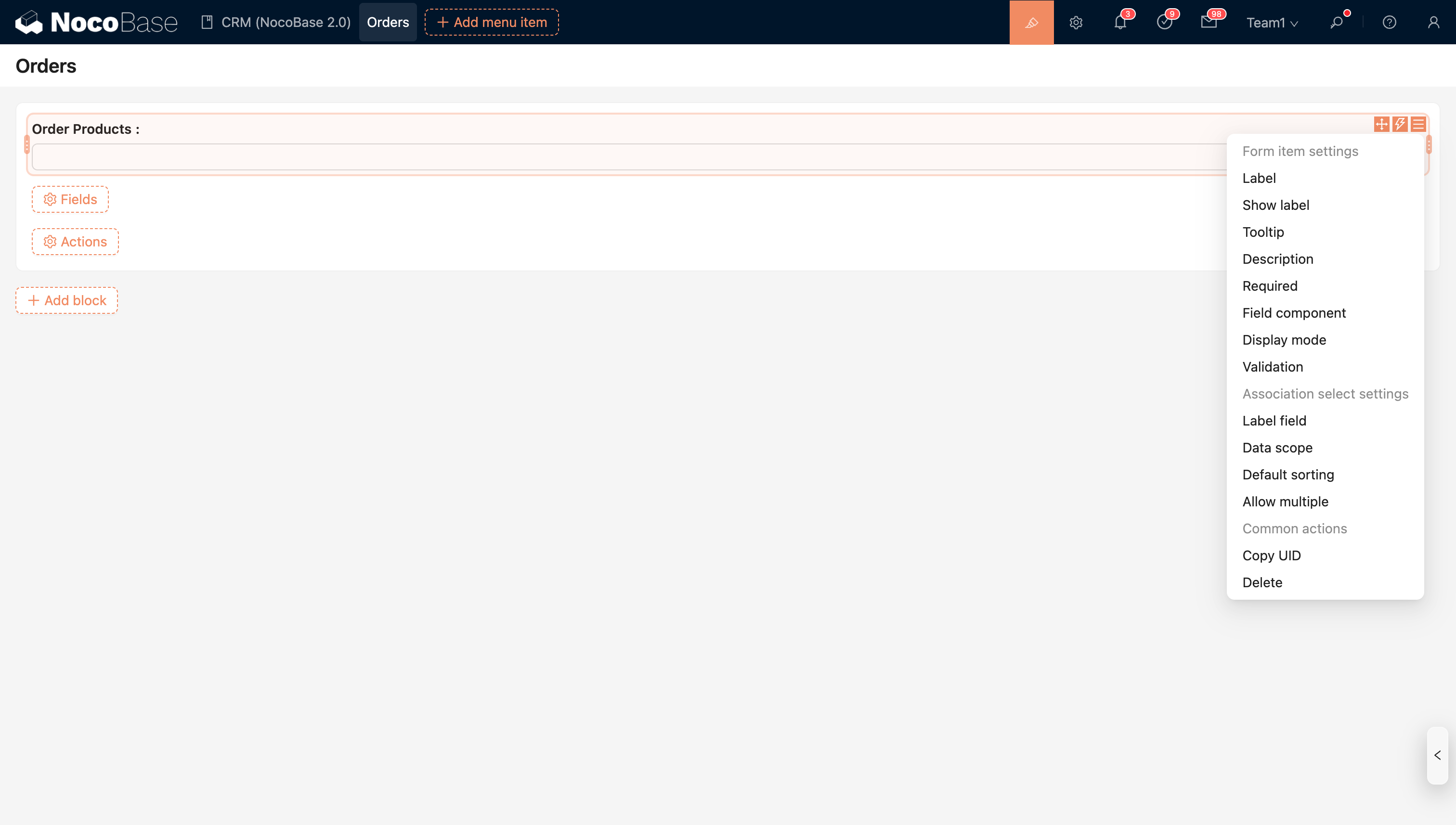
Field Configuration
Set Data Scope
Controls the data scope of the dropdown list.
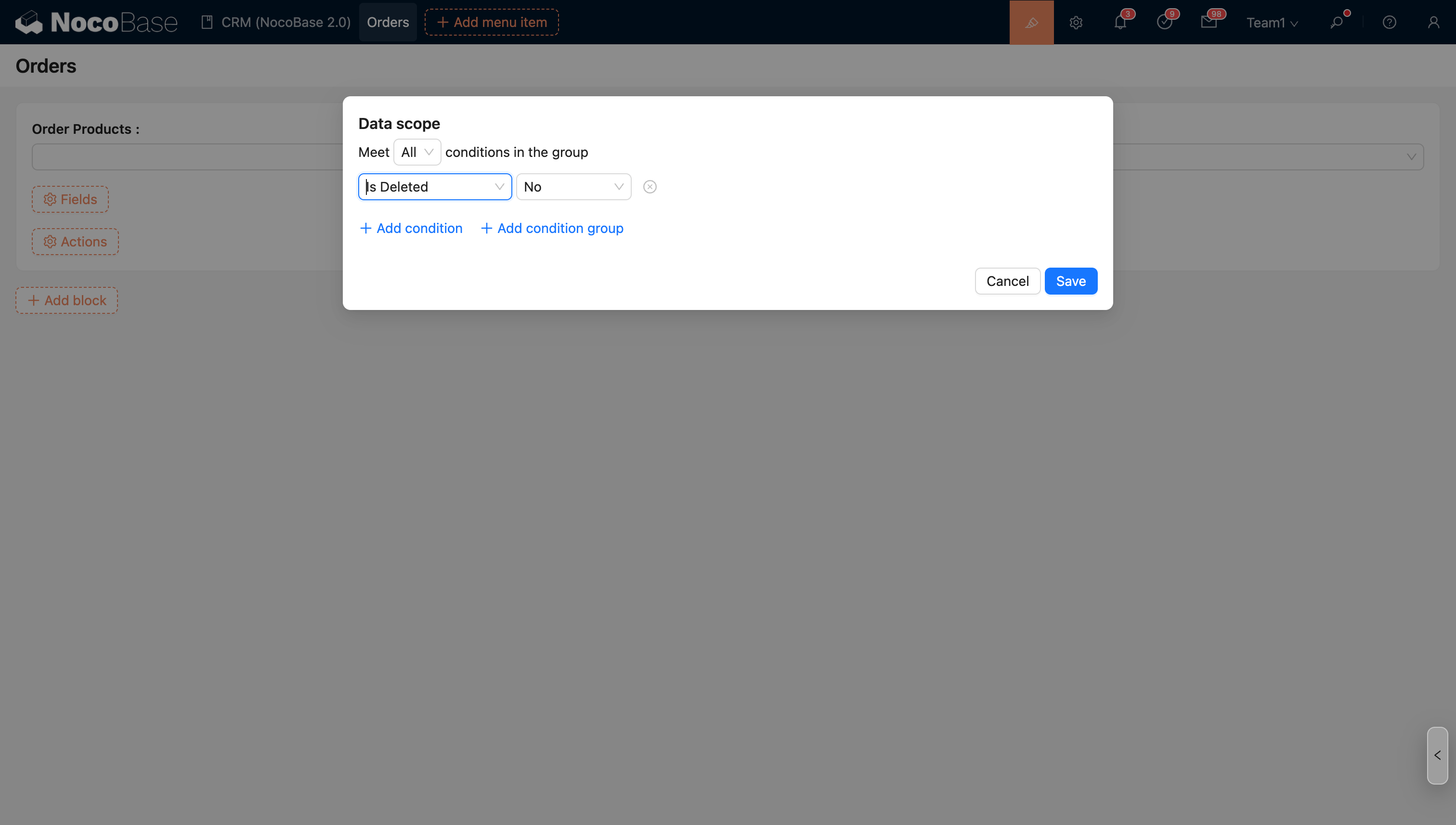
For more information, see Set Data Scope
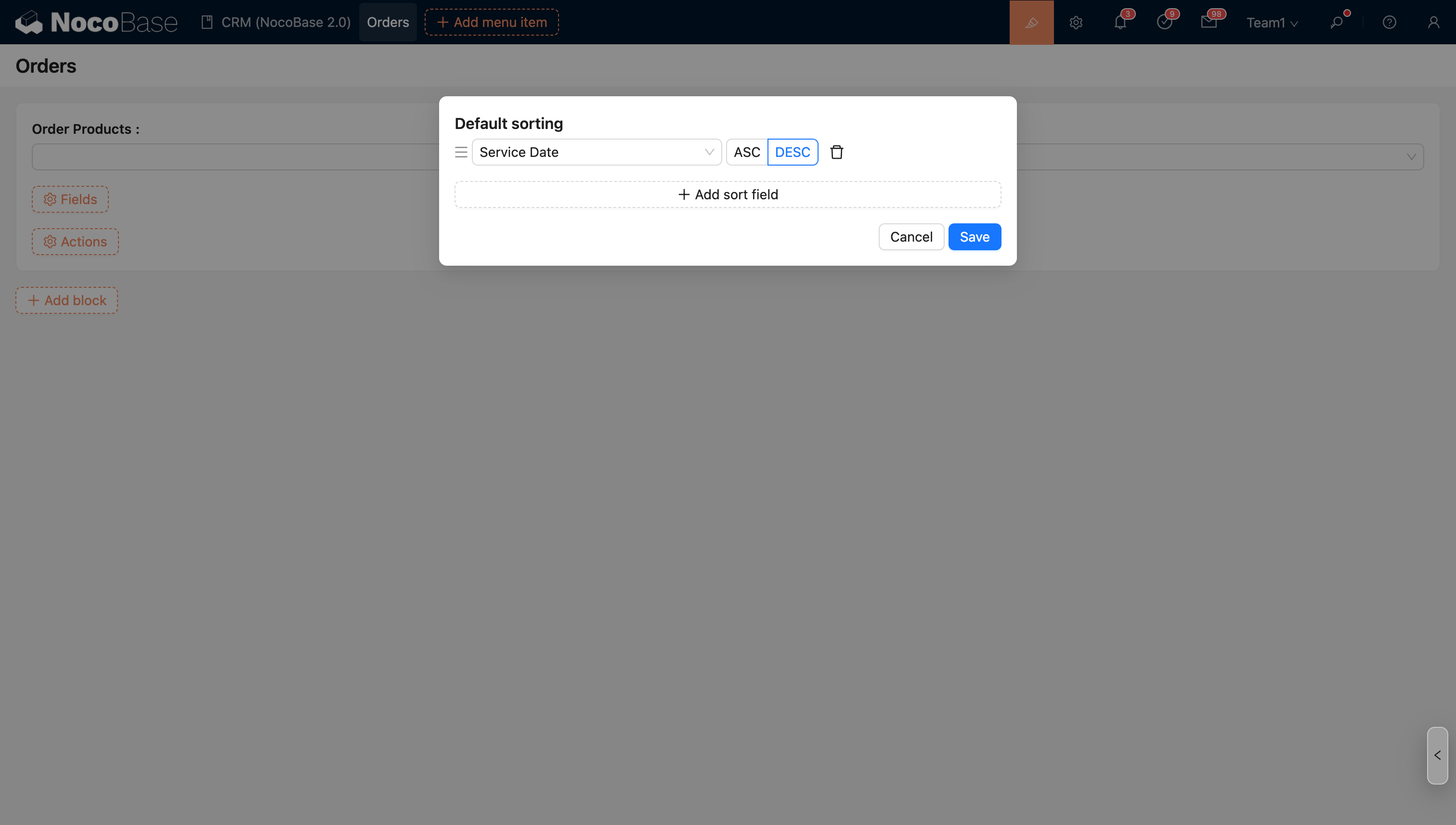
Set Sort Rules
Controls the sorting of data in the dropdown.
Example: Sort by service date in descending order.
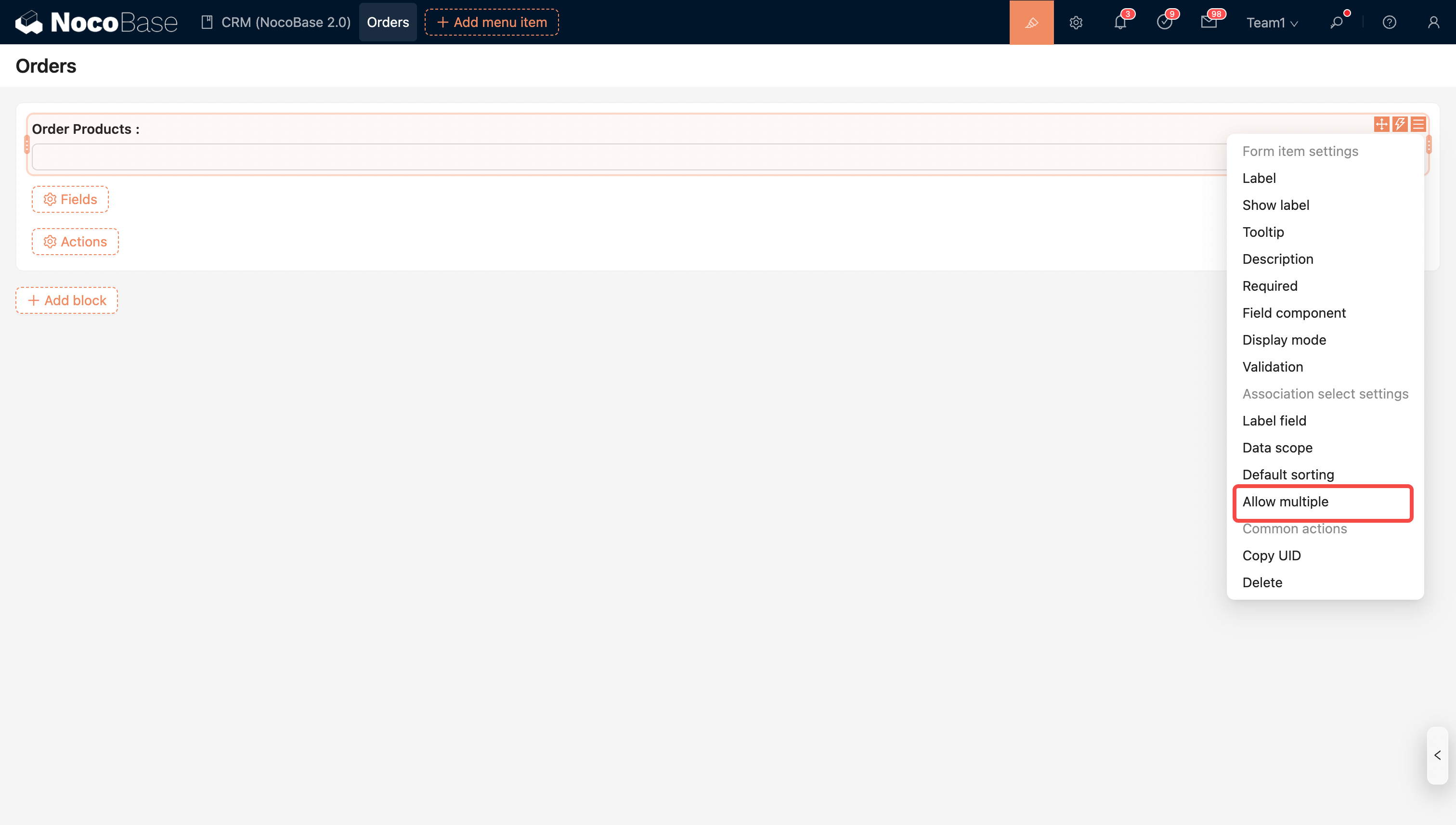
Allow adding/associating multiple records
Restricts a to-many relationship to allow associating only one record.
Title Field
The title field is the label field displayed in the options.
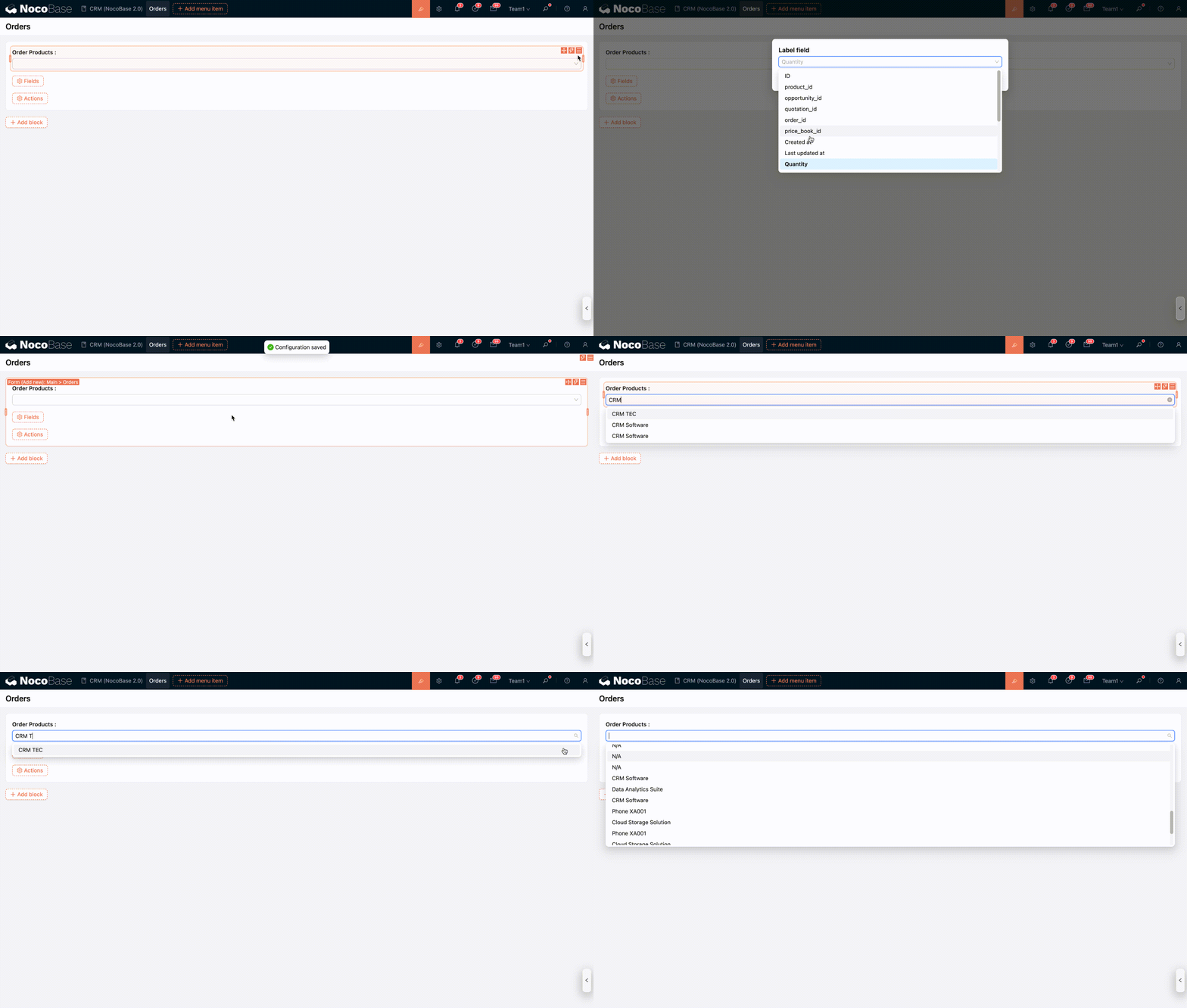
Supports quick search based on the title field
For more information, see Title Field
Quick Create: Add First, Then Select
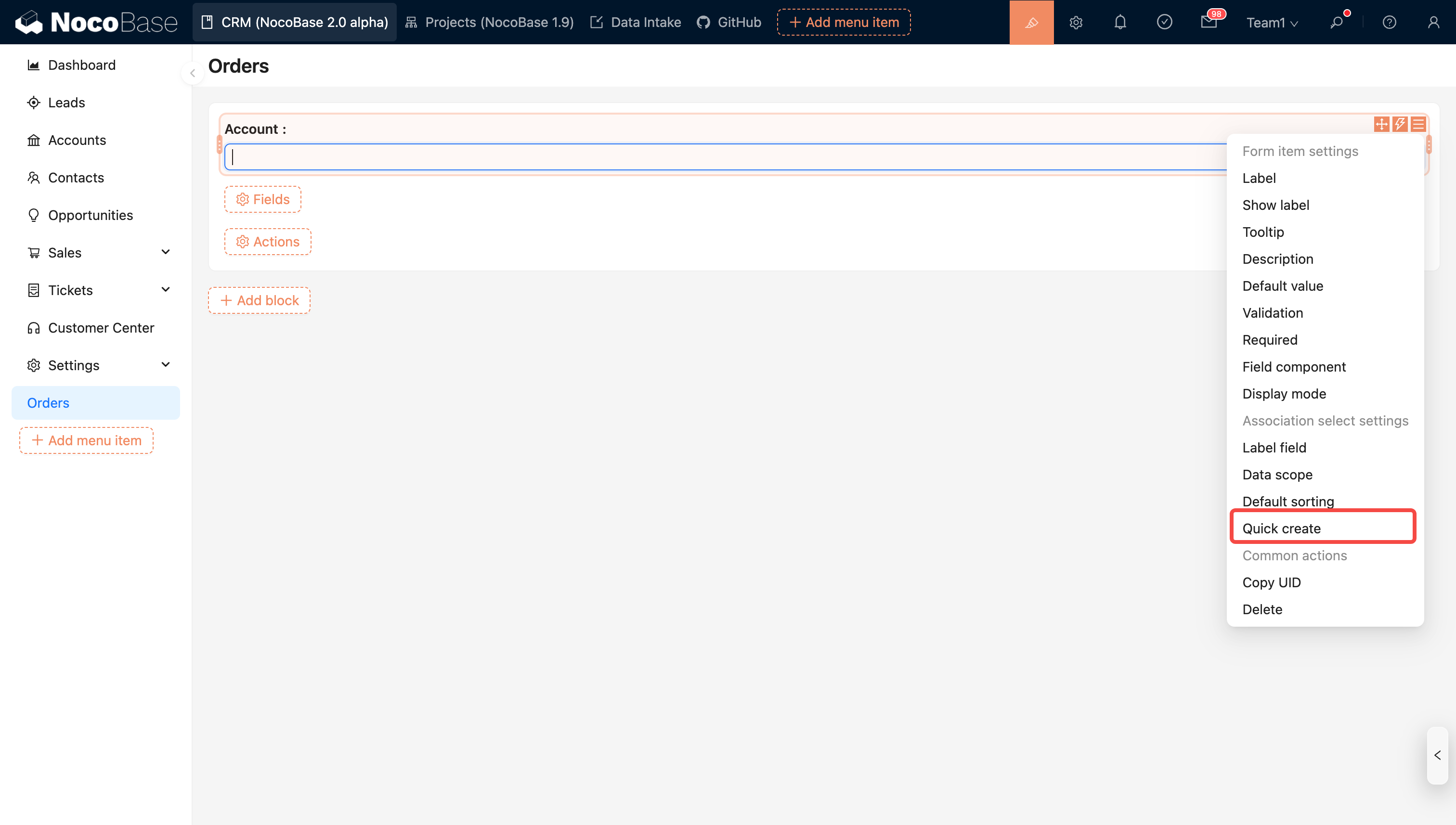
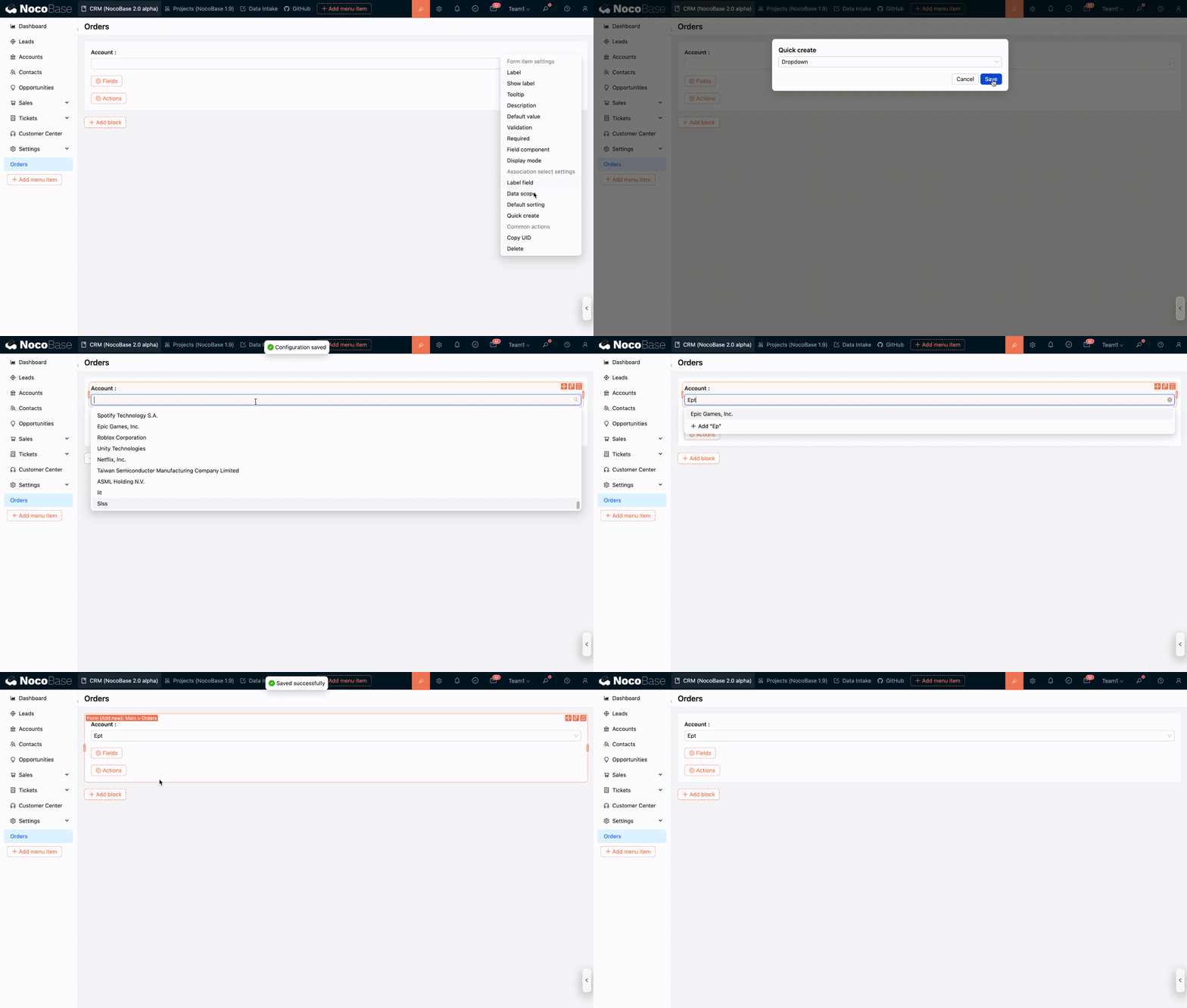
Add via Dropdown
After creating a new record in the target table, the system automatically selects it and associates it when the form is submitted.
In the example below, the Orders table has a many-to-one relationship field “Account.”
Add via Modal
Modal creation is suitable for more complex data entry scenarios and allows configuring a customized form for creating new records.
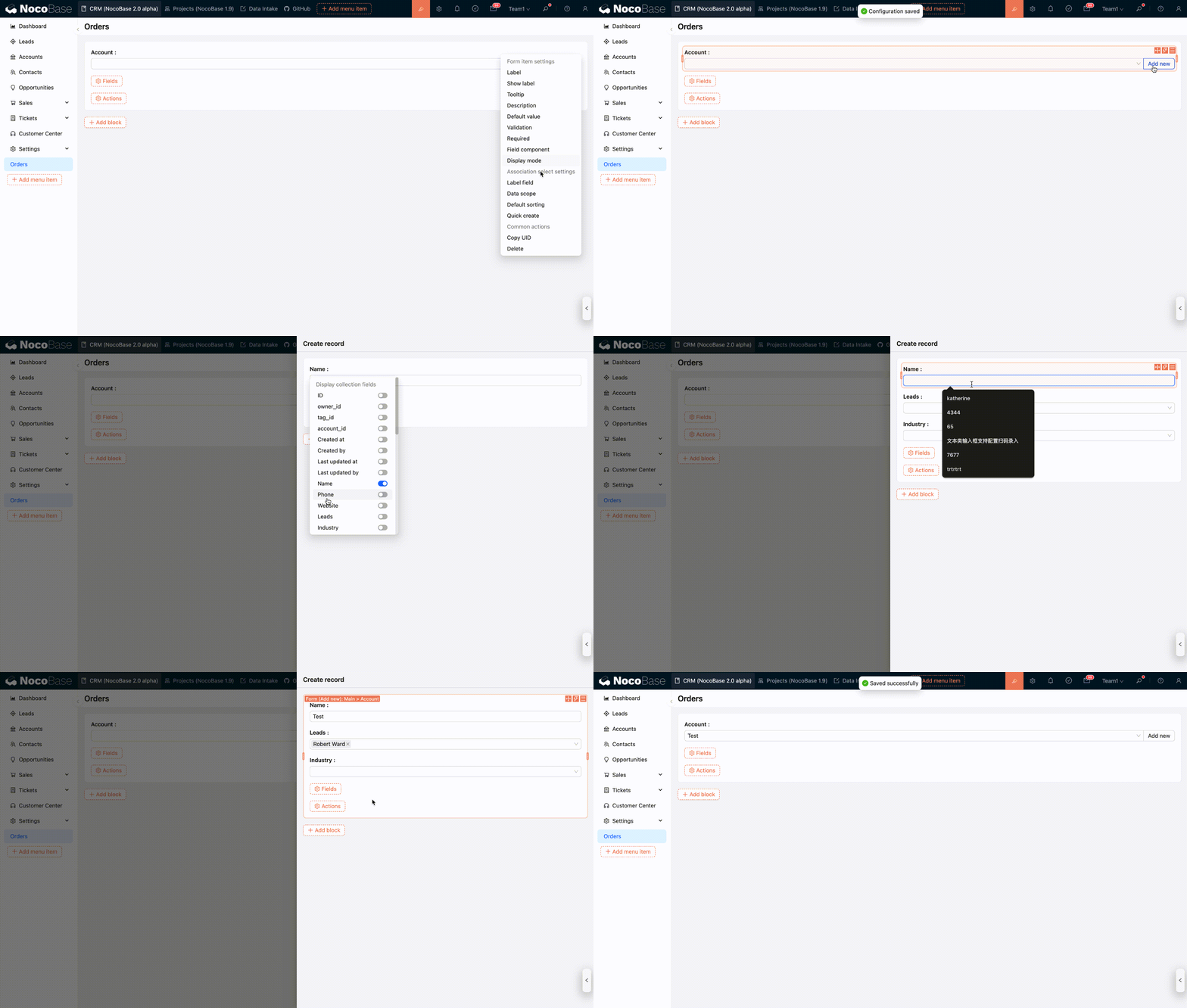
Modal creation is suitable for more complex data entry scenarios and allows configuring a custom form for adding new records.